

For most Chrome users, the best setup is a lean stack of 2–4 tools. Start with SponsorBlock to skip in-video sponsor reads, a media-focused ad filter like Blockify for cleaner playback, Return YouTube Dislike to filter clickbait, and Unhook for study focus. Avoid installing dozens of overlapping extensions to prevent browser lag and privacy risks.
Your goal should not be installing the most extensions. It should be building the smallest, safest stack that actually improves your workflow.
Most guides recommend dozens of tools, but layering too many extensions creates overlapping features, slows down page loads, and dramatically increases your privacy risk. Even highly visible extensions with Chrome's official "Featured" badge have passed manual review only to be caught harvesting sensitive data later.
You do not need more tools; you need the right ones. This guide filters the Chrome Web Store to find the best YouTube Chrome extensions that solve specific frustrations—without creating new problems in your browser.
Editor's Pick: Fix one problem at a time.
Start with one viewer tool and one interruption-control tool. Add another only if a real problem remains.
The Best YouTube Extensions at a Glance
| Extension | Best for | What it fixes | Price | MV3 / Browser note | Privacy note |
|---|---|---|---|---|---|
| Enhancer for YouTube | Power users | Missing playback & layout controls | Free | MV3 compatible | Minimal data collection |
| SponsorBlock | Everyone | In-video sponsor reads & intros | Free | MV3 compatible | Open-source |
| Return YouTube Dislike | Quality filtering | Hiding bad tutorials & clickbait | Free | Open-source | Open-source |
| Blockify | Ad & distraction control | Player ads & tracking clutter | Free | Chrome/Edge native | Local filtering |
| Unhook | Focus | Rabbit-hole recommendations & Shorts | Free | MV3 compatible | No data collected |
| Video Speed Controller | Fast learners | Clunky native speed controls | Free | MV3 compatible | Open-source |
| DeArrow | Cleaner browsing | Clickbait titles & thumbnails | Freemium | MV3 compatible | Open-source |
| TubeBuddy | Creators | Optimizing published videos | Freemium | MV3 compatible | Standard policy |
| vidIQ | Creators | Trend discovery & ideation | Freemium | MV3 compatible | Standard policy |
| PocketTube | Researchers | Messy subscription feeds | Freemium | Standard policy | Standard policy |
Key Takeaways:Best all-around viewer tool: Enhancer for YouTubeBest for fewer interruptions: SponsorBlock + BlockifyBest for creators: TubeBuddy (Optimization) or vidIQ (Ideation)Best for study/research: Unhook
How We Chose These Extensions
This page ranks tools by usefulness, trust, and overlap, not hype. Every recommendation here passes a strict editorial filter:
- Still works on current Chrome (Manifest V3 compatible).
- Solves a YouTube-specific problem.
- Has a clear best-fit user.
- Is not redundant with stronger picks already included.
- Maintains acceptable trust signals (active maintenance, transparent privacy policy).
- Discloses known limitations upfront.
Best YouTube Extensions for Viewers & Playback Control
Enhancer for YouTube
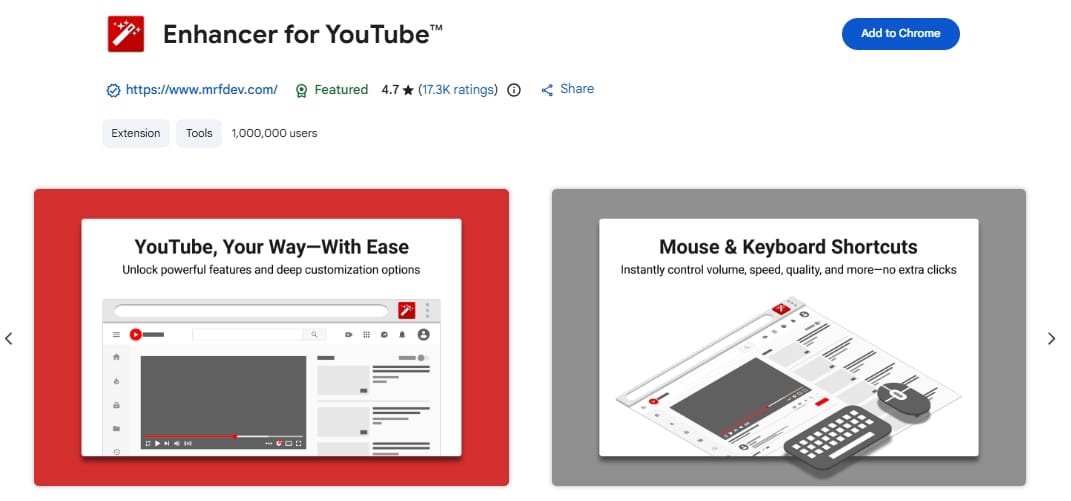
The power-user control center.
- Best for: Users who want total control over the YouTube interface.
- What it fixes: Automates video resolution, adds cinema mode, enables volume boosting, and customizes layout.
- Skip if: You only want one feature (like speed control).
- Watch out for: Feature overlap. If you use this, uninstall standalone dark mode or cinema mode extensions.
Return YouTube Dislike
The clickbait and quality filter.
- Best for: Spotting bad tutorials or misleading videos before wasting time.
- What it fixes: Restores the ratio of likes to dislikes hidden by YouTube.
- Skip if: You watch purely entertainment content where dislikes do not dictate value.
- Watch out for: Accuracy limitations on brand-new videos, as it relies on archived data and active user extrapolation.
Video Speed Controller
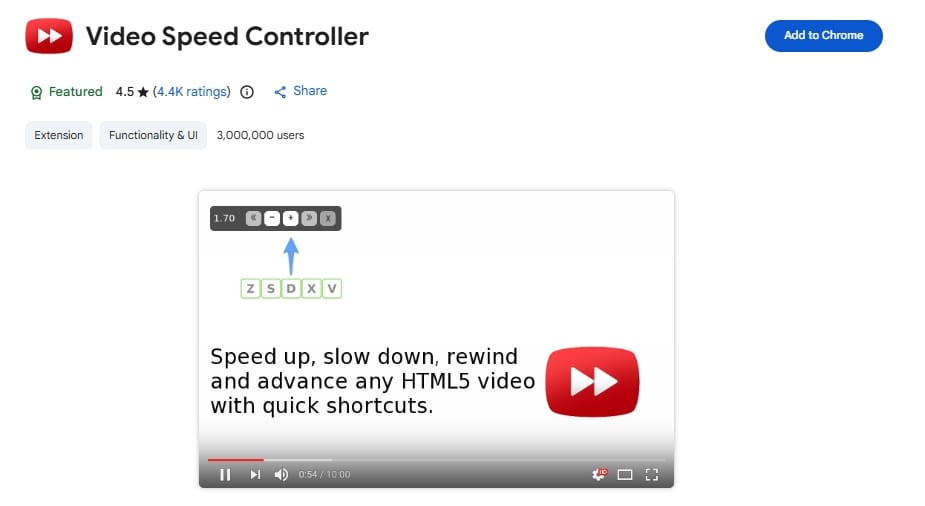
The hotkey-driven speed engine.
- Best for: Learners who need fine-tuned playback pacing.
- What it fixes: Replaces YouTube's clunky menu with fast keyboard shortcuts to speed up, slow down, or rewind video content.
- Watch out for: It affects all HTML5 video across the web, not just YouTube.
DeArrow
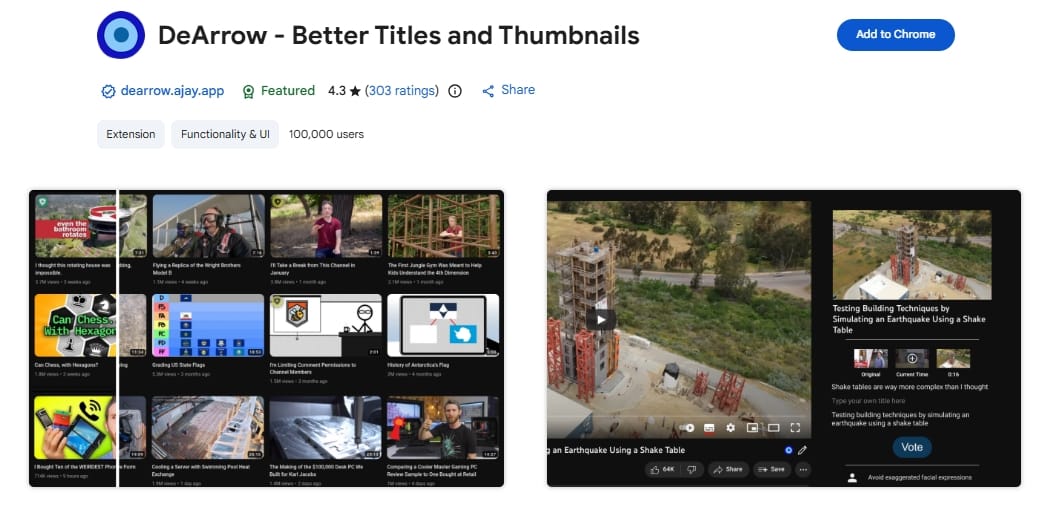
The clickbait sanitizer.
- Best for: Users exhausted by exaggerated thumbnails and ALL-CAPS titles.
- What it fixes: Replaces clickbait with crowdsourced, accurate titles and generic thumbnails.
- Watch out for: Best paired with SponsorBlock for a completely sanitized viewing experience.
Best Chrome Extensions for YouTube Ad Blocking & Distractions
Chrome users need realistic expectations in 2026. Manifest V3 changed how extensions filter network requests. No setup is perfect forever. Prioritize current, actively maintained options and keep a backup plan.
SponsorBlock
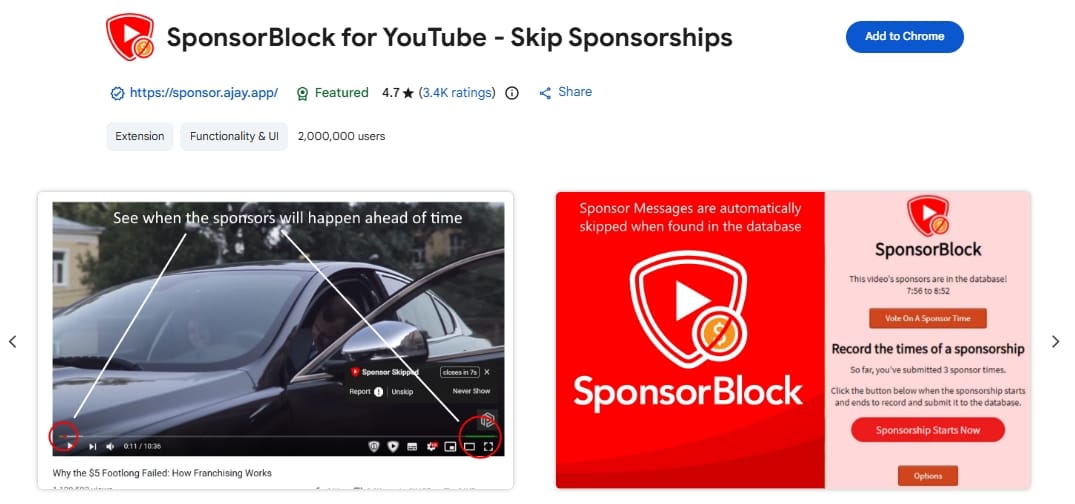
The timeline cleanup crew.
No. SponsorBlock skips creator-read sponsors, intros, outros, and subscription reminders baked directly into the video file. A YouTube ad blocker targets YouTube's platform-delivered pre-roll ads and page clutter. Many viewers use both.
- Best for: Skipping generic self-promotion and sponsored segments.
- What it fixes: Crowdsourced skipping instantly bypasses "This video is sponsored by..."
- Skip if: You want to support specific creators by watching their sponsored reads.
Blockify
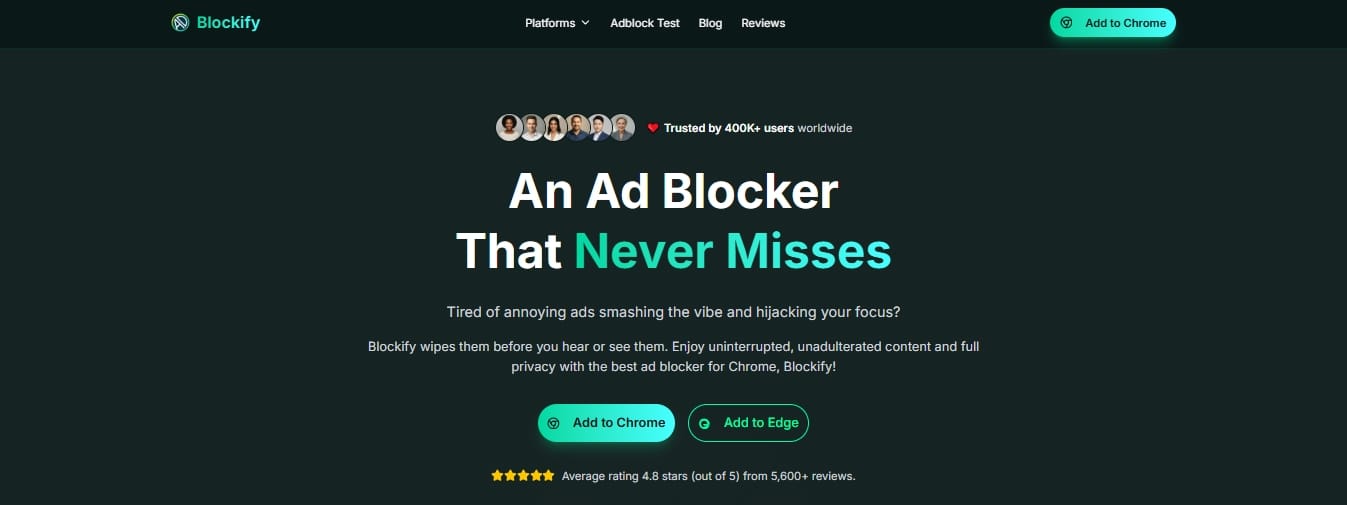
The lightweight, privacy-first media filter.
- Best for: Chrome and Edge users who want a simpler, media-focused distraction reduction tool.
- What it fixes: Reduces pre-rolls, mid-rolls, overlays, pop-ups, and tracking clutter specifically on the YouTube web player.
- Skip if: You are looking for a heavy, complex network-wide firewall for all websites.
- Watch out for: It focuses purely on media platforms (YouTube, Spotify, Twitch), so it is not a general-purpose web blocker.
Unhook
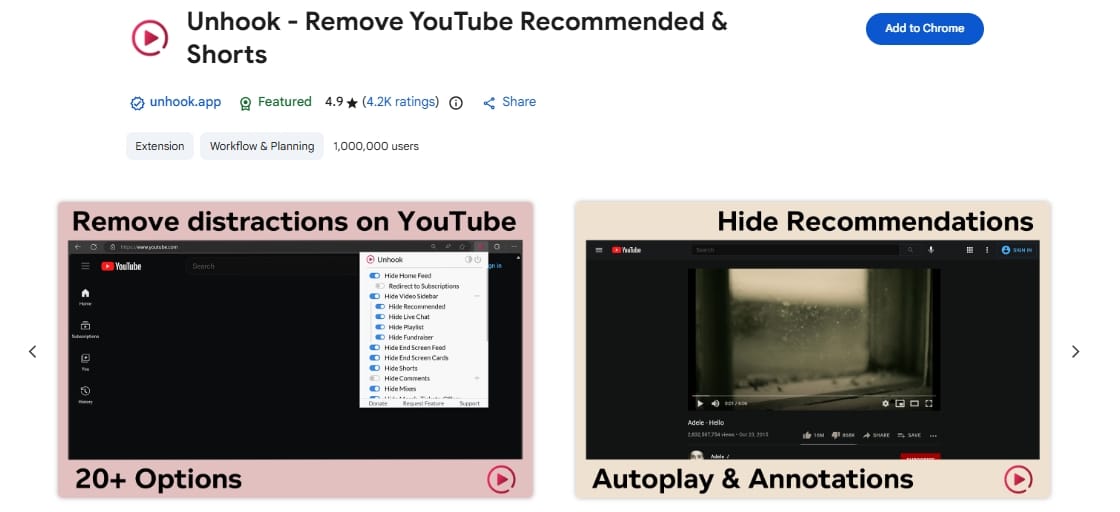
The rabbit-hole prevention tool.
- Best for: Focus and digital wellbeing.
- What it fixes: Hides the recommended feed, Shorts, comments, and the homepage wall of videos.
- Skip if: You use YouTube specifically for algorithmic discovery.
- Watch out for: Overlap. If you use a massive all-in-one enhancer, it might already include layout-hiding toggles.
Best YouTube Extensions for Studying & Productivity
For studying, the best setup is usually one tool for focus and one for recall. Use an AI summary or transcript helper only if you actually need faster triage, then pair it with a loop or bookmark tool.
Are AI YouTube summary extensions safe?
They are useful, but deserve intense scrutiny. Many AI extensions request sensitive permissions to read your page content.
In December 2025, a major incident revealed that Urban VPN Proxy—a popular VPN extension with over 6 million Chrome users and a Featured badge—was secretly harvesting private AI chat data after a silent update, with the same harvesting code found across seven additional extensions from the same publisher affecting over 8 million users in total.
Use AI summarizers only if the time savings are real, and favor tools with clear privacy disclosures and narrow feature sets.
Looper for YouTube
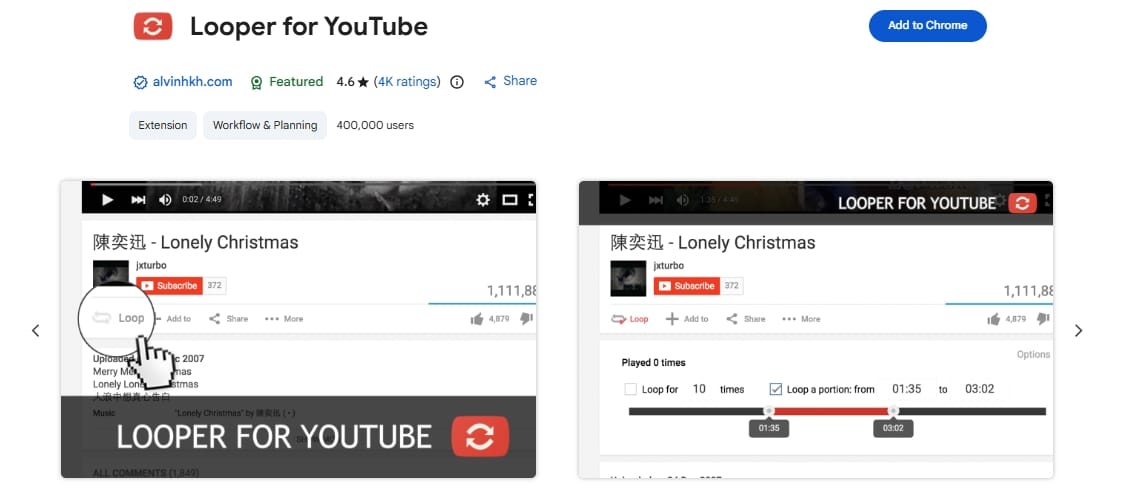
The repeat-practice assistant.
- Best for: Music practice, language learning, and replaying complex explanation clips.
- What it fixes: Automates looping of specific timestamps, removing the need for manual scrub-backs.
- Skip if: You rarely re-watch the exact same 20-second clip.
PocketTube
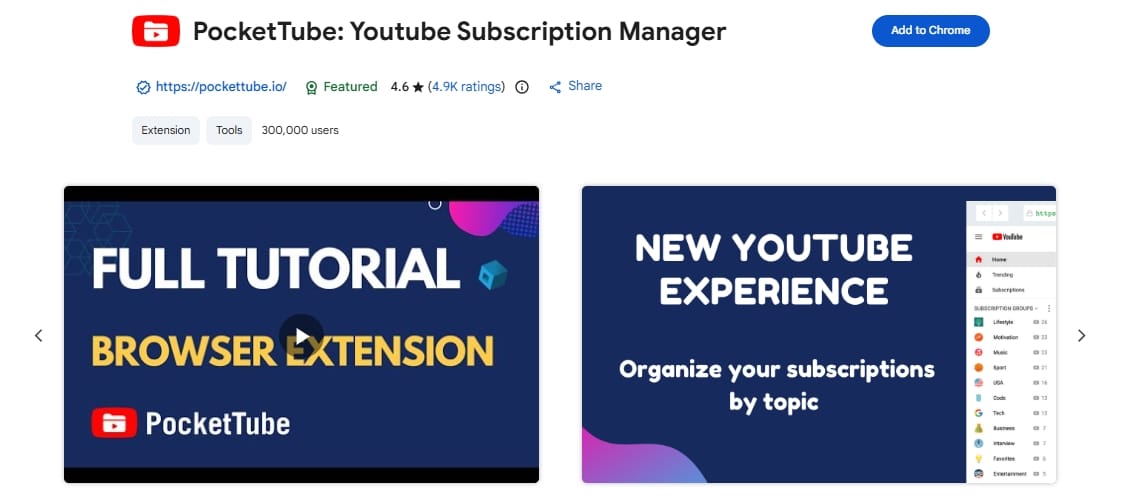
The subscription foldering system.
- Best for: People drowning in hundreds of channel subscriptions.
- What it fixes: Groups channels into folders (e.g., "Tech", "Study", "Music") to create a clean management feed.
- Watch out for: Syncing across multiple devices often requires the paid tier.
Best YouTube Extensions for Creators
Choose TubeBuddy if you want to optimize videos you have already published through thumbnail tests and bulk edits. Choose vidIQ if you need help deciding what to make next through trend discovery and competitor research.
TubeBuddy
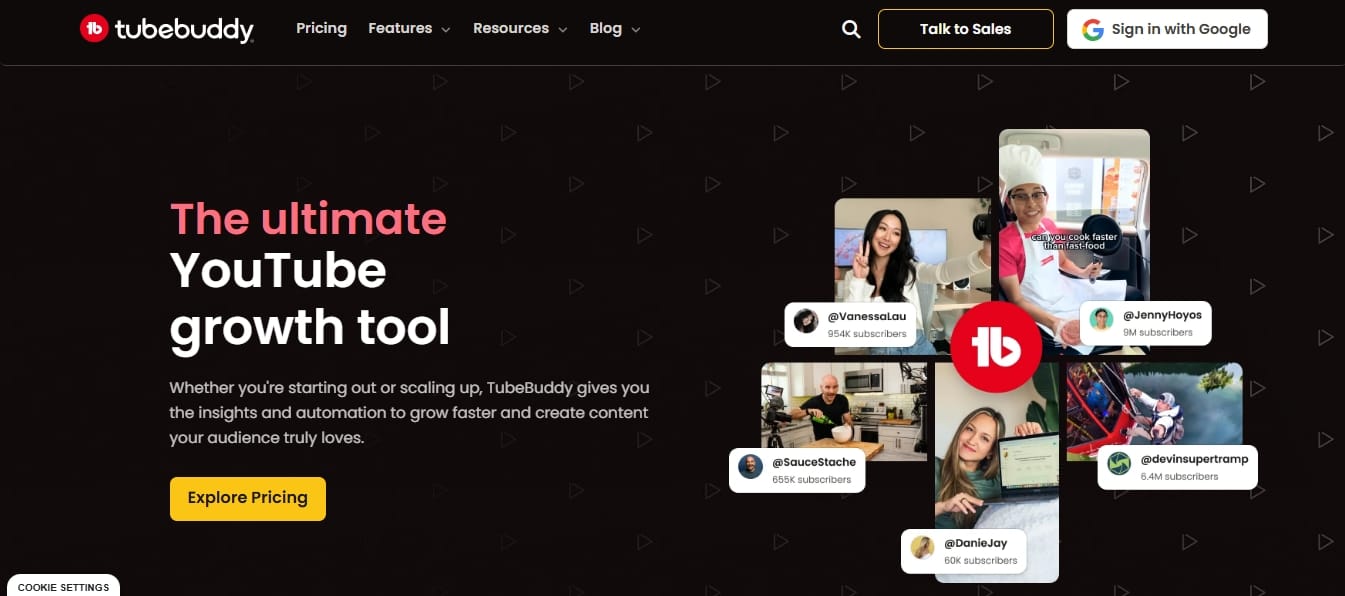
The optimization and workflow engine.
- Best for: Streamlining the upload and metadata process.
- What it fixes: Provides heavy keyword workflows, bulk actions for descriptions, and A/B testing for thumbnails.
- Watch out for: The free tier is largely an upsell engine; real optimization requires a paid plan.
vidIQ
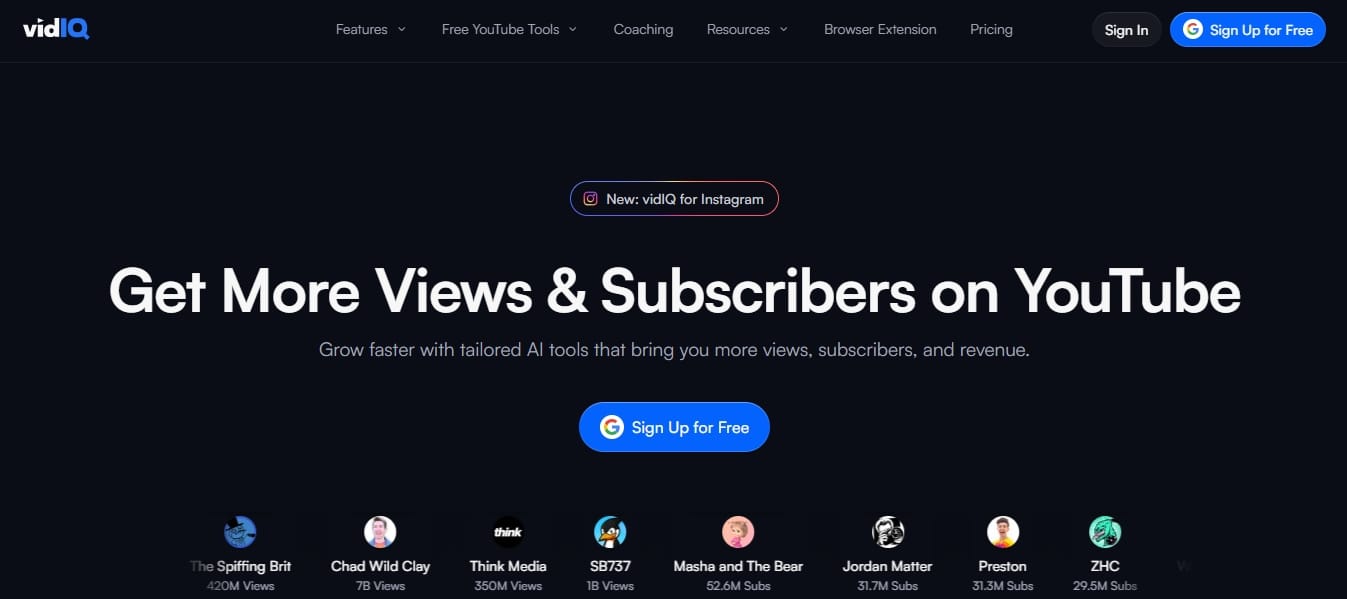
The ideation and research terminal.
- Best for: Finding the right topic before you hit record.
- What it fixes: Surfaces trend discovery, competitive analysis, and AI-driven video ideas based on channel size.
- Watch out for: Aggressive in-dashboard pricing prompts.
How to Choose Safe YouTube Extensions
Before you initiate a youtube extension download, treat it as a trust decision. Chrome Web Store presence lowers risk, but it is not a safety guarantee.
1. Check Permissions Before You Install
- Read and change your data explained: This permission allows an extension to see everything on a webpage, including text, scripts, and inputs.
- Narrow the scope: Always restrict site access strictly to
youtube.comvia Chrome's extension management settings.
2. Check Privacy Policies (The 71% Rule)
According to an April 2026 report by LayerX Security, 71% of Chrome Web Store extensions completely lack a privacy policy. Treat "no privacy policy" as a serious red flag, not a minor omission. Furthermore, the same report found over 80 extensions explicitly stating in their policies that they sell user data to third parties.
3. The "Featured" Badge is Not a Free Pass
Do not rely blindly on Google's "Featured" badge. In December 2025, Urban VPN Proxy—an extension holding a Featured badge with over 6 million Chrome users—was caught harvesting sensitive AI conversations from its users after a silent update, with the same surveillance code found across seven additional extensions from the same publisher. Popularity does not equal privacy.
4. Watch for Extension Sprawl
Every enabled extension runs code. A massive stack of browser extensions drains your CPU, introduces overlapping bugs, and widens your attack surface. If an extension hasn't been updated in over a year, remove it.
FAQ
How do I install a YouTube Chrome extension?
Open the Chrome Web Store, select your tool, and click Add to Chrome. Review the permissions carefully before confirming. After the youtube chrome extension download finishes, pin the tool, refresh your YouTube tab, and test one change at a time.
Why aren't YouTube downloader extensions in the main list?
Because reliable chrome extensions to download youtube videos violate Chrome Web Store policies and are frequently removed. This guide focuses strictly on approved, actively maintained workflow tools that improve the browser viewing experience.
What if my YouTube ad blocker stops working?
Update your extension, disable other overlapping blockers to prevent conflicts, clear your browser cache, and reload the page. If the issue persists, the extension developer likely needs to push a filter update to match YouTube's latest backend changes.
Is YouTube Premium a better choice than extensions?
If your only goal is seamless ad-free viewing across TVs, phones, and desktops, Premium is simpler. Extensions are better for specific tasks Premium ignores, like skipping in-video sponsors, optimizing creator uploads, or customizing the interface layout.
Final Take: Install Less, Get More Control
Most people need 2–4 tools, not a toolbox explosion.
Start with the stack that matches your use case. Add slowly, and remove often. If your goal is a cleaner YouTube playback experience on Chrome or Edge, compare the distraction-reduction picks first to ensure you have the lightest tool for the job.
Ready for a cleaner web player? Get Blockify for Chrome.




