

Stop installing every privacy add-on you find. In 2026, the best privacy browser extensions follow a ruthless rule: use the smallest trustworthy stack your browser supports. A bloated extension list does not guarantee anonymity; it increases browser fingerprinting risk, drains memory, and introduces supply-chain security threats.
The ideal privacy setup relies on one core content blocker paired with hardened native browser settings. Firefox users achieve maximum privacy with uBlock Origin. Chrome and Edge users require Manifest V3-compliant tools like uBlock Origin Lite, Ghostery, or the media-focused Blockify. Safari users benefit most from AdGuard. Brave users already possess strict native protections and rarely need additional blockers.
The "Settings First" Rule: Optimize Privacy and Security Settings
Before installing any third-party code, lock down your browser natively. Modern browsers feature built-in controls that reduce tracking, isolate cookies, and enforce secure connections. Tuning your privacy and security settings first shrinks your required extension stack and limits third-party access to your browsing data.
Firefox
- Total Cookie Protection: Isolates cookies per site automatically.
- Enhanced Tracking Protection: Set to "Strict" to block known trackers, fingerprinting scripts, and cryptominers.
- HTTPS-Only Mode: Forces secure connections, rendering older extensions like HTTPS Everywhere completely obsolete.
Brave
- Brave Shields: Click the lion icon. Shields block third-party ads, trackers, and cross-site cookies by default at the network level.
- Actionable Advice: Do not install duplicate ad blockers on Brave. They conflict with native Shields and degrade performance.
Google Chrome
- Chrome Privacy Settings: Block third-party cookies. Disable "Topics" and "Ad privacy" controls to opt out of Google's localized tracking ecosystem.
- Edge Tracking Prevention: Set to "Strict".
- Secure DNS: Enable encrypted DNS (like Cloudflare or Quad9) directly in the browser settings to prevent ISP snooping.
Safari
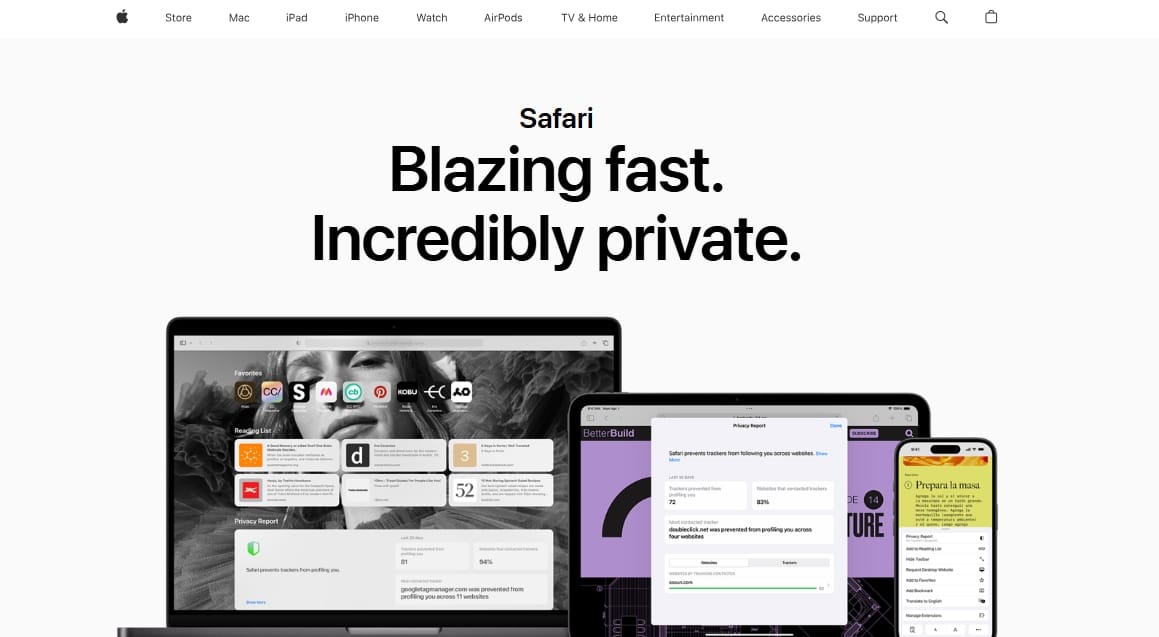
- Prevent Cross-Site Tracking: Relies on Apple's Intelligent Tracking Prevention (ITP) to handle cross-site cookie isolation.
- Hide IP Address: Enable this to mask your location from known trackers.
Best Browser Extensions for Privacy
Your browser engine dictates your privacy ceiling. Chrome and Edge operate under Manifest V3 (MV3) limitations, meaning advanced dynamic filtering is restricted. Firefox retains full extension capabilities. Match your stack to your browser's architecture.
1. The Firefox Browser Stack
Firefox remains the superior choice for unrestricted privacy controls.
- Core: uBlock Origin (uBO). The undisputed champion for wide-spectrum blocking with low overhead.
- Helper (Optional): Firefox Multi-Account Containers. Creates distinct storage silos per tab group (e.g., isolating Facebook from your banking tabs).
- Advanced (Optional): NoScript. Blocks all active scripts globally until explicitly allowed.
2. The Chrome and Edge Stack
Chromium's MV3 architecture replaces persistent background pages with event-driven service workers and the dynamic blocking webRequest API with the declarative declarativeNetRequest API. Your tools must be MV3-native.
- Core: uBlock Origin Lite (lowest permission footprint in its default Basic mode) or Ghostery (comprehensive dashboard).
- Streaming Add-on: Blockify. If your primary frustration is stubborn media ads on platforms like Twitch, Spotify Web, or YouTube, Blockify offers a specialized, dual-layer filtering approach that standard MV3 blockers often miss.
- Helper (Optional): Privacy Badger. Automatically learns to block invisible trackers without relying purely on static blocklists.
3. The Brave Browser Stack
Brave operates best completely bare.
- Core: Brave Shields (built-in).
- Helper (Optional): Consent-O-Matic. Auto-fills and dismisses GDPR/CCPA cookie banners based on your preferences.
- Targeted Add-on: Blockify (only if you heavily stream audio/video and native Shields struggle with specific media player ad injections).
4. The Safari Browser Stack
Apple's extension ecosystem is restricted. Rely on native settings first.
- Core: AdGuard. Offers the most robust custom filter flexibility for iOS and macOS environments.
- Helper (Optional): Consent-O-Matic.
Extension Breakdown by Privacy Job
Choose tools based on precise functionality to avoid overlap.
Ad and Tracker Blocking
- uBlock Origin: The full-power standard. Unmatched DOM-manipulation and CNAME uncloaking. Works best on Firefox. Chrome's Manifest V2 support timeline shows that Chrome 138 is the final version that can still run MV2 with enterprise policy, and Chrome 139 removes that option entirely.
- uBlock Origin Lite: Operates entirely within MV3 limits. Requires zero "read/modify all data" access in its default Basic mode.
- Ghostery: MV3-ready, open-source, and includes WhoTracks.Me transparency integration. Visually heavier than uBO Lite but highly effective for general Chromium users.
- AdGuard: The power-user pick for MV3 and Safari. Restores custom filter capability at the cost of higher base permission requirements.
Search and Tracking Prevention
- DuckDuckGo Privacy Essentials: The best "one-click" beginner fix. Enforces Global Privacy Control (GPC), blocks link tracking, and halts Google Topics. Note: It will change your default search engine to DuckDuckGo.
- Privacy Badger: Built by the EFF. Focuses exclusively on heuristic tracking behavior rather than cosmetic ad hiding.
URL and Cookie Hygiene
- ClearURLs: Automatically strips persistent tracking parameters (e.g.,
utm_source=) from links, ensuring clean URL sharing. - Cookie AutoDelete: Clears unused local storage and cookies the moment a tab closes. Highly effective for strict session hygiene.
Consent Management
- Consent-O-Matic: An open-source antidote to cookie banners. Accurately fills out consent pop-ups automatically, explicitly rejecting unnecessary tracking.
What to Skip: The Fingerprinting Paradox
Adding more extensions can actually degrade your privacy. Browser fingerprinting identifies you based on the unique combination of your hardware, settings, and installed add-ons.
A 2018 large-scale browser extension uniqueness study found that 54.86% of users with at least one detectable extension were unique, increasing fingerprintability.
Avoid these common mistakes:
- Redundant Blockers: Never run Ghostery, AdGuard, and uBO simultaneously. They conflict, break anti-tracking rules, and heavily impact page load speeds.
- Obsolete Tools: Discard HTTPS Everywhere. Major browsers enforce HTTPS natively in 2026.
- "AI-Powered" Privacy: Be skeptical of novelty extensions claiming AI privacy logic. Many require extensive data telemetry to train their language models, defeating the purpose of a privacy tool.
The 4-Point Trust Checklist
Treat every extension as privileged software. A 2025 study on malicious browser extensions demonstrated that researchers could bypass Firefox and Chrome security mechanisms and publish working malicious extensions through official stores.
- Justified Permissions: Does a simple URL cleaner demand "Read and change data on all websites"? Uninstall it immediately.
- Transparency: Is the extension open-source? Are the developers clearly identified and funded transparently?
- Redundancy Check: Does it fill a gap your browser cannot handle natively?
- Update Frequency: Has it been updated within the last 6 months to adapt to new tracking methodologies?
FAQs
Do privacy extensions slow down your browser?
No, a lean stack speeds up browsing by preventing heavy ad scripts, tracking pixels, and video autoplay from consuming bandwidth and memory. However, stacking multiple overlapping ad blockers will cause severe performance degradation.
Is Privacy Badger an ad blocker?
No. Privacy Badger blocks invisible trackers. It does not focus on cosmetic ad removal. If you want visual ads gone, you need a content blocker like uBlock Origin or Ghostery.
Are Chrome extensions safe to trust?
Not automatically. High store ratings and large user bases do not guarantee safety. Extensions are frequently sold to data brokers who silently push updates containing tracking telemetry. Stick to open-source tools maintained by non-profits or highly reputable privacy companies.
Can I use these privacy browser extensions on Android or iPhone?
Mobile support is restricted. Firefox for Android supports the full desktop version of uBlock Origin. Safari on iOS relies on native settings and iOS-specific content blockers like AdGuard. Chrome on mobile does not support extensions.
Conclusion
Finding the best privacy browser extensions is an exercise in subtraction, not addition. Turn on your built-in browser protections first. If you use Firefox, install uBlock Origin. If you rely on Chrome or Edge, pick a lightweight MV3 blocker like uBlock Origin Lite, or Blockify for heavy streaming.
Audit your extension list today. Delete anything that overlaps, asks for too many permissions, or promises vague "AI privacy." True browser privacy in 2026 is quiet, lightweight, and almost entirely invisible.




