

Want to know how to transfer a Spotify playlist to Apple Music without losing your curated tracks? The fastest route is Apple’s built-in transfer music from other music services tools. Open the Apple Music app, go to Settings, tap “Transfer Music from Other Music Services,” sign in to Spotify, and select your playlists.
You absolutely can move your library, but do not expect a flawless, one-click magic trick. Every platform uses slightly different song metadata, meaning a fast transfer often results in missing tracks or unwanted radio-clean edits.
This guide delivers the exact steps to migrate your library quickly, protect your playlist fidelity, and fix the inevitable missing songs.
Best Way to Transfer Spotify Playlists to Apple Music
The quickest way to move your music is by using Apple’s built-in transfer feature. Inside the Apple Music app, navigate to your account settings, tap “Transfer Music from Other Music Services,” authorize your Spotify account, and select the playlists you want to move.
Choose your transfer method based on your library size. Use Apple Native for simple mobile transfers. Use Soundiiz for large libraries that require deep metadata auditing, or PlaylistGo for local, desktop-based migrations.
| Your Scenario | Recommended Tool | Why It Wins | Biggest Trade-off |
| One small playlist | Apple Native | Zero extra logins; built right into the app. | Requires manual review of alternates. |
| Curated playlists | Soundiiz | Exports not-found tracks as a CSV for manual cleanup. | Free tier caps at 200 tracks per playlist. |
| Apple-first user | Playlisty | Lets you preview and edit matches before saving. | iOS/Mac users only; not on Android. |
| Huge library | PlaylistGo | Processes locally on your desktop for privacy. | Requires a desktop app download. |
Which Tool Transfers Spotify Playlists Best?
Speed does not matter if the tool matches the wrong song versions. Measure success by post-audit playlist fidelity.
When learning how to transfer a Spotify playlist to Apple Music accurately, ignore tools promising "instant migration." Every tool uses different matching algorithms. I benchmarked the primary transfer paths using real-world tests: a 50-track mainstream playlist, a 500-track mixed playlist containing explicit/remastered tracks, and a full 5,000-track library snapshot.
| Your Scenario | Recommended Tool | Why It Wins | Biggest Trade-off |
| One small playlist | Apple Native | Zero extra logins; built right into the app. | Requires manual review of alternates. |
| Curated playlists | Soundiiz | Exports not-found tracks as a CSV for manual cleanup. | Free tier caps at 200 tracks per playlist. |
| Apple-first user | Playlisty | Lets you preview and edit matches before saving. | iOS/Mac users only; not on Android. |
| Huge library | PlaylistGo | Processes locally on your desktop for privacy. | Requires a desktop app download. |
Before You Transfer: Setup Steps to Avoid Missing Songs
Ensure Apple Music’s “Sync Library” is turned on and back up your Spotify library to prevent permanent metadata loss.
Do not start a transfer blindly. Apple requires a specific environment to accept third-party data.
What you need:
- Active Apple Music subscription: Transfers fail without one.
- Sync Library toggled on: Essential for moving tracks across your devices.
- Updated Apple Music app: Required for the native transfer flow.
- Spotify login credentials: Keep these handy for API authorization.
What gets left behind: Algorithmic playlists (like Spotify's "Discover Weekly"), region-locked tracks, and unmatched indie uploads will fail. Never delete your Spotify account immediately. Export your current library as a static CSV backup first.
How to Transfer Spotify Playlists to Apple Music (Mobile & Desktop Steps)
Apple's built-in migration feature (powered by SongShift) is the most secure path for most users, offering an integrated 30-day review window for mismatched tracks.
Apple recently integrated a native playlist transfer feature directly into its iOS, Android, and web apps.
On iPhone, iPad, or Android:
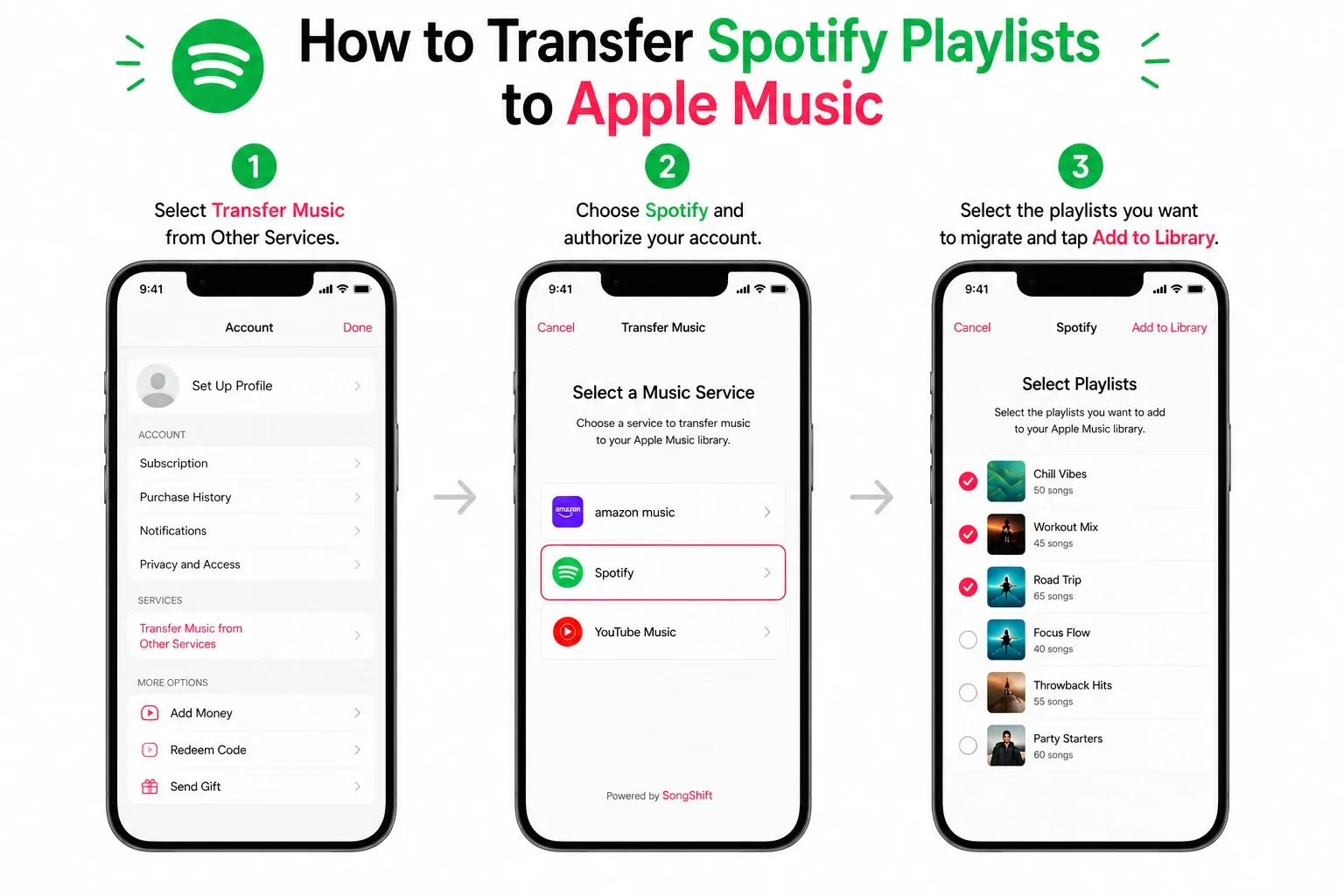
- Open Apple Music.
- Tap your profile icon to open account settings.
- Select Transfer Music from Other Music Services.
- Choose Spotify and authorize your account.
- Select the playlists you want to migrate.
- Tap Add to Library.
On Desktop (Web Only):Do not use the Mac or Windows Apple Music desktop apps for this. The native transfer lives on the web interface.
- Navigate to music.apple.com and log in.
- Click your profile icon in the top right.
- Select Transfer Music.
- Authorize Spotify and choose your target playlists.
- Click Add to Library.
Review your matches:Apple flags ambiguous matches (like substituting a live performance for a studio original). You have 30 days to clear the Review Current Transfer queue. You cannot initiate a new transfer on that device until you resolve these flagged items.
Best Tools to Transfer Spotify Playlists to Apple Music
Third-party applications provide granular control, CSV error logging, and high-volume handling that native methods lack.
If you manage a massive library or need strict deduplication, use a specialized tool.
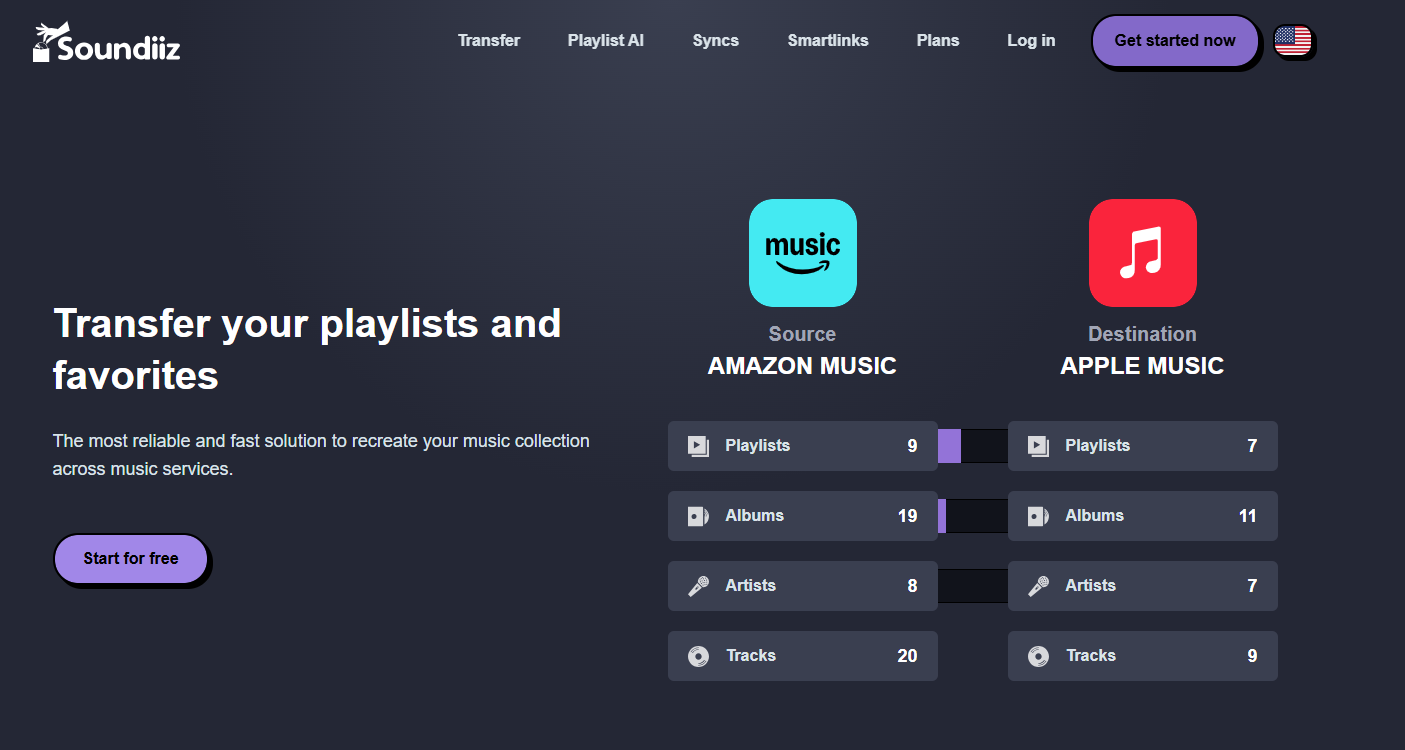
Soundiiz: Best for deep transfer control. The free tier limits you to 200 tracks per playlist, but it exports not-found items as a CSV file. If a track fails, you get a clean log of exactly what you need to fix manually.
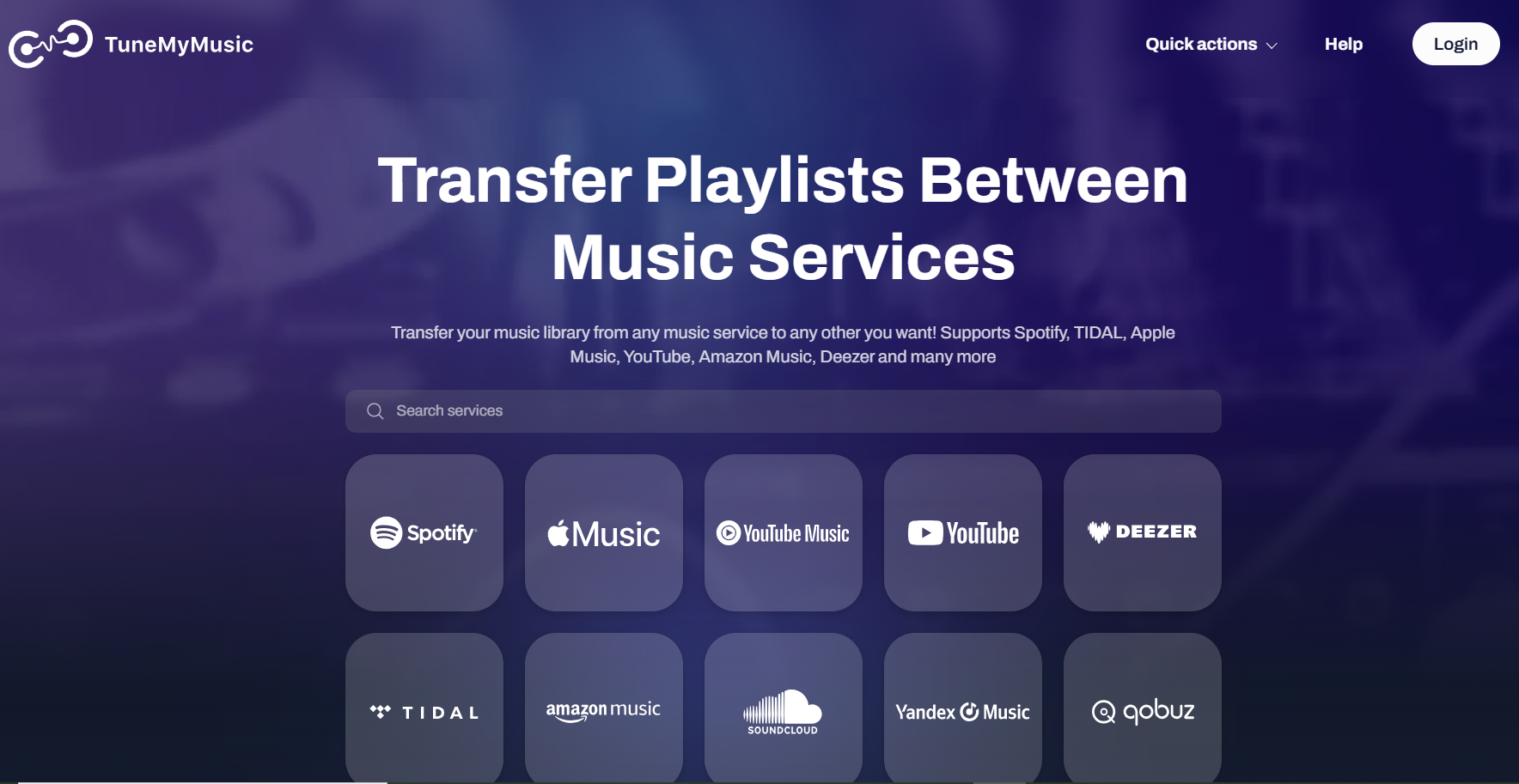
TuneMyMusic: Best for quick, browser-based migrations. The free plan allows you to move a certain limit of songs for free. Validate your track counts afterward, as it occasionally fails silently on complex metadata.
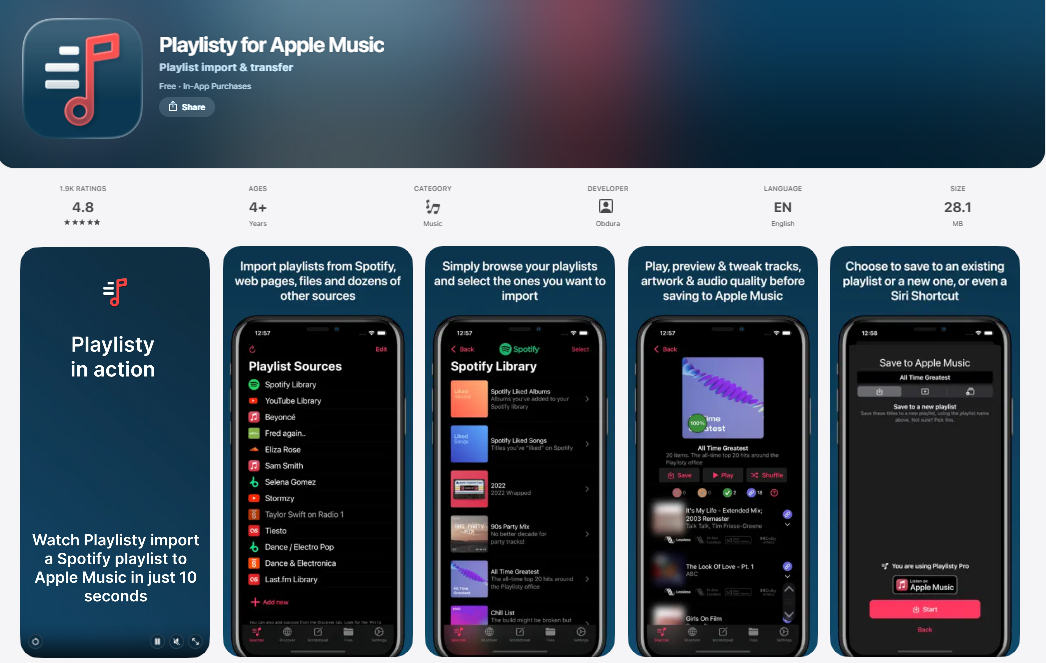
Playlisty: Best for Apple-first users. This iOS/Mac app lets you preview and edit matches before committing them to your Apple Music library.
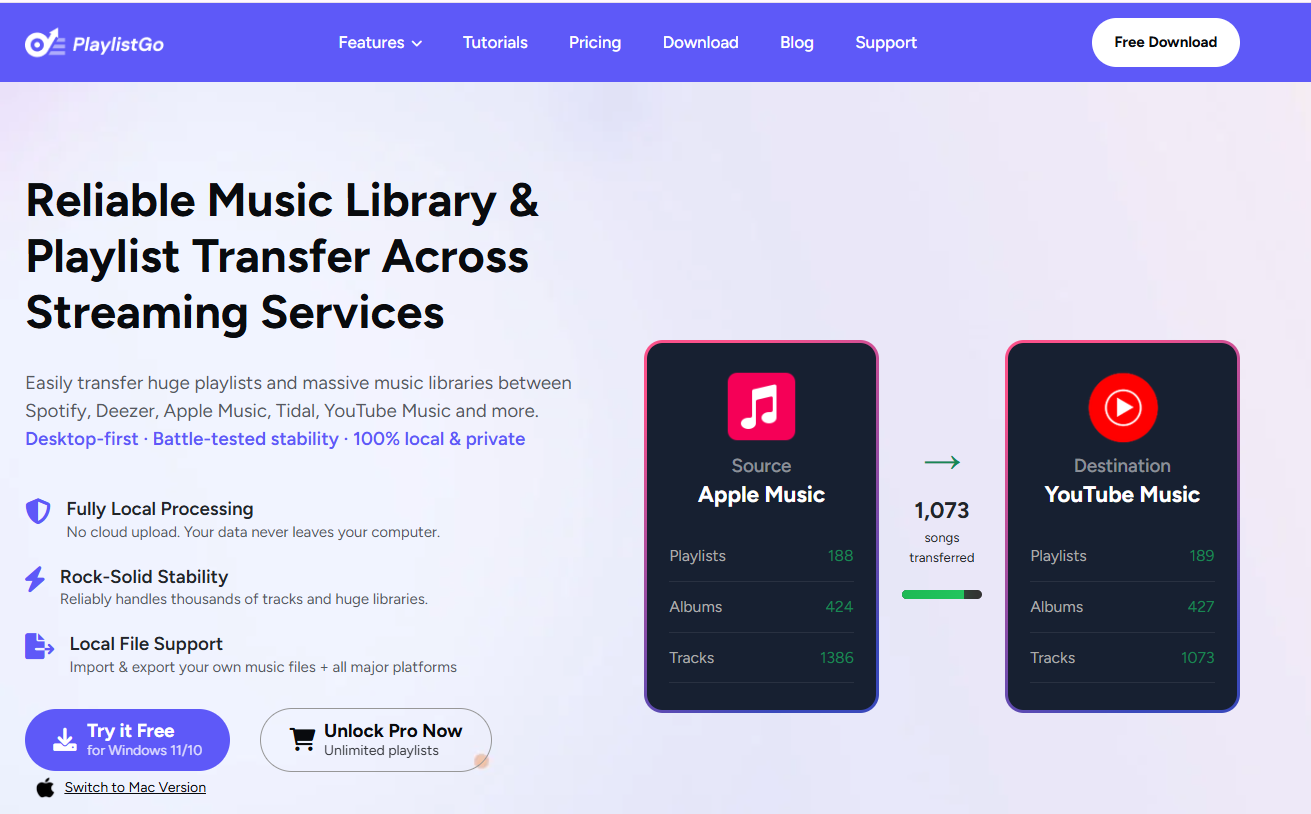
PlaylistGo: Best for immense libraries and offline processing. It runs locally on your desktop, pushing data directly between the Spotify and Apple APIs.
How to Transfer Spotify Liked Songs to Apple Music (Without Losing Tracks)
“Liked Songs” is a library flag, not a standard playlist. Copy your liked tracks into a static playlist before transferring.
Direct transfer tools often fail when moving Liked Songs. Apple naturally pulls these into its "Favorite Songs" list, while third-party tools either dump them into auto-generated folders or skip them entirely.
- Open the Spotify desktop app and navigate to Liked Songs.
- Select all tracks (Ctrl + A or Cmd + A); this feature is available only on the desktop app
- Right-click, select Add to playlist > Create new playlist, and name it "Liked Backup 2026."
- Transfer this new static playlist to Apple Music.
- Compare the source count against your destination count.
Can You Transfer Spotify Playlists to Apple Music for Free?
Yes, but free tools enforce strict limits. For large libraries, paying $5 for a one-month premium pass saves hours of manual labor.
Apple’s built-in transfer comes free with your Apple Music subscription. Third-party options impose hard caps. Currently, Soundiiz stops at 200 tracks per playlist, TuneMyMusic allows 500 total songs, and FreeYourMusic covers up to 600 songs.
If you have a 5,000-track library, do not spend hours breaking it into tiny 200-track chunks. Buy a single-month premium subscription, execute your full transfer, and cancel it immediately.
Will All Songs Transfer to Apple Music? (What Gets Lost or Replaced)
No, expect a 90-95% match rate. Regional licensing, catalog disparities, and version swapping will always leave some gaps.
A flawless exact-match migration for a large library is impossible. Tracks disappear or mutate for a few primary reasons:
- Catalog mismatch: The song does not exist on Apple Music.
- Regional licensing: A track available on US Spotify might be locked on US Apple Music.
- Same-title confusion: The algorithm grabs a cover version or a different artist with the exact same name.
- Version swapping: The tool selects a live recording or remaster instead of the original studio track.
Pay close attention to explicit tracks. Apple Music handles explicit content restrictions differently than Spotify. Matching engines routinely swap explicit rap or hip-hop tracks for radio-clean edits. Spot-check your major playlists manually.
After Transfer: How to Fix Missing or Incorrect Songs
Your transfer is not complete until you verify track counts, accept native review alternates, and manually patch the missing songs.
Follow this exact repair sequence to fix broken transfers:
- Audit track totals: Compare the final Apple Music playlist count against your Spotify original.
- Review Apple alternates: Clear the native "Review Current Transfer" queue within 30 days.
- Check the miss logs: If you used Soundiiz or a similar pro tool, open your CSV error log to identify exact failures.
- Search manually: Find the missing tracks by exact album name in Apple Music and add them by hand.
Never blindly rerun a failed batch transfer. Doing so creates massive track duplication. Date-stamp your test runs and process smaller chunks.
How to Improve Your Spotify Listening Experience (Go Ad-free)
If you continue using Spotify's web player during this crossover period, I recommend using Blockify, a completely free ad blocker.
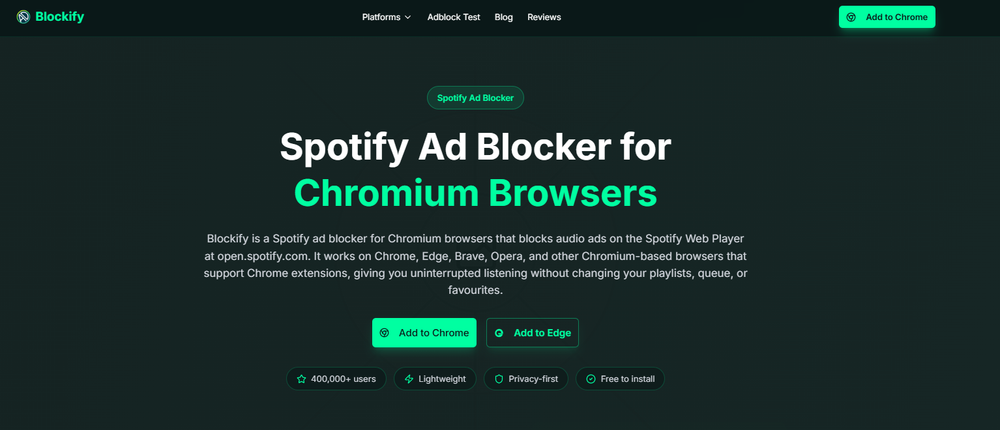
Blockify is a fast, modern Spotify Web Player ad blocker for Chromium browsers. It removes stubborn audio and video interruptions using a dual-layer blocking system and intelligent safe-muting. With over 360K users, it ensures a frictionless listening experience while you compare catalogs side-by-side. You can try Blockify here.
FAQs
How Do I Transfer Spotify Playlist to Apple Music Step by Step?
Open the Apple Music app, tap your profile icon, select "Transfer Music from Other Music Services," sign into your Spotify account, and choose the playlists you want to migrate.
Can I Move Playlists from Spotify to Apple Music for Free?
Yes, but with strict caps. Apple’s native tool is free. Third-party tools like TuneMyMusic allow up to 500 free songs, and Soundiiz permits 200 tracks per playlist.
What Is the Best Way to Transfer Spotify Playlists to Apple Music?
Use Apple's native integration for straightforward, mobile-friendly transfers. Use Soundiiz for large, curated libraries so you can export a CSV error log to manually fix unmatched tracks.
Will All Songs Transfer from Spotify to Apple Music?
No. Catalog differences, region locks, and metadata mismatches mean some tracks will inevitably fail or swap versions. Always audit your playlists afterward.
How Do I Convert Spotify Playlist to Apple Music on Mobile or Desktop?
Use the "Transfer Music" setting inside the Apple Music iOS/Android app. On a desktop, log into music.apple.com and use the built-in web transfer tool.
Can I Move Spotify Liked Songs Too?
Yes, but they often break during direct transfers. The safest method is to open the Spotify desktop app, select all Liked Songs, and copy them into a static backup playlist before migrating.




