
You pay for a subscription to escape interruptions, yet a loud commercial break just derailed your favorite episode. If you are wondering, “why do I have ads on my podcasts even with premium?” the answer comes down to how Spotify classifies its media.
Spotify Premium removes platform-inserted ads from music. It does not automatically strip creator-read or dynamically inserted commercials from podcast episodes. Podcasts operate under entirely separate monetization rules, meaning a paid tier does not guarantee an ad-free podcast experience.
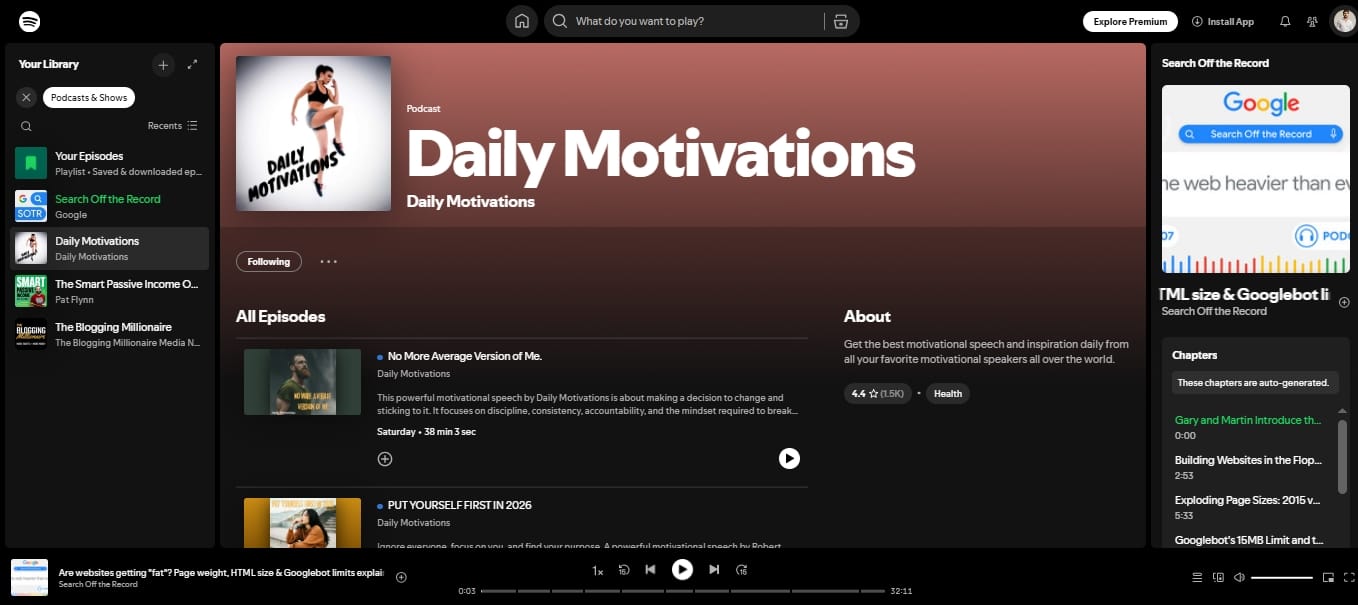
Why Do Podcasts Still Have Ads on Spotify Premium?
Spotify Premium only removes platform ads from music streams. Podcasts are treated as a separate product with independent monetization systems. Premium does not remove host-read sponsorships embedded directly into the audio, nor does it universally block dynamically inserted podcast ads for audio-only listeners.
Are Podcast Ads Different from Spotify Ads?
Yes. Understanding this difference explains exactly why your Premium subscription behaves the way it does.
1. Spotify Platform Ads (Removed by Premium)
These ads fund the free tier. They play between songs or while navigating the app. Premium completely eliminates these. If you hear an ad during a music playlist, check your account status, you likely have a billing error or a temporary software bug.
2. Host-Read Podcast Ads (Not Removed by Premium)
These are sponsorships read directly by the podcast host (e.g., “This episode is brought to you by...” ). Because these audio segments are permanently baked into the original MP3 file before upload, Spotify cannot automatically separate or remove them.
3. Dynamically Inserted Podcast Ads (Usually Not Removed by Premium)
Dynamic ad insertion means ads are slotted into a podcast when it plays. Creators place ad markers in the episode, and Spotify can serve a different ad into that slot depending on the listener and market. For audio-only episodes, Premium still does not universally remove these because they fund the creator, not your music subscription.
If the interruptions feel more frequent lately, you are not imagining it.
On January 7, 2026, Spotify lowered several Partner Program thresholds, including the audience, hours, and episode requirements. That made it easier for smaller shows to start monetizing.
How to Remove Podcast Ads on Spotify
Since there is no hidden toggle switch in the settings menu to turn off podcast ads, your best strategy is altering how you consume the content.
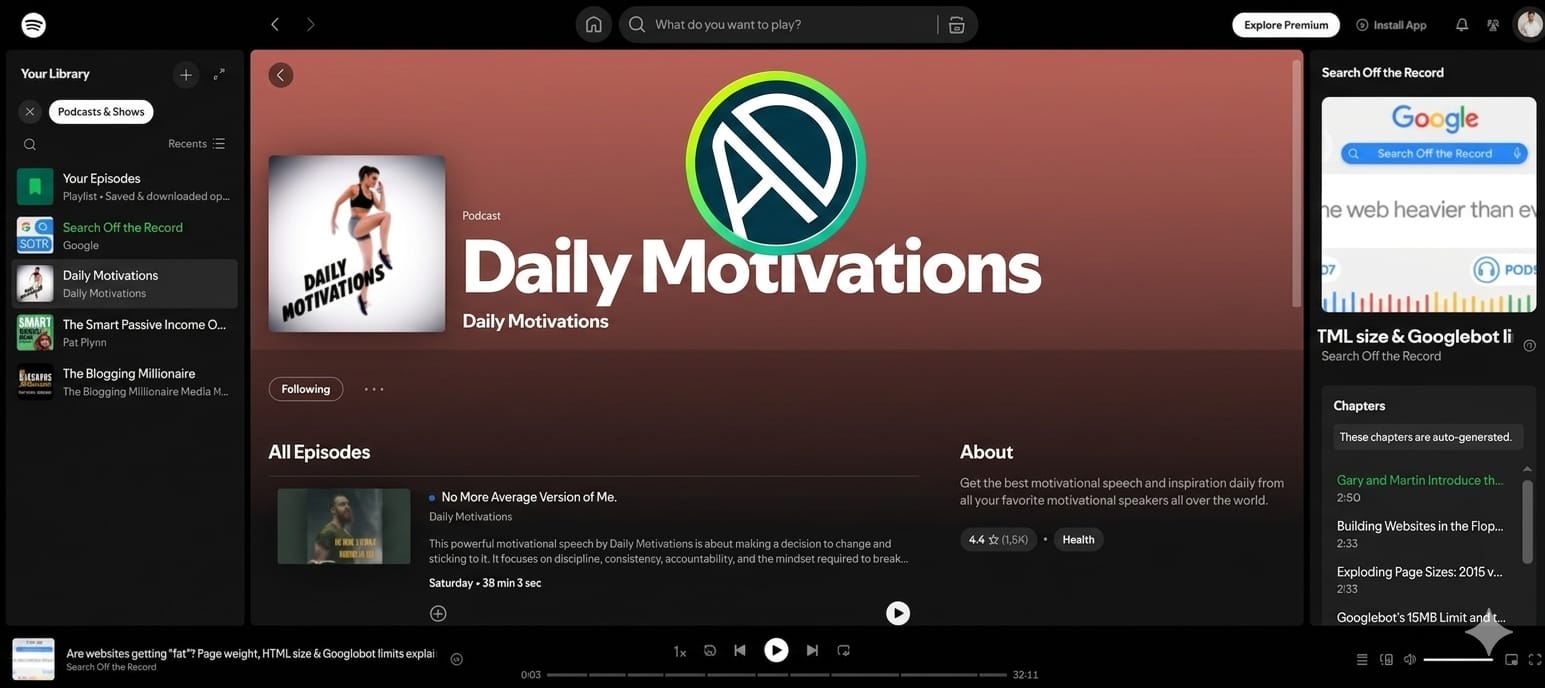
1. Watch the video version (Best in-app solution)
If a podcast offers a video format, leave the video player open. As of 2026, Spotify rewards Premium users with ad-free viewing for eligible video podcasts in select markets. This can bypass dynamic audio breaks, though host-read sponsorships can still remain.
2. Use a dedicated paid RSS feed (Best for clean audio)
Many creators offer completely ad-free episodes through platforms like Patreon or Supercast. You pay a small monthly fee, receive a private RSS link, and paste it into open apps like Apple Podcasts or Pocket Casts for a pristine listening experience.
3. Use a browser-based blocker (Best for desktop users)
When listening on a computer, use dedicated browser extensions. Traditional filter-list blockers often struggle inside the mobile app or break the web player entirely.
However, specialized tools like Blockify are designed to reduce web-delivered interruptions on desktop, and some use smart muting when hard blocking fails. They still cannot remove host-read sponsorships baked into a podcast episode.
For a practical desktop setup, see Blockify’s How to Block Ads on Spotify guide.
Final Takeaway
Hearing ads on a paid subscription is understandably frustrating. However, recognizing that Spotify Premium does not remove all podcast ads helps set the right expectations.
Hunting for an ad-block setting in the Spotify app will only waste your time. If you primarily use mobile, lean on video podcasts or premium RSS feeds to reduce interruptions. If you listen while working on a computer, equipping your browser with a tool like Blockify is the most practical way to reduce web-delivered interruptions without resorting to manual skipping.
FAQs
Why Do I Still Get Ads on Spotify Premium Podcast?
Because Spotify treats music and podcasts as separate products. Premium removes music ads, but podcast creators retain the right to monetize their episodes with baked-in sponsorships and dynamically inserted commercials.
How to Remove Podcast Ads on Spotify?
You cannot disable them via native settings. To reduce them, watch the video version of the podcast, subscribe to a creator’s paid RSS feed, or use a desktop tool like Blockify for web listening.
Can Ad Blockers Block Spotify Podcast Ads?
Ad blockers cannot remove host-read ads baked into the audio file, nor can they reliably alter the sealed iOS or Android Spotify app. On desktop web listening, some browser extensions can still reduce or mute certain web-delivered audio ad interruptions, but results vary by player and ad type.
Does Downloading a Podcast Remove the Ads?
It removes some, not all. If you listen in true offline mode, Spotify says dynamically inserted ads do not play without an internet connection. But host-read or baked-in sponsorships remain because they are part of the original episode audio.




