

Looking for the best Opera extensions? If you use Opera or Opera GX, the smartest strategy is not to install massive lists of third-party add-ons. It is to identify the few tools you genuinely need. Modern desktop browsers already include built-in ad blockers, VPNs, and messaging sidebars. Before exploring new downloads, audit your browser, leverage native features, and install only what fills a specific gap in your workflow.
Best Opera Extensions at a Glance
The ideal extension setup is a minimal stack that solves exact pain points without duplicating built-in features. For most users, the best Opera extensions include a cross-device password manager (Bitwarden), a grammar assistant (LanguageTool), and a specialized privacy or media tool (uBlock Origin or Blockify). Prioritize the official Opera Add-ons Store for manual security reviews, and import Chrome Web Store tools only when absolutely necessary.
- Keep your browser fast by maintaining a strict limit of 4–5 core extensions.
- Always check if Opera features a built-in alternative before installing new software.
- Assess permissions and update frequency before adding any tool to your browser.
If you want a tested shortlist, prioritize one privacy extension, one password manager, one writing tool, and one optional utility.
| Use Case | Best Default Pick | Why It Earns a Slot | Opera Built-in Alternative | Need Level | Source | Permission Risk | GX Fit |
|---|---|---|---|---|---|---|---|
| Privacy / Ads | uBlock Origin | Advanced, granular filtering | Native Ad & Tracker Blocker | Optional | Opera Add-ons | Medium | Yes |
| Passwords | Bitwarden | Secure, cross-device sync | Basic Password Saving | Essential | Opera Add-ons | High | Yes |
| Writing | LanguageTool | Multilingual grammar checking | None | Optional | Opera Add-ons | Medium | Yes |
| Media Ads | Blockify | Skips embedded video/audio ads | Native Ad Blocker | Optional | Chrome Web Store | Medium | Yes |
| Utilities | SimpleExtManager | Fast toggling to manage bloat | Extension Sidebar | Optional | Opera Add-ons | Low | Yes |
Scope and Methodology: We tested these recommendations on the latest 2026 stable desktop builds of Opera and Opera GX. We evaluated store availability, permissions, maintenance frequency, and overlap with Opera's native features. Any product mention is contextual and objectively compared.
How We Score Each Recommendation
- High popularity does not equal high security.
- We grade tools based on necessity, safety, and API compatibility.
A great Chrome extension does not automatically perform well in Opera. We evaluate every recommendation using five strict criteria:
- Need level: Essential, Optional, or Redundant.
- Best source: Opera Add-ons Store, Chrome Web Store, or Avoid.
- Permission risk: Low, Medium, or High based on data access requirements.
- Future-proof: Native-safe, MV3-ready, or Legacy MV2.
- Browser fit: Standard Opera, Opera One, or Opera GX.
We only highlight actively maintained tools that solve documented gaps, request proportional permissions, and align perfectly with Opera extension APIs.
Opera Features That Replace Common Extensions
- Opera includes native ad blocking, a VPN, and messaging tools.
- Skipping redundant extensions immediately improves browser speed.
Many users install extensions they do not actually need. You can skip separate VPN, translation, screenshot, and messenger extensions because Opera ships with built-in versions. The fastest way to improve performance is removing add-ons that duplicate native functionality.
Extensions You Can Safely Skip
You do not need third-party tools for sidebar messaging (WhatsApp, Telegram) or webpage screenshots. Opera's native snapshot tool and sidebar integrations handle these tasks flawlessly without requiring third-party data access.
Do You Need an Opera Extensions VPN?
Usually, no. The browser includes a built-in free VPN. A separate Opera extensions VPN is redundant unless you require a provider-specific network, exact geographic city locations, or system-wide routing outside the browser sandbox. Treat VPN extensions as highly specialized tools, not default installs.
What Opera Still Needs Help With
Opera's basic password manager works well for single-device users. If you need cross-device syncing with iOS or Android, a dedicated password manager extension remains necessary. Heavy grammar checking and advanced tab-suspension also require third-party tools.
Do Chrome Extensions Work on Opera?
- Most Chrome Web Store extensions function identically in Opera.
- Tools relying heavily on Google account sync frequently fail.
Because Opera runs on the Chromium engine, its extension documentation says it officially supports most Chrome-style APIs. This means Chrome extensions on Opera usually work seamlessly. However, compatibility is not absolute.
Mainstream productivity tools and ad blockers perform perfectly across Chrome, Opera, and Opera GX. Extensions that rely on Google account syncing (storage.sync()) or deep integration with Google's proprietary ecosystem often behave unpredictably.
Treat Chrome extensions for Opera as compatible imports. They bypass Opera's internal manual security review, requiring you to audit their permissions closely.
How to Install and Manage Opera Extensions
- Install directly from the Opera Add-ons Store or the Chrome Web Store.
- The legacy "Install Chrome Extensions" add-on is obsolete.
- Manage everything via
opera://extensions.
How do you use and install extensions on Opera?
You can install extensions directly from the Opera Add-ons Store or the Chrome Web Store. When visiting the Chrome Web Store in Opera, simply click "Add to Opera." Manage, disable, or remove your add-ons by typing opera://extensions into your address bar or pressing Ctrl+Shift+E.
The Modern Installation Path
The old "Install Chrome Extensions" helper add-on is completely legacy. You no longer need it in 2026.
- Open the Opera Add-ons Store or the Chrome Web Store.
- Search for your desired tool.
- Click Add to Opera.
- Confirm the permission prompt.
Finding the Opera Extensions Page
Open the Opera extensions page from the sidebar's cube icon, use Ctrl+Shift+E on Windows/Linux, or Command+Shift+E on macOS. This central dashboard allows you to enable, disable, remove, update, and configure the Opera extensions settings.
How to Tell If an Opera Extension Is Safe
- The Opera Add-ons Store provides a safer manual review layer.
- Abandoned extensions are severe security liabilities.
- Excessive permissions cause the most vulnerabilities.
Are Opera extensions safe? It depends heavily on the source and the developer. The Opera Add-ons Store manually reviews hosted software, offering a stronger baseline of security. Third-party store installs lack this specific review.
Audit Permissions Before Installation
Never approve permission prompts blindly. A simple volume controller does not need access to your web history. Be highly skeptical of tools requesting to "Read and change all your data on all websites."
The Threat of Stale Extensions
Check the "Last Updated" date. According to LayerX's 2025 enterprise browser extension security data, 51% of installed browser extensions have not been updated in over a year. Stale extensions are prime targets for hijacking.
Real-World Vulnerabilities
Browser extension threats are highly active.
In late 2024, Guardio Labs detailed the "CrossBarking" vulnerability, where malicious Chrome Web Store extensions successfully exploited Opera's private APIs.
Shortly after, a supply-chain attack documented by security researchers compromised at least 35 legitimate Chrome extensions, exposing over 2.6 million users to credential theft. To protect yourself, keep your extension stack minimal and strictly maintained.
Manifest V3, MV2, and Future Compatibility
- Manifest V3 (MV3) is the new extension standard for performance and privacy.
- Opera continues to support older MV2 extensions independently.
Manifest V3 (MV3) is the underlying architectural framework dictating how modern browser extensions operate. It restricts background data execution to improve browser performance and user privacy.
While Google phased out Manifest V2 (MV2) across Chrome, Opera officially committed to supporting MV2 extensions for as long as technically feasible. However, new MV2 uploads are banned from the Add-ons Store.
The smartest strategy in 2026 is relying on native Opera features first (which are inherently MV3-compliant), adopting MV3-ready extensions second, and holding onto legacy MV2 tools only when absolutely necessary.
Best Opera Extensions by Use Case
Privacy and Ad Blocking
Opera completely rebuilt its native ad blocker, integrating it directly into the browser for high-speed, MV3-compliant filtering. For everyday browsing, the native tool is exceptional. Add a separate extension only if you need heavier media ad blocking or granular tracker controls.
Blockify
While Opera handles standard banners perfectly, users streaming on web players like Spotify or YouTube often face audio and video mid-rolls that bypass basic filters. Blockify is a Chromium-compatible Chrome extension specifically built to block these harder media ad formats. It is highly effective for heavy media consumers.
uBlock Origin
The gold standard for power users requiring granular, element-level filtering.
Who this is for: Users annoyed by aggressive trackers, banners, and interruptive media.
Skip if: Opera's built-in tracker and ad blocker fully solves your problem.
Passwords and Account Security
Bitwarden
Essential for multi-device users. It offers secure cross-device sync, current 2026 updates, and a generous free tier. Available directly in the Opera Add-ons Store.
Who this is for: Users managing hundreds of logins across desktop and mobile devices.
Skip if: You only use Opera on a single device and rely on native password saving.
Productivity and Focus
SimpleExtManager
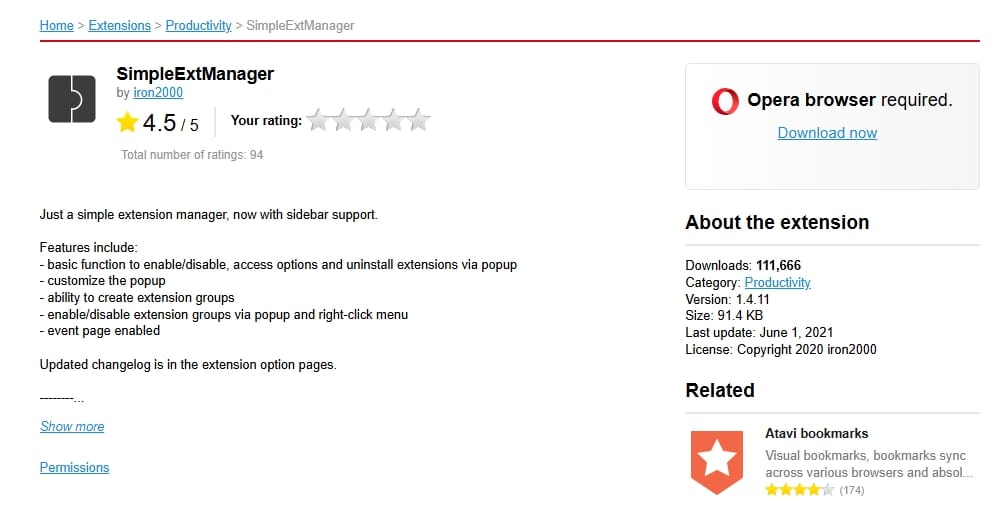
A lightweight utility that lets you quickly toggle other extensions on and off from a single dropdown, keeping your browser fast and free of bloat.
Who this is for: Remote workers and heavy researchers managing chaotic workflows.
Skip if: Opera Workspaces and native Tab Islands already keep your browsing organized.
Writing and Language
LanguageTool
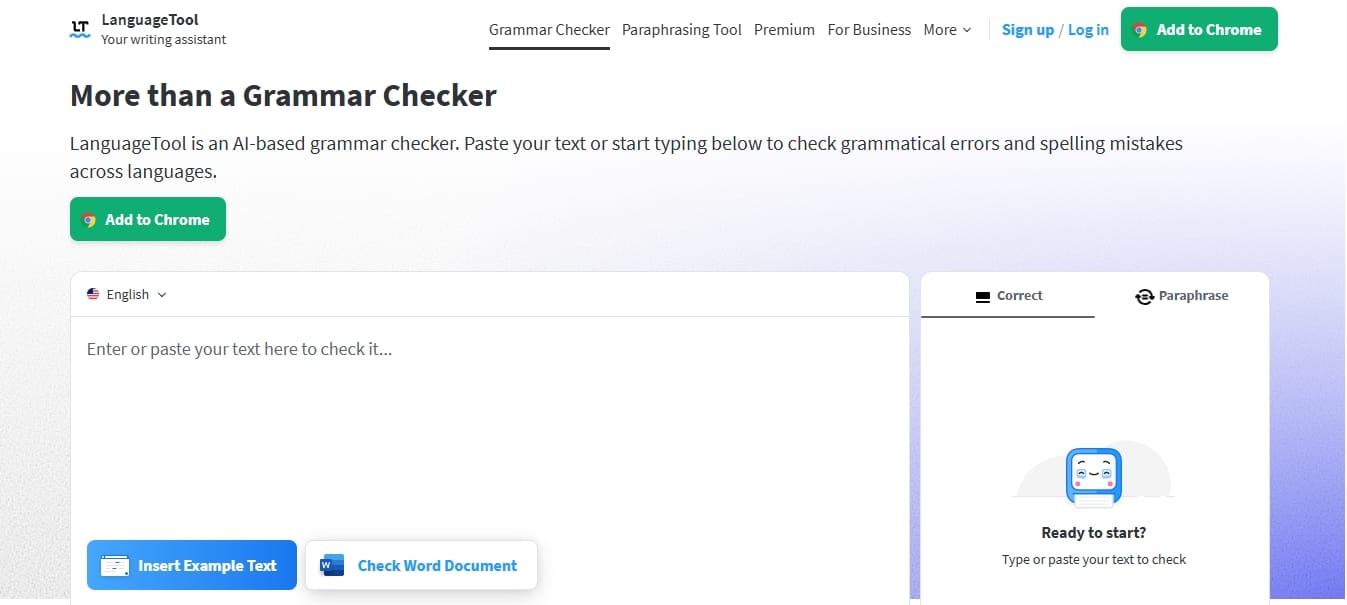
A highly accurate multilingual grammar checker that reads text inputs natively without logging your entire browsing history.
Who this is for: Writers, professionals, and non-native speakers.
Skip if: You only need basic web page translation (Opera translates natively).
Developer Utilities
Tampermonkey
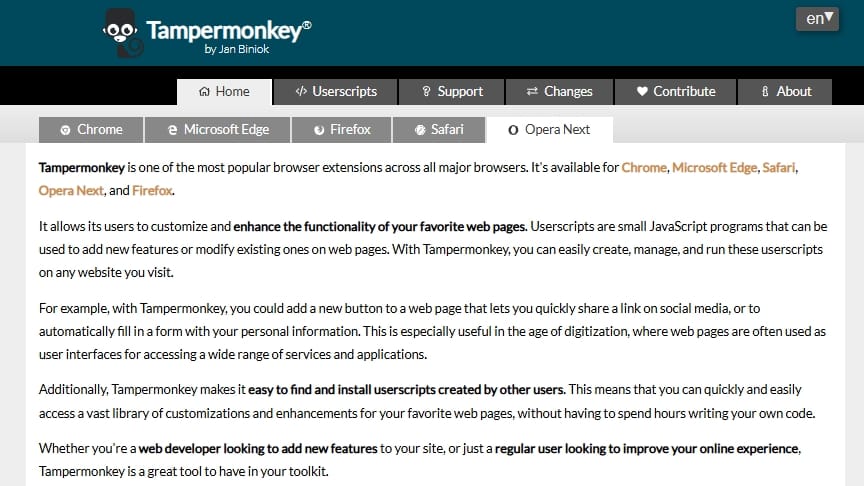
The standard for running custom userscripts. It is actively transitioning to MV3 and maintains strong compatibility within Opera.
Who this is for: Web developers, QA testers, and engineers.
Skip if: Native Chromium Developer Tools (F12) cover your workflow.
Best Opera GX Extensions
- Opera GX uses the exact same extension ecosystem as standard Opera.
- Do not install extensions that duplicate GX Control features.
In practice, Opera GX extensions rely on the identical Chromium architecture as the standard desktop browser. The best extensions for Opera GX complement its gaming focus rather than duplicating it.
Opera GX already natively integrates Twitch, Discord, and hardware limits (RAM/CPU limiters). Installing third-party extensions for these exact functions will only bloat your browser and degrade gaming performance. Instead, prioritize specialized tools like standalone audio controllers or media ad blockers (like Blockify) for secondary monitors running background music or wikis.
Keep Opera Fast: Extension Hygiene
- The most dangerous extension is the one you forgot you installed.
- Monthly audits guarantee faster browsing and lower security risks.
Keep only the tools you actively use. LayerX found that about 25% of enterprise users have more than 10 extensions installed simultaneously. Stacking multiple ad blockers or redundant utilities consumes excessive RAM and breaks web pages.
Perform a monthly audit. Open your Opera extensions settings, review the list, and remove any "zombie" extensions you have not actively used in the past 30 days.
FAQ
Why are my Opera extensions not working?
If a tool fails, open opera://extensions, confirm it is enabled, and refresh the site. Because of minor API differences, some Chrome Web Store imports may behave erratically. If an extension breaks after an Opera update, disable it, wait for a developer patch, and re-enable it later.
Can I use Opera extensions on mobile?
Opera extensions Android and Opera extensions mobile queries are common, but third-party extensions remain a desktop-first ecosystem. Opera for Android natively builds in its core features—including a free VPN, ad blocker, and crypto wallet. You do not need to install desktop-style extensions to get privacy tools on mobile.
Do I need a VPN extension in Opera?
Usually no. The native Opera browser includes a free, built-in VPN.
Does Opera GX use the same extensions as Opera?
Yes. Both browsers share the same underlying Chromium architecture and extension support.
Final Takeaway: Install Less, Audit More
The ultimate Opera extensions strategy is not accumulating add-ons. It is selecting fewer, safer, and highly effective tools.
To maintain a fast, secure browsing experience in 2026:
- Check what Opera already covers natively before searching for a new tool.
- Install one extension for one real pain point, prioritizing the Opera Add-ons store for safety.
- Audit your stack monthly and immediately remove unused software.
If your main problem is media interruptions, compare Opera's native blocker against a specialized Chromium-compatible option like Blockify. Otherwise, keep your browser lean, update frequently, and enjoy the speed of native browsing.




