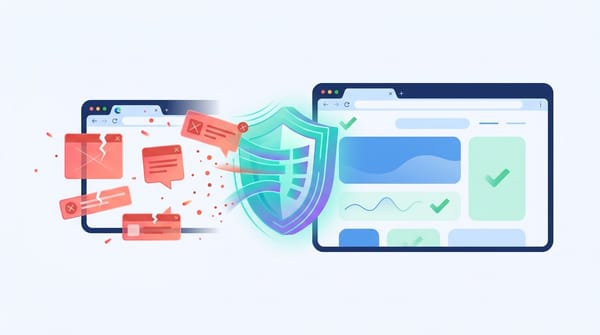
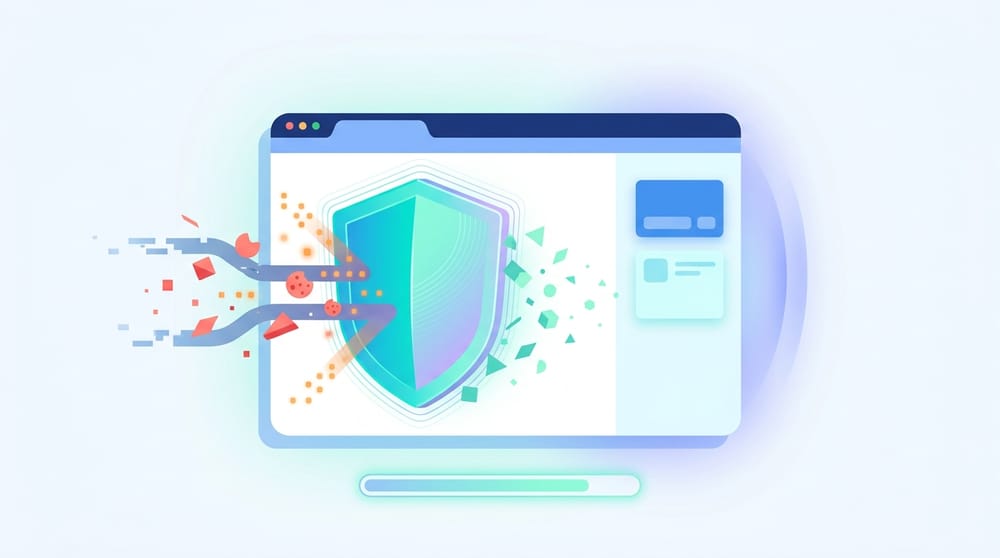
You cannot become 100% invisible online, but you can drastically reduce who tracks you. To browse anonymously for privacy, you must combine three tools: a private browser window to delete local history, a VPN or Tor to mask your IP address, and a strict tracker blocker to stop browser fingerprinting.
Google recently agreed to purge billions of browsing records to settle an Incognito tracking lawsuit. This exposed a harsh reality: anonymous browsing online is a trackability problem, not just an IP-hiding problem. Relying solely on private mode leaves your data fully exposed to internet service providers (ISPs), employers, and ad networks.
Here is how to stop leaking personal data and build a tracking-resistant setup that actually works.
What anonymous browsing actually means
- Anonymous browsing reduces how easily your activity connects back to your real identity.
- Privacy, anonymity, and tracking resistance solve different problems.
- The goal is not invisibility, but minimizing identifying signals.
Privacy means keeping your actions hidden from local observers, like securing a banking session on public Wi-Fi. Anonymity means a website cannot tie your online activity back to your real-world identity. Tracking resistance means websites and ad networks struggle to re-identify your device consistently over time.
What is anonymous browsing?
Anonymous browsing means minimizing the digital signals that tie your internet activity back to you. This includes masking your IP address, altering your device fingerprint, blocking third-party cookies, avoiding logged-in states, and clearing local browsing history. It requires a layered software setup, not a single browser button.
The spectrum of exposure
You cannot flip a switch and disappear. Instead, you move along a spectrum of exposure:
- Default browsing: ISPs, websites, and data brokers track everything.
- Incognito only: Leaves no local history but changes nothing about network tracking.
- Privacy browser + tracker blocker: Stops most commercial tracking scripts and visible ads.
- Encrypted DNS + private search: Protects against ISP snooping and search profiling.
- VPN or Tor network: Masks your IP address and network data for high-stakes sessions.
Every step reduces exposure. None reduce risk to zero. Texas A&M researchers demonstrated that browsers still leak identifying signals even after users clear their cookies.
Why incognito mode is useful but not anonymous
- Incognito mode ensures local device privacy.
- It does not hide your web traffic from ISPs, schools, or employers.
- You must actively close the tab to clear the session data.
When you open an incognito tab, you protect your local session. Chrome deletes your local history, site data, and active sign-ins immediately after you close the window. It keeps your family or coworkers from seeing your search history. It does not delete downloaded files or saved bookmarks.
Is incognito mode anonymous?
No. Incognito mode offers zero online anonymity. While it prevents your device from saving local history, your internet service provider, employer, network administrator, and the websites you visit can still monitor your traffic and log your IP address.
How to open an incognito tab across devices
- Desktop (Chrome): Click the menu and select New Incognito window. Use
Ctrl + Shift + N(Windows/Linux) orCommand + Shift + N(Mac). - Android: Open Chrome, tap the three-dot menu, and select New Incognito tab.
- iPhone/iPad: Open Chrome, tap More, and choose New Incognito tab.
What actually tracks you online
- Cookies are only one tracking method.
- Websites identify you through browser fingerprinting.
- Staying logged into accounts bypasses all basic privacy tools.
IP addresses and DNS requests
Your IP address acts as your digital return address. Websites use it to route requested content back to your device. Without encrypted DNS, your ISP sees every domain you look up.
Cookies and logged-in identity
Cookies are small files websites drop on your machine to remember you. First-party cookies keep you logged in; third-party cookies track you across different websites. If you stay logged into Google, Meta, or Amazon, cookies hardly matter. Your identity bridges across all sessions. In April 2025, Google reversed its Privacy Sandbox plans, deciding to keep third-party cookies in Chrome and leave the choice to users.
Browser fingerprinting
Your browser has a distinct "face." Even without cookies, sites analyze your screen size, browser version, installed fonts, and hardware features.
Browser fingerprinting identifies your device by combining subtle technical details your browser reveals, including screen resolution, OS version, and system features. Researchers from Texas A&M University confirmed this is actively used for real-world tracking and operates independently of cookies [1].
Server-side measurement
Tracking increasingly happens server-side. A website measures your behavior internally and passes that data directly to an advertiser's server. Client-side tools cannot easily spot or block this data transfer.
Which tools block which kind of tracking?
- Use private browsing for local privacy.
- Use a VPN or Tor for network privacy.
- Use a tracker blocker and private search engine for tracking resistance.
Local privacy tools
Use private browsing or guest profiles when sharing a device. They clear local data immediately. They do not prevent external tracking.
Network privacy tools
Encrypted DNS
DNS-over-HTTPS (DoH) hides your website lookups from your ISP. It is a seamless browser upgrade that protects DNS requests but does not hide your IP address.
VPN (Virtual Private Network)
A VPN masks your IP address and encrypts your connection, stopping local network monitoring. It secures public Wi-Fi usage. It does not stop fingerprinting or ad-tech profiling. You simply shift your trust from your ISP to your VPN provider. Consumer Reports evaluations show many VPNs overstate their actual protection capabilities.
Tor Browser
Tor provides stronger anonymity by routing traffic through three random, encrypted relays. It blends your traffic with others to reduce fingerprint uniqueness. The cost is high friction: it drastically slows down connection speeds and breaks many websites.
Tracking-resistance tools
Tracker blockers
Blockers stop tracking scripts, ad cookies, pixels, pop-ups, and redirects before they load. Installing a strict tracker blocker is the fastest high-impact step for a clean web experience.
Want a fast browser-level privacy win? Start with a tool you can install in under 30 seconds. Blockify acts as a distinct privacy layer by blocking trackers, scripts, ad cookies, pixels, and redirects locally in your browser.
Privacy-focused search engines
Switching your default search engine stops data brokers from building a lifetime profile of your queries.
Profile separation
Keep one browser profile for logged-in daily life (banking, email). Keep a completely separate, logged-out profile for private searches. This kills account-based tracking.
Your best setup, ranked by effort level
- Start with browser-level tracker protections.
- Add a VPN for public Wi-Fi or ISP masking.
- Use Tor only for highly sensitive threat models.
Beginner setup: 5-minute privacy upgrade
- Install one trusted tracker blocker.
- Change your default search engine to a privacy-focused alternative.
- Keep a separate signed-out browser profile for private sessions.
For users seeking anonymous browsing Chrome solutions, start with a lightweight extension that does not require complex configuration.
Everyday privacy setup
Take all beginner steps, then enable encrypted DNS in your browser settings. Add a premium VPN specifically for travel or ISP-sensitive browsing. Never use the same browser for logged-in social media and private web research.
Sensitive-session setup
Use Tor Browser or a completely isolated, clean browser profile. Never log into accounts tied to your real identity. Use zero extensions to avoid creating a unique browser fingerprint.
Chrome users: check your privacy stack
- Chrome disabled Manifest V2 everywhere in August 2025 (Chrome 139).
- Legacy ad blockers lost significant real-time filtering capabilities.
- Audit your extensions to ensure your tracker blocker still functions.
The impact of Manifest V3
In August 2025, Google Chrome completed its mandatory phase-out of Manifest V2 (MV2) with the release of Chrome 139.
This architectural shift removed the real-time background filtering capabilities that many legacy ad blockers relied on. Consequently, tools like the classic uBlock Origin stopped working fully, pushing users to more limited "Lite" versions.
If you rely on Chrome, audit your extensions immediately. Do not stack multiple blockers. Pick one modern blocker designed specifically for the MV3 ecosystem. Review your third-party cookie settings manually, as Chrome leaves them enabled by default.
What changes on mobile devices?
- Mobile private tabs only affect the browser, not other apps.
- Free mobile VPN apps often harvest the data they promise to protect.
Browser tracking vs. app tracking
Opening a private tab on your phone only stops your mobile browser from saving local history. It does nothing to block the tracking code embedded in your weather, social media, or shopping apps. When configuring anonymous browsing Android or iOS settings, understand that app-level data collection operates independently of your browser. Avoid relying on a generic anonymous browsing app from an unknown developer. Stick to established privacy browsers like Firefox Focus or Brave. Furthermore, free mobile VPNs deserve extreme caution. Security analyses repeatedly highlight that many free mobile VPNs contain insecure code, leak traffic, or actively sell user data Zimperium zLabs analysis.
Mistakes that undo your privacy gains
- Logging into accounts disables anonymity.
- Adding too many privacy extensions makes your fingerprint highly unique.
- Free VPNs monetize your data.
Staying logged in
If you read any anonymous browsing Reddit thread, you will notice one recurring warning: logging into Google, Meta, or Amazon instantly voids your privacy tools. The platform connects your masked session directly to your real identity.
Installing too many extensions
Stacking four different privacy extensions makes your browser look highly unusual. This increases your uniqueness and makes browser fingerprinting much easier.
Trusting a VPN to stop fingerprinting
A VPN only masks your IP address. Websites still analyze your screen size and hardware configurations straight through the VPN tunnel.
Using free VPNs
If you are not paying for the product, the provider is likely monetizing your browsing habits. This defeats the purpose of installing a privacy tool.
FAQ
Does anonymous browsing hide me from my ISP or employer?
No. Standard private browsing only stops your device from saving local history. Your ISP, school network, or employer can still monitor your traffic unless you encrypt your connection with a VPN or Tor.
Is Reddit "anonymous browsing" the same as anonymous browsing online?
No. Platform-level anonymous modes only change what happens inside that specific app. They do not hide your IP address or prevent browser fingerprinting across the wider web.
Is LinkedIn private mode the same as private browsing?
No. LinkedIn private mode only hides your profile views from other users. It does not secure your browser-level signals like IP addresses or DNS lookups.
What is the single best first step for fewer trackers?
Install one trusted browser-level blocker and separate your logged-in activities from your general web searches. If you use Chrome or Edge, adding Blockify is a fast way to cut out ad cookies and background scripts.
Final takeaway
The true goal of internet privacy is practical obscurity. You want to make yourself significantly harder and less profitable to track. You do not need to vanish entirely; you just need to close the easiest doors.
- Use incognito tabs strictly for local device privacy.
- Use a VPN or Tor when network privacy and IP masking matter.
- Use a tracker blocker and private search engine for everyday tracking resistance.
Start by installing one trusted tracker blocker, adopting a private search engine, and keeping a separate browser profile for research.
If you want the easiest browser-level privacy upgrade today to assist with anonymous browsing, install Blockify. It is free, operates locally, and eliminates trackers, scripts, ad cookies, and redirects without requiring a technical background. (Trusted by 400,000+ users, 4.8-star rating, 5,600+ reviews).