You might need a Brave Shields alternative if ads are slipping through, streaming sites keep injecting mid-rolls, or you feel like trackers aren’t being fully blocked. The ideal replacement should fix the specific gap in your setup without breaking websites, slowing your browser, or forcing you to stack multiple blockers.
This guide takes a practical, Brave-first approach: tune what’s already built in, replace only what’s necessary, and verify that everything works.
TL;DR: The Best Alternatives to Brave Shields
Tune Shields itself: Start by tuning Brave Shields itself. Switch to Aggressive mode and enable the experimental filter lists. This significantly reduces tracker and cosmetic ad leakage.
Do a clean swap: If streaming or injected ads still get through, do a clean swap: disable Shields’ ad blocking and replace it with one dedicated tool like Blockify or a system-level solution such as AdGuard. Keep Brave’s other protections (fingerprinting, HTTPS, cookies) active.
Switch to DNS-level filtering: If your priority is privacy across all apps and devices, add DNS-level filtering with NextDNS or Control D. Let DNS handle network-level blocking while Brave continues cosmetic page cleanup.
Where Brave Shields Falls Short
Brave’s built-in ad blocker is not subject to Chrome extension API rule limits imposed by Manifest V3, but it still operates within Chromium’s networking architecture.
It blocks trackers, upgrades HTTPS, reduces fingerprinting, and handles cookies natively.
But it has real gaps:
- Streaming ad injection. Twitch, YouTube, and Hulu inject ads server-side or within the player.
- Cosmetic cleanup limits. Stubborn overlays, cookie walls, and hard-coded UI elements persist. Dedicated blockers with element pickers handle this precisely.
Important: If you install a Brave Shields alternative, use one browser-level ad blocker at a time, either Shields or a replacement like Blockify, AdGuard, or uBlock Origin Lite. Running two browser-level blockers can increase breakage and resource use without meaningfully improving blocking. You can also consider a safe combination, which is browser-level blocking + DNS filtering, since they also operate at different layers and don’t conflict.
How to Tune Brave Shields (Try This First)
Hidden filter lists and Aggressive mode fix streaming and tracker leakage for most users.
Desktop (Windows/macOS/Linux):
- Settings → Shields → set Trackers & ads blocking → Aggressive
- Navigate to filter settings or content filtering settings
- Enable: ✅ Brave Experimental Adblock Rules · ✅ Brave Twitch Adblock Rules · ✅ Annoyances lists
- Restart Brave
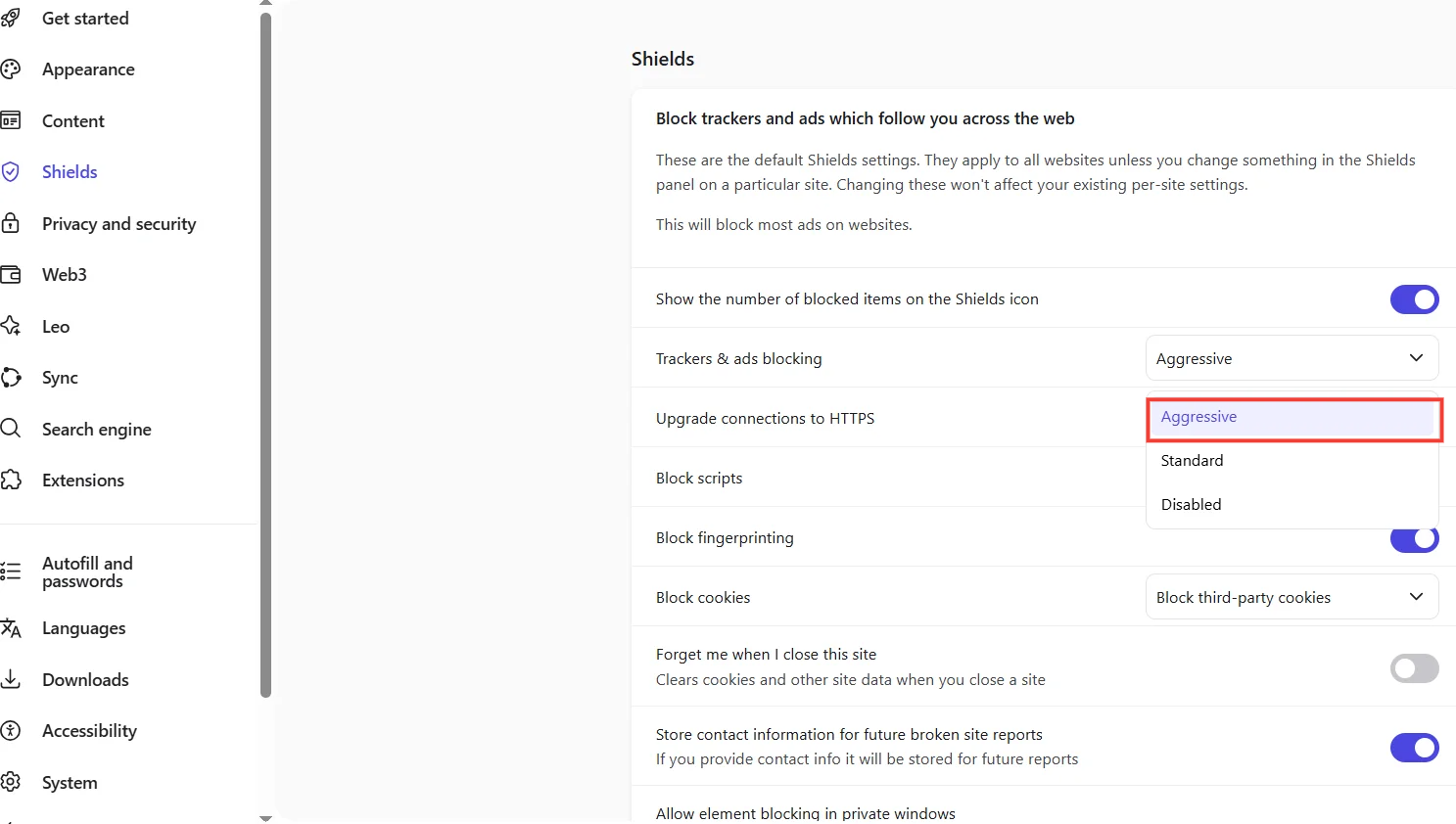
These hidden settings also resolve Twitch and YouTube ad leakage for a large portion of users.
Android: Fix the CNAME Uncloaking Gap:
On Windows, brave://flags/#brave-adblock-cname-uncloaking defaults to enabled. On some Android builds, CNAME uncloaking may not be enabled by default. If the flag is available, enabling it can improve tracker detection, but may affect stability.
- Settings → Shields → Aggressive
Open brave://flags/#brave-adblock-cname-uncloaking → set to Enabled → relaunch
- If you experience instability, revert and use DNS-level blocking (Level 3) for CNAME protection instead
Validate (2 minutes): Run adblock tester, load a heavy-ad news site, then watch your problem streaming platform for 5 minutes. If ads are gone and sites work, stop here.
3 Best Brave Shields Alternatives to Try Instead
If tuned Shields still leaks, replace the ad-blocking layer with one tool.
| Tool | Best for | Streaming | Tracker depth | Cosmetic cleanup | Setup |
|---|---|---|---|---|---|
| Blockify | Streaming, set-and-forget | ★★★★★ | ★★★★ | ★★★★ | ~1 min |
| uBlock Origin Lite | Lightweight, trusted name | ★★★ | ★★★★ | ★★★ | ~2 min |
| AdGuard Extension | Granular filter control | ★★★★ | ★★★★ | ★★★★ | ~3 min |
Blockify: Best for Streaming Ad Blocking on Brave
Blockify blocks ads on Twitch, Hulu, and nuisance ads across many sites, exactly the dynamically injected audio/video ads that trip up Shields sometimes. It uses a dual-layer mechanism with automatic ad-muting as fallback when blocking fails.
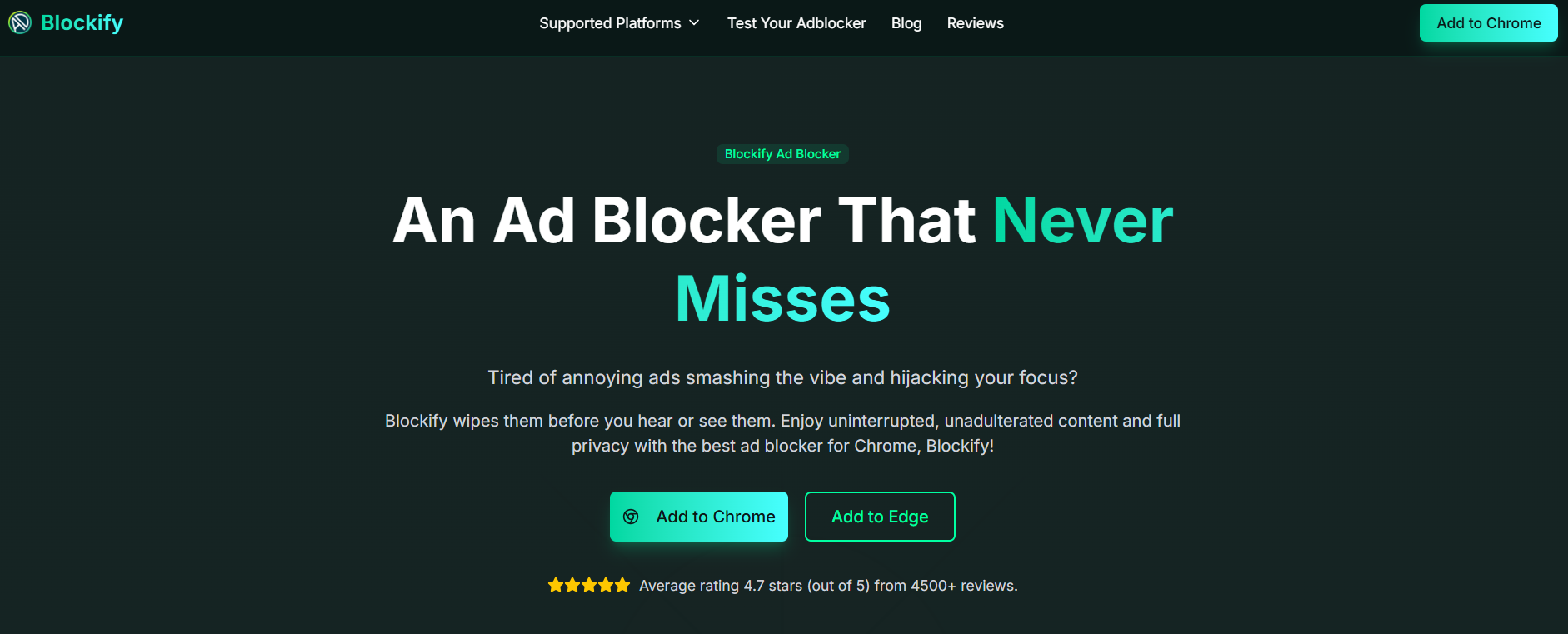
Stats: 4.8 average rating from 5.3K ratings on the Chrome Web Store, with 300,000 users.
Clean swap setup:
- Install Blockify from the Chrome Web Store
- Settings → Brave Shields → set Trackers & ads blocking → Disabled (or per-site for gradual trial)
- Keep active: fingerprinting protection, HTTPS upgrades, cookie controls
- Test on your streaming platforms + run adblock tester
uBlock Origin Lite (MV3)
The MV3-compatible successor to uBlock Origin; lighter, simpler, more limited. ‘
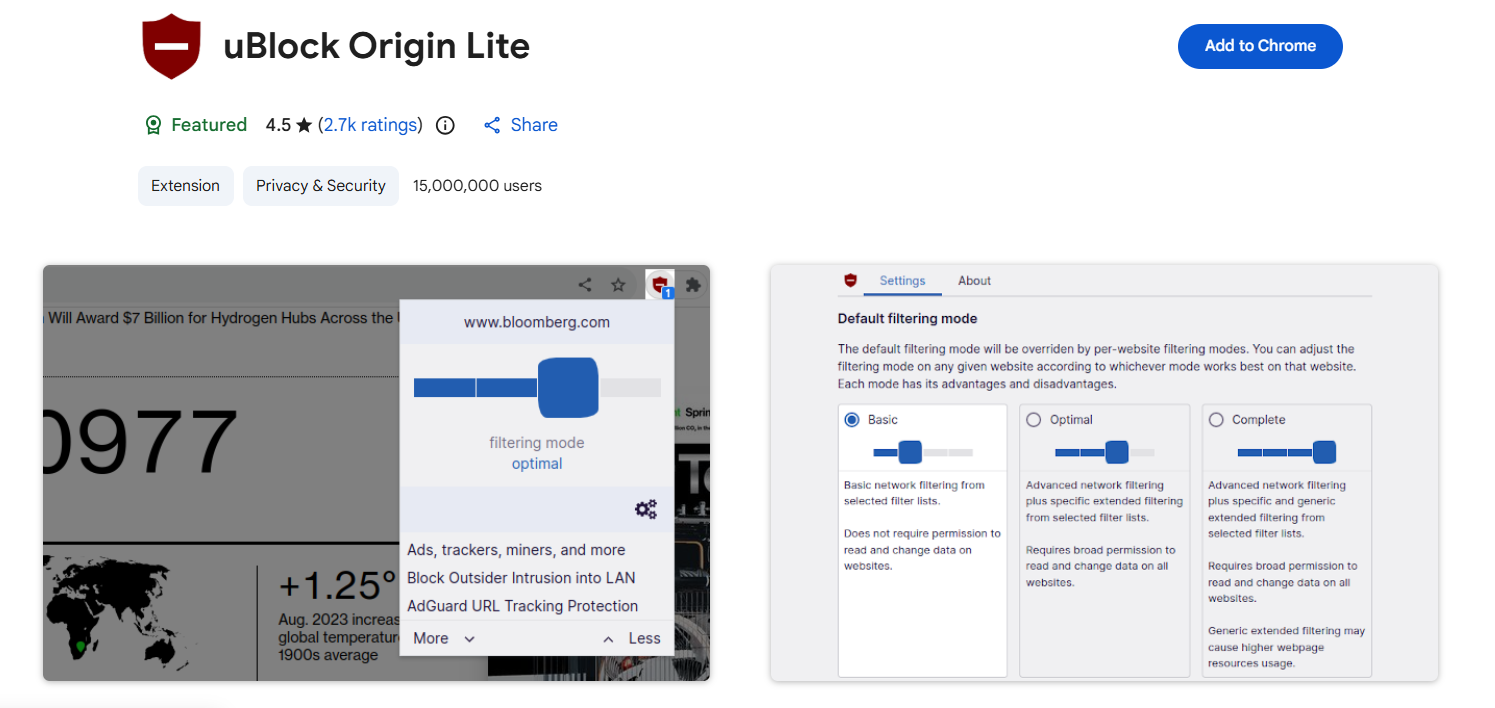
You lose: dynamic filtering dashboard, advanced request logger, full procedural cosmetic filters, uncapped rules.
You keep: trusted maintenance, solid default lists, low resource usage. Its MV3 limitations mean it won't match Shields' native capabilities in rule volume or procedural filtering.
Setup: Install → disable Shields ad blocking → select protection level → validate.
AdGuard Extension (MV3)
More visible filter control than Shields or uBO Lite; toggle ad, privacy, annoyance, and social widget categories independently with per-site allowlists.
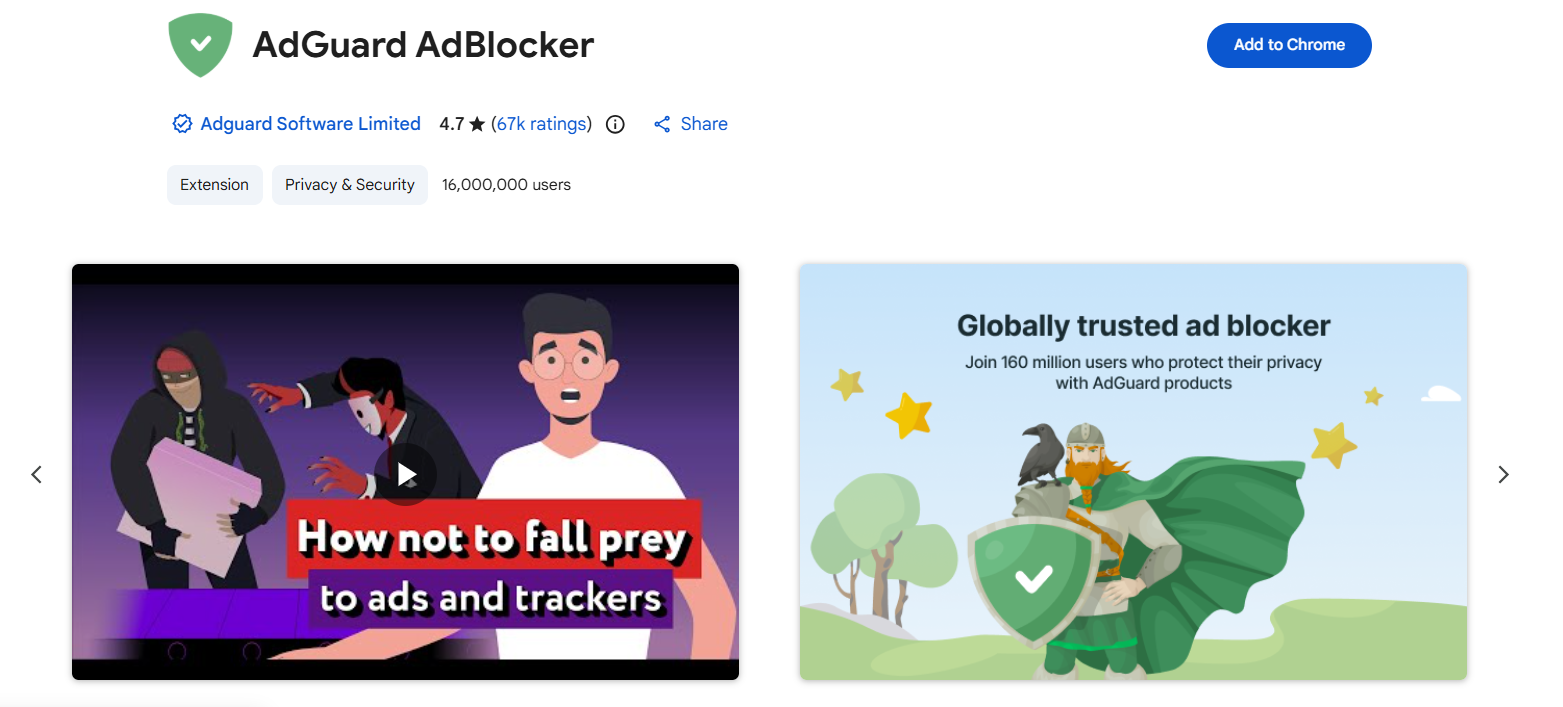
Setup: Install → disable Shields ad blocking → enable only needed filter categories → test logins and video playback.
Brave Shields Alternatives for System-Wide Protection
For tracking beyond the browser, mobile apps, smart TVs, games, DNS-level or system-level filtering works alongside Brave without triggering the double-blocking paradox.
DNS-Level Blocking: Best Alternative to Brave Shields for Online Privacy Across Apps
DNS filtering intercepts ad/tracker domains at the network level, protecting every app and device.
| Feature | NextDNS | Control D |
|---|---|---|
| Free tier | 300,000 queries/month | Limited |
| Paid | $1.99/mo or $19.90/yr (unlimited) | $2–4/mo or $20–40/yr |
| Strengths | Extensive blocklists, parental controls | Granular geo-filtering, device profiles |
Setup in Brave (any platform):
- Create profile at nextdns.io or controld.com → copy your DoH endpoint
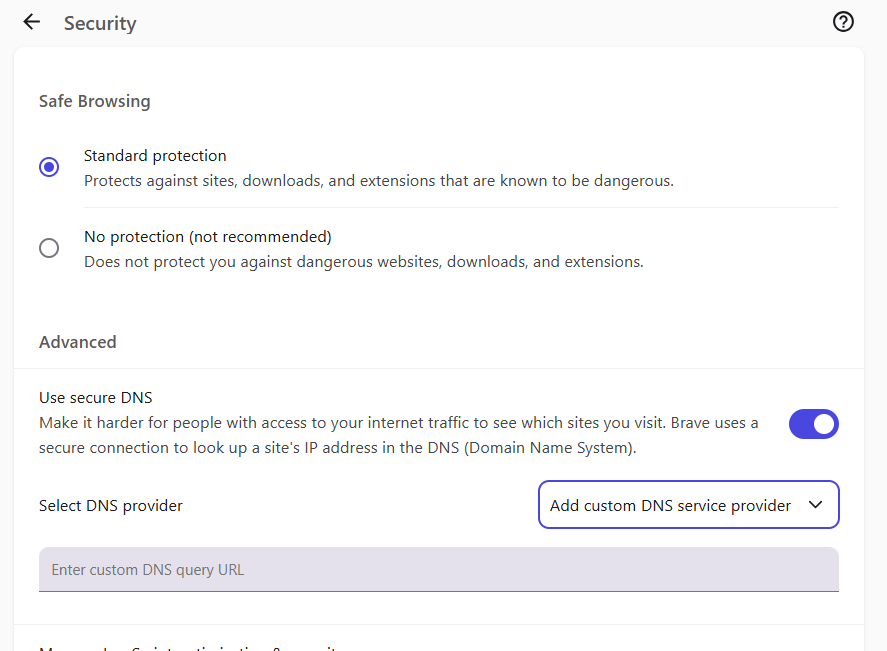
- Brave Settings → Privacy and security → Security → Use secure DNS → Custom → paste endpoint
- Keep Shields at Standard/Aggressive for cosmetic filtering, or minimal if DNS handles most blocking
Critical limitation: DNS cannot block in-stream YouTube/Twitch ads. Those serve from the same domains as video content. DNS excels at tracker domains, ad servers, and telemetry across all apps.
System-Level: AdGuard App (Strongest Cross-Browser Alternative)
AdGuard filters all traffic from all browsers and apps, unconstrained by MV3. Install → enable browser protection → disable Shields ad blocking → test. Trust note: AdGuard's HTTPS filtering requires installing a certificate, granting it visibility into encrypted traffic. Install only from the official site.
Looking to Block Streaming Ads?
Streaming platforms inject ads directly into the video stream, sometimes server-side, sometimes through the player. Traditional filter lists blocking can't help when ads come from the same domain as your video. This is a cyclical cat-and-mouse game; any solution may need adjusting every few months.
Do this in order:
- Shields tuned up — Aggressive + Experimental and Twitch filter lists at brave://settings/shields/filters
- If ads persist, clean-swap to Blockify (dual-layer, designed for dynamic injection) or system-level AdGuard. Disable Shields' ad blocking first.
- DNS for privacy, not in-stream ads, use it for network-wide tracker blocking
Avoid: single-platform extensions from unknown publishers, extensions requesting excessive permissions, tools last updated 6+ months ago, and any "works perfectly" claims without caveats.
Troubleshooting
Open the problem site in a Private Window (no extensions). Works? An extension is the culprit. Then disable one layer at a time — extension → Shields → DNS — re-testing after each.
| Symptom | Likely cause | Fix |
|---|---|---|
| Login loops | Blocked auth scripts/cookies | Allowlist site in blocker |
| Video won't play | Cosmetic filter hiding player | Disable cosmetic filtering for that site |
| Checkout fails | Blocked payment processor | Allowlist site + payment domain |
| Cookie banner stuck | Annoyance list conflict | Disable annoyance filters for that site |
Rule of thumb: Disable annoyance/cosmetic filters first (they break the most), never run two browser-level cosmetic filter sets, and test payment flows before calling your setup done.
FAQ
What Is the Best Brave Shields Ad Blocker Alternative in 2026?
Tune Shields first (Aggressive + experimental lists). For stronger streaming blocking, Blockify is a strong set-and-forget option. For whole-device privacy, NextDNS or Control D extends protection beyond the browser.
Is There an Ad Blocker Better Than Brave Shields?
For streaming ads, Blockify and system-level AdGuard outperform Shields using detection methods beyond static lists. For cross-device privacy, DNS filtering covers more ground. For general browsing, tuned Shields is competitive with or stronger than most MV3 extensions because it's exempt from Chromium's extension API limits.
How Do I Replace Brave Shields Without Breaking Sites?
Install your replacement, then disable only Trackers & ads blocking in Shields, keep fingerprinting, HTTPS, and cookie controls active. Test logins, video, checkouts, and cookie banners.
Can I Use Brave Shields with Another Ad Blocker?
Avoid two browser-level blockers simultaneously, as it can lead to redundant lists, more CPU, worse fingerprint. What works: Shields for cosmetic/page-level filtering + DNS for network-wide tracker protection.
Why Does Brave Android Feel Weaker Than Desktop?
CNAME uncloaking defaults to enabled on Windows but disabled on Android (to prevent crashes). Fix: set Shields to Aggressive and enable brave://flags/#brave-adblock-cname-uncloaking. If unstable, use DNS-level CNAME protection instead.