
Stop wasting time testing broken browser extensions. Currently, in 2026, uBlock Origin is still the best ad blocker for Firefox.
But the web has changed. While traditional extensions effortlessly wipe out static banners and tracking scripts, they now frequently crumble against unskippable YouTube mid-rolls, baked-in sponsorships, and aggressive anti-ad-block walls.
I tested the top ad blockers to see what actually works. Here is the definitive, no-fluff ranking of the top-rated and free ad blockers for Firefox. This guide covers what to install, what to avoid, and exactly how to finally silence modern streaming ads.
Do Ad Blockers Still Work on Firefox in 2026?
The most effective ad blockers available for Firefox are uBlock Origin (best overall free blocker), AdGuard (best polished alternative), and Ghostery (best for absolute beginners). For optimal performance, install only one primary ad blocking extension at a time.
Yes. Firefox remains the strongest mainstream browser for ad blocking, but no single extension stops every modern ad format flawlessly.
While it actively supports robust content filtering, making it structurally superior to browsers restricting extensions. However, the effectiveness depends heavily on the ad format.
What they handle perfectly
- Standard page banners and pop-ups.
- Hidden tracking scripts and cookies.
- Intrusive page clutter and autoplay videos.
Where they currently struggle
- Ads stitched directly into server-side video or audio streams.
- Aggressive, rapidly changing anti-ad-block prompts.
- In-video creator sponsorships.
- Cross-device ads outside the Firefox ecosystem.
Firefox built-in protection vs. extensions
Firefox includes Enhanced Tracking Protection by default. This built-in feature effectively blocks cross-site trackers from harvesting your data. However, it does not hide visual ads or stop YouTube interruptions. For a genuinely clean web, you need a dedicated extension.
How to Choose the Best Firefox Ad Blocker (3 Key Factors)
Prioritize high blocking strength, low performance overhead, and transparent business models over endless feature lists.
Stop judging extensions by bloated feature checklists. When comparing tools, focus on three critical criteria:
- Blocking strength: It must kill static ads, pop-ups, and trackers instantly without relying on constant manual filter list updates.
- Performance impact: A proper tool speeds up your browser. An MDPI study confirmed uBlock Origin reduces page load times by 28.5%, potentially saving users over 100 hours annually. Separately, Marmelab research shows cutting ads reduces a website's carbon emissions by 37%.
- Privacy model: Always verify the developer's business model. Avoid extensions relying on Acceptable Ads programs, where advertisers pay to bypass the filter list. Stick to open-source or transparent tools.
Firefox Ad Blockers Compared: Features, Speed & Limitations
I ranked these tools based on real-world blocking power, browser speed, interface design, and their biggest blind spots.
Extension |
Best For |
Blocking Power |
Performance |
Ease of Use |
Main Limitation |
uBlock Origin |
Best default free pick |
5/5 |
5/5 |
3/5 |
Video sites occasionally require manual filter updates |
AdGuard |
Balanced power & design |
4/5 |
4/5 |
4/5 |
Easy to confuse with their paid desktop software |
Ghostery |
Beginners wanting simplicity |
3/5 |
4/5 |
5/5 |
Lacks deep customization for power users |
Surfshark |
Users needing a VPN bundle |
3/5 |
3/5 |
4/5 |
Weakest standalone blocker on this list |
1. uBlock Origin
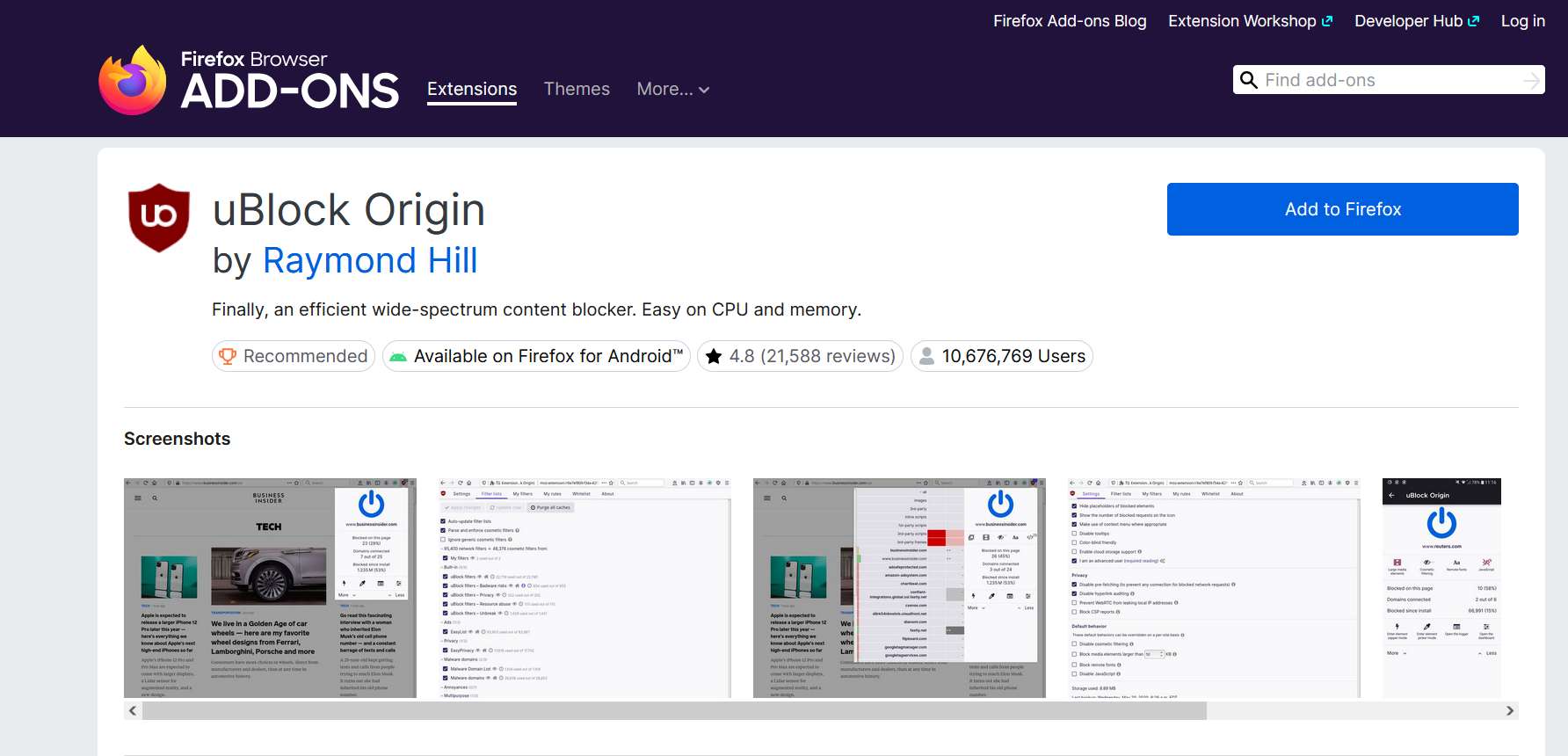
This is the best ad blocker for Firefox overall. It delivers maximum content-filtering power with virtually zero memory overhead.
- Best for: Users who want the strongest free protection available without taxing their system resources.
- The catch: You might occasionally need to manually update your filter lists when sites like YouTube deploy new anti-blocker scripts. Always use the official Mozilla Add-ons page link to avoid clones.
2. AdGuard AdBlocker
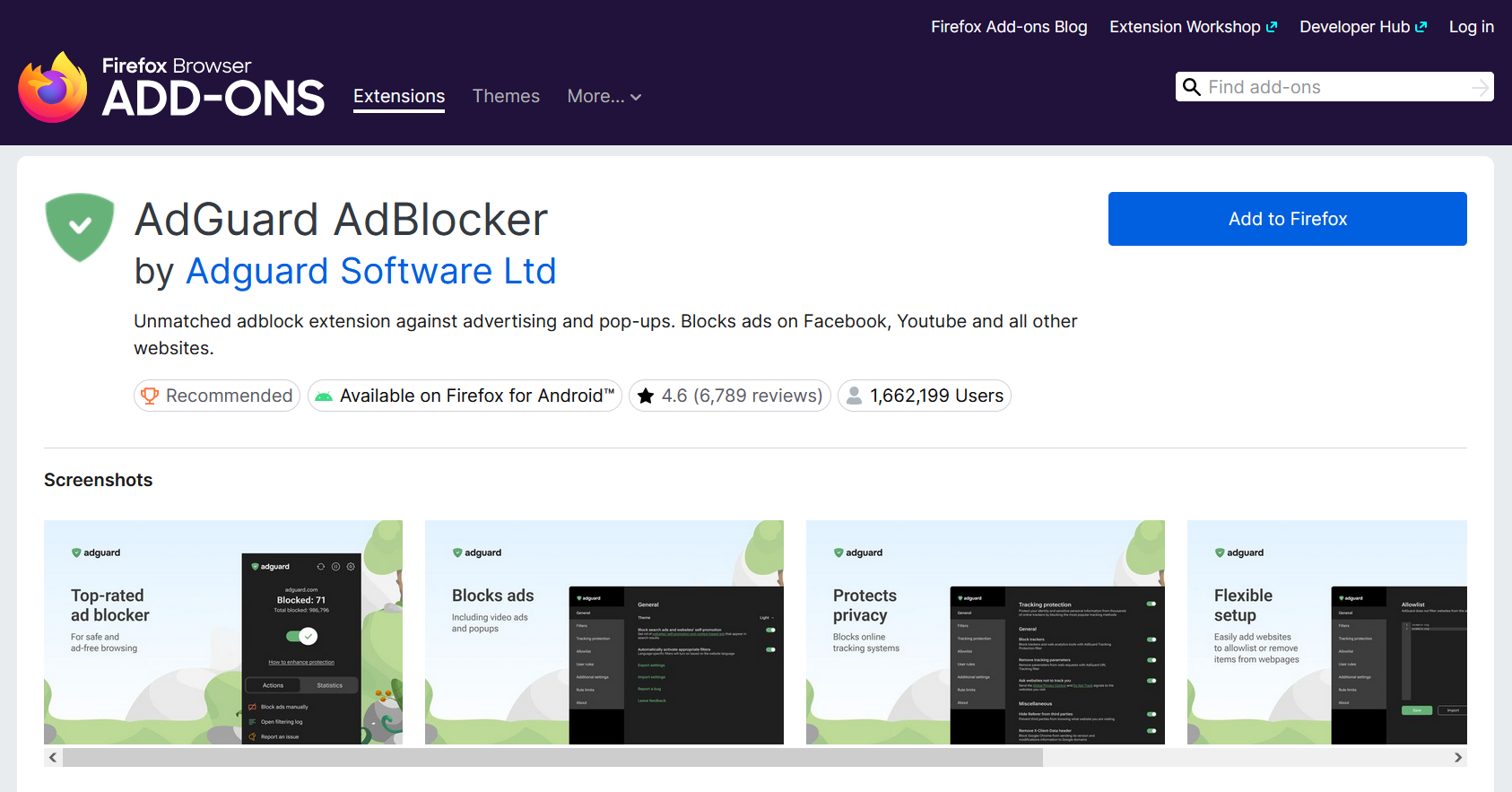
AdGuard is the strongest alternative to uBlock Origin. It offers robust blocking wrapped in a highly polished, intuitive interface.
- Best for: Users who want premium-level protection and granular controls without a steep learning curve.
- The catch: The company aggressively cross-promotes its paid desktop software. The free browser extension is sufficient for most Firefox users.
3. Ghostery
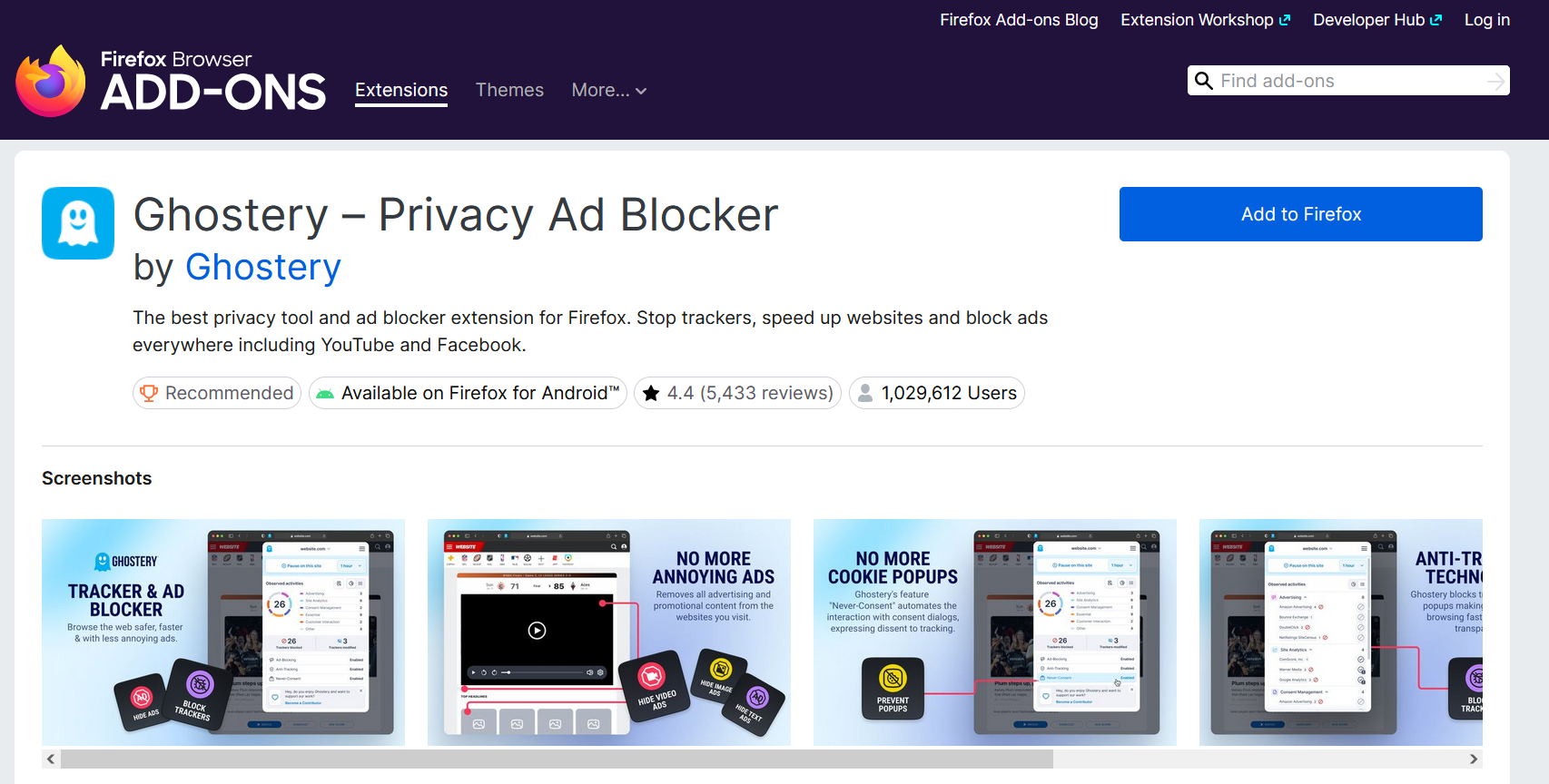
Ghostery excels as the most beginner-friendly tracker and ad blocker on the market. It visually breaks down exactly who is tracking you on every page.
- Best for: Non-technical users prioritizing a fast, set-and-forget setup with clear privacy analytics.
- The catch: It lacks the advanced custom rule-writing flexibility power users expect.
4. Surfshark CleanWeb
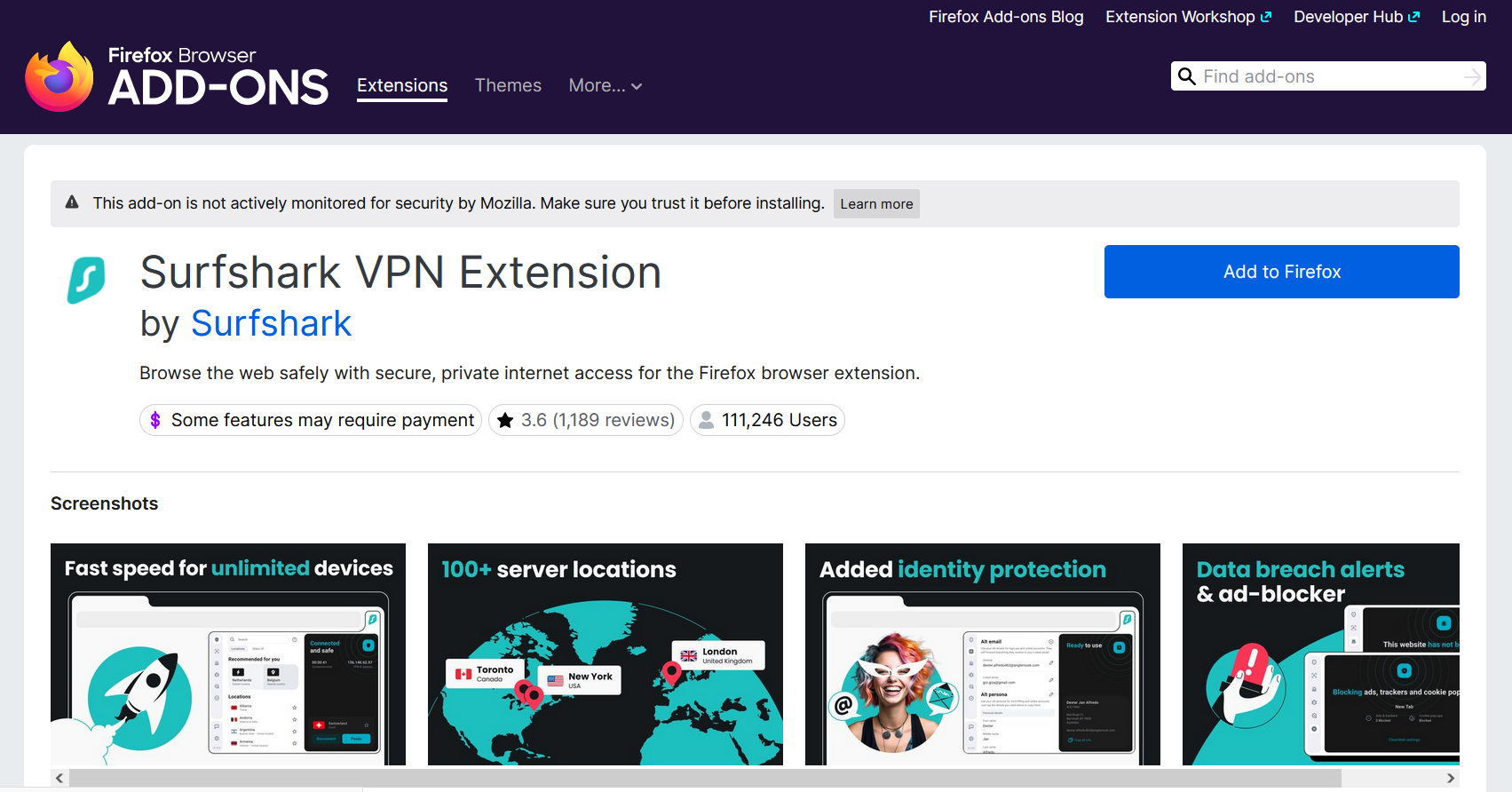
CleanWeb is integrated directly into Surfshark's ecosystem. It blocks ads, trackers, and malicious links at the DNS level when connected.
- Best for: Privacy seekers actively shopping for a comprehensive VPN bundle.
- The catch: Do not buy this purely for the Firefox extension. The value relies entirely on needing the VPN.
Why Most Ad Blockers Fail Against Modern Ads
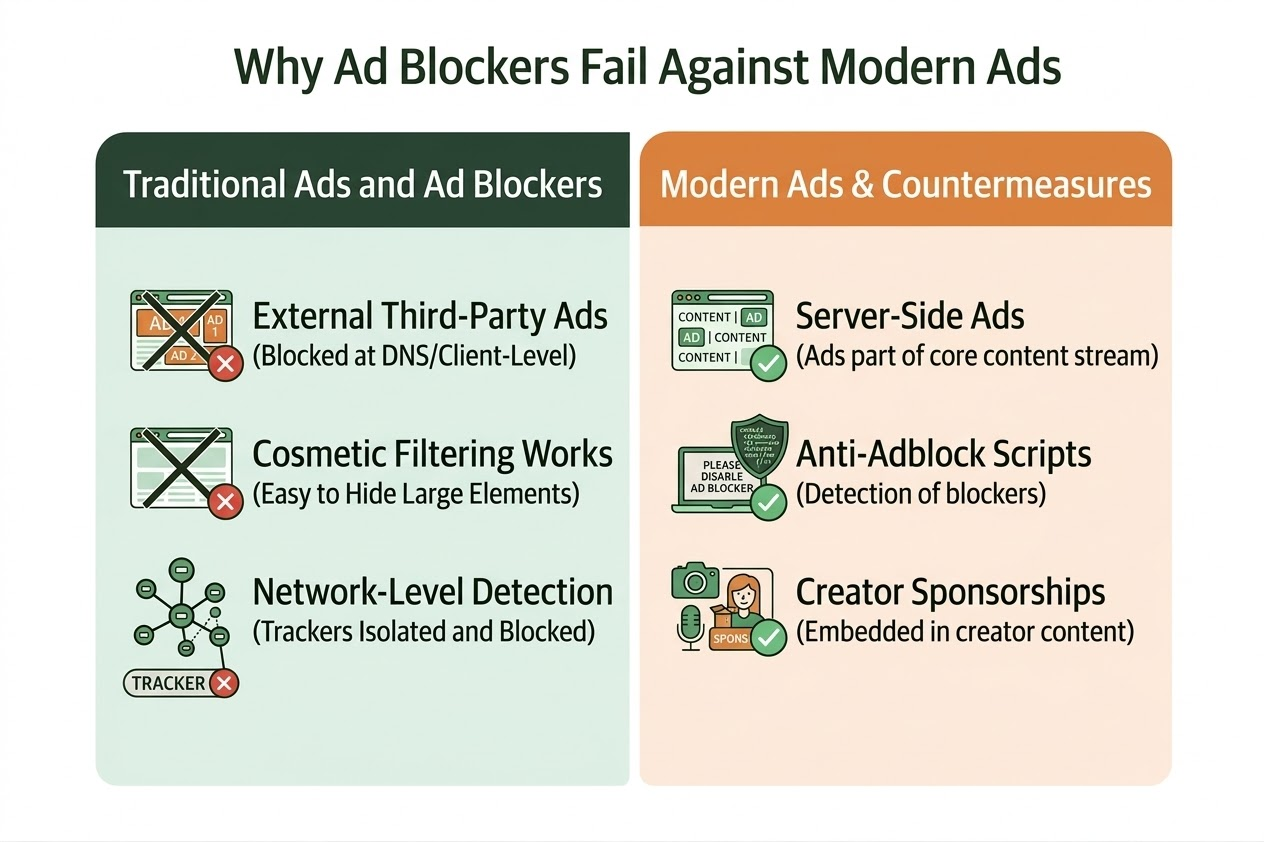
Standard extensions block distinct ad requests. They fail when platforms stitch ads directly into the media stream or bake them into the video file.
Video Streams vs. Page Ads
Traditional ad blockers act like bouncers, stopping specific server requests from entering your browser. This works flawlessly for banners. It fails when a platform delivers an ad through the exact same video stream as the content itself (server-side ad insertion).
The Anti-Ad-Block Arms Race
Publishers constantly update their detection methods. When YouTube escalated its war on blockers, All About Cookies reported a 336% spike in traffic to ad-blocker pages as users scrambled to fix their broken setups. The modern landscape requires constant filter updates.
Baked-in Sponsorships
When a creator reads a sponsored pitch mid-video, no traditional blocklist can catch it because it is permanently edited into the video file.
Best Firefox Ad Blocking Setup (Based on Your Use Case)
Match the tool to the exact problem. Never stack multiple primary ad blockers, as they cause conflicts and break websites.
Stop guessing. Use this framework to solve your specific ad problem:
- The default setup: Install uBlock Origin. Leave Firefox's Enhanced Tracking Protection on. Done.
- The beginner setup: Install Ghostery. It requires zero configuration.
- The YouTube power-user setup: Use uBlock Origin alongside SponsorBlock. SponsorBlock is a crowdsourced companion extension that automatically skips baked-in creator sponsorships and intros.
- The whole-home setup: Configure a DNS sinkhole like NextDNS or Pi-hole. This blocks ads across your smart TVs, gaming consoles, and mobile apps outside the Firefox ecosystem.
The Golden Rule: Never run uBlock Origin, AdGuard, etc., simultaneously. Stacking primary blockers does not increase protection. It drains battery life, creates filter conflicts, and breaks website functionality.
Blocking Ads on Firefox for Android
Firefox for Android allows you to install desktop-grade ad blockers directly on your smartphone.
Unlike other mobile browsers, Firefox for Android officially supports add-ons. You can install your preferred desktop ad blocker directly onto your phone, completely transforming the mobile web experience. Apply the exact same logic. Use uBlock Origin for maximum power or Ghostery for simplicity on the go.
If you need system-wide mobile blocking inside standalone apps or free mobile games, you must deploy a DNS-level blocker. Browser extensions cannot reach outside the Firefox app.
Final Verdict: Which Firefox Ad Blocker Should You Choose?
Finding the best ad blockers for Firefox does not require installing ten different tools.
If you want the most powerful, resource-light solution, install uBlock Origin. If you prefer a visual, beginner-friendly interface, choose Ghostery or AdGuard.
Finally, if you want to eliminate in-video creator pitches, run SponsorBlock alongside your primary choice.
Ad blocking in 2026 is about precision. Pick the one tool that solves your specific problem, install it from the official Firefox Add-ons store, and reclaim your browser.
FAQs
Do Ad Blockers Still Work on Firefox in 2026?
Yes. Firefox still supports strong content blocking for banners, pop-ups, trackers, and many video ads. The main gaps are server-side inserted video ads and baked-in sponsorships.
What are the Most Effective Ad Blockers Available for Firefox?
The most effective Firefox ad blockers are uBlock Origin for general browsing, AdGuard for a polished alternative, and Ghostery for simplicity.
What Is the Best Free Ad Blocker for Firefox?
uBlock Origin is the best free ad blocker for Firefox for most users because it offers strong blocking, low resource use, and flexible filter lists.
Can Firefox Ad Blockers Block YouTube Ads?
They often can, but results change as YouTube updates detection and ad delivery methods. For the best results, use one well-maintained blocker and keep its filters updated.
What Features Should I Look for in a Firefox Ad Blocker?
Look for strong blocking power, low CPU and RAM usage, transparent privacy practices, active filter maintenance, and good handling of pop-ups, trackers, and video ads.