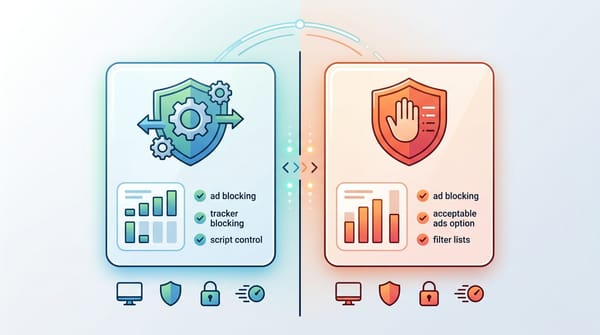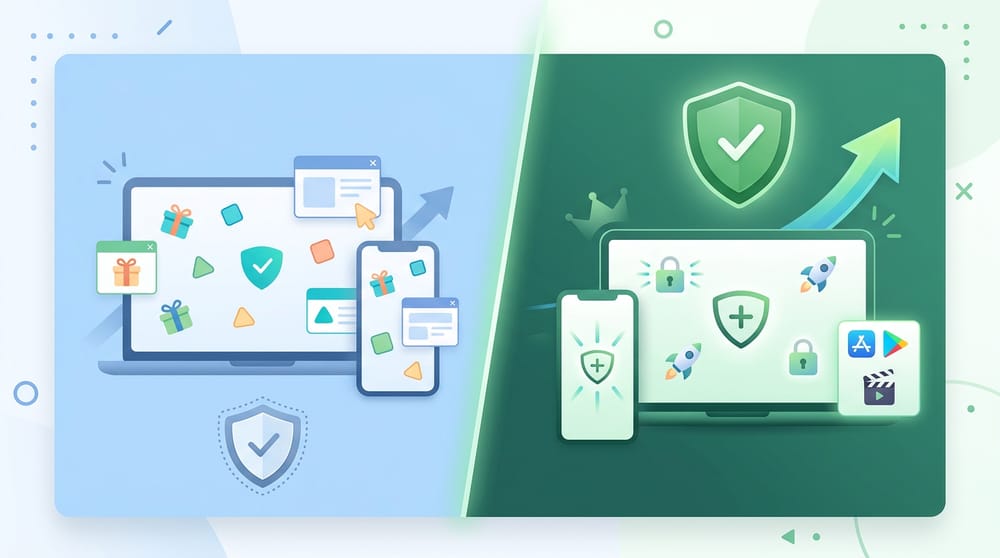
The main difference in the adguard premium vs free comparison is scope. AdGuard Free is a browser extension that blocks ads strictly on web pages. AdGuard Premium is a paid, system-wide application that blocks ads, trackers, and adult content across all desktop software and mobile apps while adding custom DNS routing.
Most people assume paying for an ad blocker guarantees it catches more ads on web pages. That is a misconception. With AdGuard, the free extensions and the paid desktop apps perform identically inside your browser. I regularly see users pay for a license only to realize they never needed it.
If you are reading an adguard premium review to figure out if you should upgrade, stop looking at browser performance. Look at your device habits. The free tier protects the browser window; the premium tier protects the entire operating system.
(Methodology: I judged both tiers based on browser parity, app coverage, platform limits, privacy tools, setup friction, and price).
Quick Verdict: Is AdGuard Premium Worth It?
Stay on the free version for web browsing. Upgrade to premium to block ads inside desktop software and mobile apps.
Is adguard premium worth it? Use this quick checklist to find your answer:
- Stay Free if your ads live mostly on websites inside Chrome, Edge, Safari, or Firefox.
- Upgrade if you want ad blocking inside mobile apps, desktop software, or need system-wide privacy controls.
- Think twice if you use a separate VPN on Android. AdGuard requires the local VPN slot to work.
- Be selective on iPhone and iPad. Apple restricts system-wide ad blocking, keeping the value narrower here.
- Consider AdGuard Home if you want whole-home DNS-level coverage and know how to self-host.
What AdGuard Free and Premium Actually Are
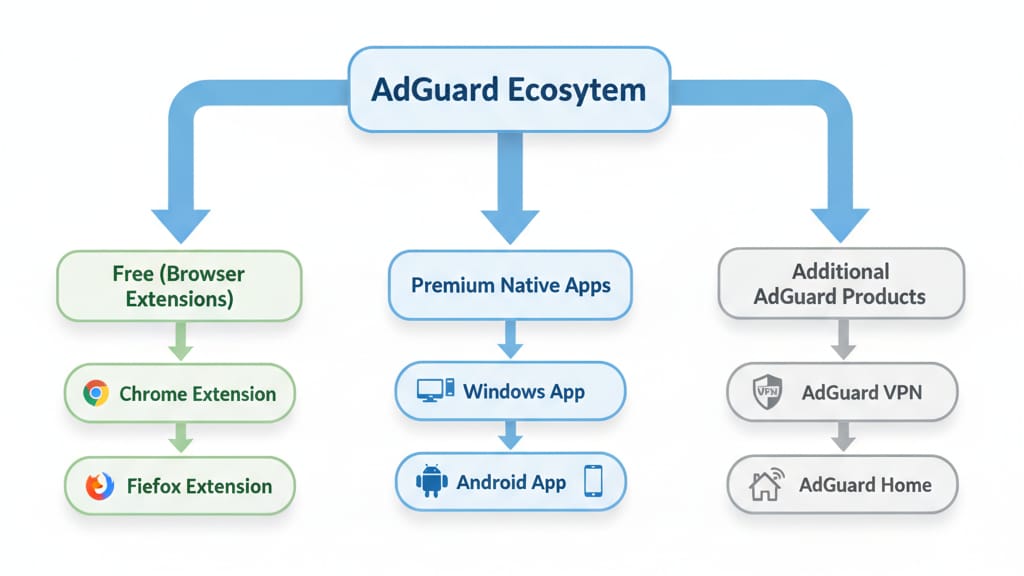
People often compare a free browser extension to a paid desktop app. These operate on two completely different delivery layers.
AdGuard Free: Browser Extension First
The adguard browser extension free vs paid debate misses the mark because the browser extensions are entirely free. The free mobile modes face heavy restrictions by platform rules.
Free Android blocks ads only inside mobile browsers.
Free iOS blocks ads and trackers strictly in Safari.
AdGuard Premium: Full Application Layer
Premium provides a license that unlocks device-wide filtering. It grants access to the standalone desktop apps for Windows and Mac, advanced Android/iOS app blocking, and custom DNS filters. Licenses come in Personal (3 devices) and Family (9 devices) tiers.
Does AdGuard Premium Block Ads Better Than Free?
Inside the browser, they block ads equally well. Outside the browser, Premium is the only option that works.
Browser Parity
Both versions score a perfect 100/100 in AdBlock Tester benchmarks. This parity means browser ad blocking alone is not the best reason to pay. If your only frustration is reading articles cluttered with banners, the free extension solves your problem.
The Manifest V3 Reality
You might have heard that Manifest V3 (MV3) crippled free browser extensions, forcing users to buy desktop blockers. A peer-reviewed 2026 PoPETs study found no statistically significant reduction in ad-blocking effectiveness for MV3 blockers compared to their MV2 counterparts. Consider the desktop app as future-proofing, not an urgent rescue purchase.
Platform-by-Platform Verdict
Buy for your specific hardware. Premium delivers massive value on Windows and Mac, but faces strict operating system limits on iOS and Android.
Windows and macOS
This is the strongest use case for an upgrade. You get full app-based filtering and broader protection than the extension provides. It fits perfectly if you want one unified tool handling every browser and app on your computer.
Android Constraints
Value here is strong but highly conditional.
- The VPN conflict: AdGuard uses a local VPN to filter app traffic. Android allows only one active VPN at a time. If you run NordVPN or ProtonVPN, you cannot run AdGuard in local VPN mode simultaneously.
- Installation friction: You must manually install the APK directly from AdGuard and navigate Android's side-loading warnings.
iPhone and iPad Limitations
Premium on iOS operates with a much narrower scope. The standard AdGuard iOS app remains Safari-first for the strongest blocking.
Premium features add custom DNS routing and privacy filters, but Apple's system limits keep native-app ad removal far less comprehensive.
AdGuard Premium Features That Actually Matter
Only pay for the adguard premium features you plan to use. Extra toggles waste money if they do not solve your specific daily friction points.
System-Wide Filtering
When filtering moves beyond the browser, it intercepts traffic from standalone software. This removes tracking built into native Windows applications and cleans up mobile games.
DNS Filtering and Stealth Mode
DNS filtering blocks ad domains before they even load on your network. Stealth Mode strips tracking parameters, blocks third-party cookies, and hides your search queries. The user-facing outcome is less fingerprinting and fewer targeted ads following you across the web.
HTTPS Decryption
To block ads on secure websites, AdGuard must decrypt and filter HTTPS traffic by replacing the website's certificate with its own. AdGuard excludes financial and sensitive sites by default to protect your data, but this creates a fundamental security trade-off you must accept.
What AdGuard Premium Cannot Do
Premium improves your coverage map, but it does not grant perfect ad immunity.
Server-Side Ad Insertion (SSAI)
Premium struggles with SSAI. Platforms like Twitch and Hulu stitch ads directly into the video feed on their servers. Because the ad and the video come from the exact same source, device-level blockers cannot separate them easily.
Creator-Baked Sponsorships
No filter list can skip a podcast host physically reading a sponsor script. Embedded sponsor messages remain part of the media stream itself.
AdGuard Premium Price: What Are You Buying?
Do the break-even math on annual versus lifetime licenses to ensure you get the best return on your investment.
When weighing the adguard premium price, check the official website for live numbers. Do not rely on stale pricing from old reviews. A Personal license covers 3 devices. A Family license covers 9.
Lifetime licenses can pay for themselves over time compared with annual billing. I recommend framing the lifetime tier as a bet on your long-term usage, keeping in mind that operating system rules could change and limit functionality.
Alternatives if Premium is Not the Right Fit
Pick the lightest tool that solves your actual problem.
The Free Power-User Path: AdGuard Home
If you have the technical skills, self-hosting AdGuard Home provides whole-home DNS blocking. It covers smart TVs, IoT devices, and guest phones without device limits. Pair that with the free browser extension on your laptop for cosmetic filtering, and you have an enterprise-grade setup for zero dollars.
The Browser-First Streaming Alternative: Blockify
If your main frustration centers around web-based audio and video ads, a system-wide privacy suite is likely the wrong tool. Modern ad blockers have to fight dynamic streaming ads that traditional filter lists miss.
Blockify is a modern alternative built specifically for browser streaming environments. It uses intelligent detection to neutralize audio and video ads on platforms like Spotify Web Player, YouTube, Twitch, and Hulu. It focuses purely on cleaning up the browser-based streaming experience. It does not block ads inside standalone desktop or mobile apps, making it a highly targeted solution if your pain points are strictly web-based media.
Final Recommendations by User Type
Stop debating adguard free vs premium in the abstract. Base your choice entirely on your daily internet habits.
Stay Free if:
- You mostly browse the web on a laptop or desktop.
- You watch YouTube inside a browser, not via the native mobile app.
- You do not need DNS routing or app-level blocking.
Upgrade to Premium if:
- You want system-wide blocking across Windows, Mac, or Android.
- You want to stop tracking inside desktop software and mobile games.
- You plan to utilize HTTPS filtering and Stealth Mode.
Use AdGuard Home or DNS if:
- You want network-wide coverage for smart TVs and consoles.
- You have a massive household exceeding the 9-device Family limit.
Consider Blockify if:
- Your primary frustration is video and audio ads on web streaming platforms.
- You want a lightweight, browser-first tool rather than a heavy, device-wide privacy suite.
FAQ
Is AdGuard Premium worth it if I only browse in Chrome, Edge, Firefox, or Safari?
No. Both versions score 100/100 in browser ad-blocking benchmarks. The free extension handles web-based ads perfectly on its own.
Does AdGuard Premium block ads better than the free browser extension?
Premium is broader, not better. It expands protection to desktop software and mobile apps, but its in-browser cosmetic filtering is virtually identical to the free extension.
What extra features does AdGuard Premium include?
It adds system-wide filtering, DNS-level blocking, HTTPS decryption, and Stealth Mode privacy controls. You also gain access to standalone desktop apps for Windows and Mac.
Does AdGuard Premium block ads in apps?
Yes, but with caveats. It excels on Windows and Mac. On Android, it works well but requires your sole VPN slot.
On iOS, Apple's system limits make in-app blocking far less comprehensive.
Does AdGuard Premium block YouTube ads?
It blocks YouTube ads flawlessly in the browser. Blocking ads inside the native YouTube mobile app is highly volatile and frequently breaks as Google updates its code.
Can I use AdGuard Premium with another VPN on Android?
Usually, no. AdGuard relies on Android's local VPN slot to filter traffic. Android restricts devices to one active VPN connection at a time.
How much does AdGuard Premium cost?
Licenses are split by Personal (3 devices) and Family (9 devices) tiers, available in annual or lifetime billing. Always check the official AdGuard site for live pricing.