If uBlock Origin suddenly stopped working in Chrome, it wasn’t removed for being unsafe, it became incompatible. Google’s shift from Manifest V2 to Manifest V3 changed how extensions block content, breaking the core functionality that classic uBlock Origin relied on.
This guide explains exactly why uBlock Origin was removed from Chrome, what Manifest V3 changed, and the best alternatives you can use right now.
Why Chrome Removed uBlock Origin (Manifest V3 Explained)
Google officially phased out Manifest V2 (MV2), the underlying extension architecture that classic uBlock Origin required to dynamically intercept and block network requests.
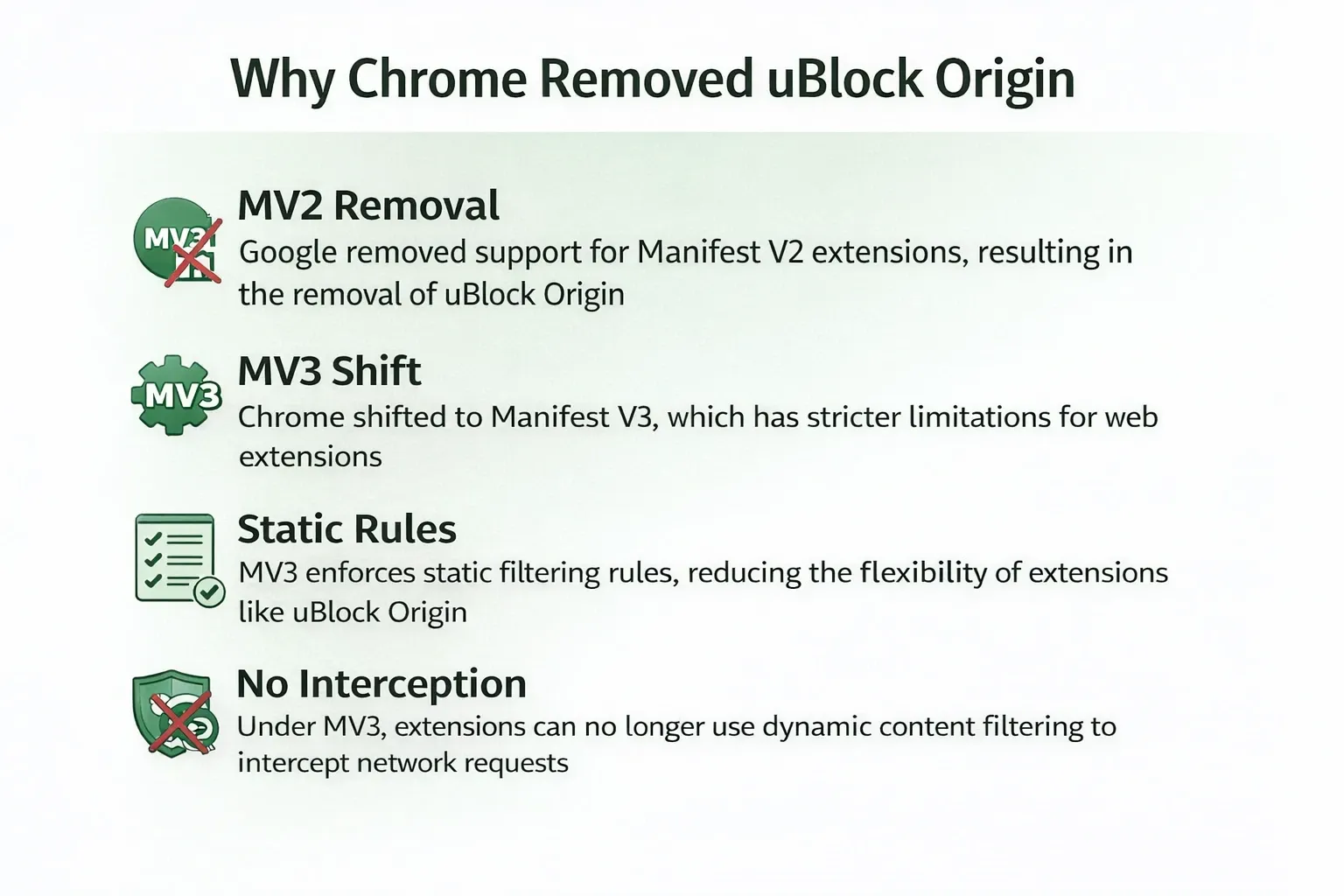
uBlock Origin was not banned for being malicious; it simply became fundamentally incompatible with Chrome's new Manifest V3 (MV3) security and performance framework, leading to its functional removal from the browser.
The Shift to declarativeNetRequest (DNR)
Under MV2, ad blockers used the webRequest API to pause a network request, read it in real-time, and decide whether to block it.
Manifest V3 replaces this with the declarativeNetRequest (DNR) API. With DNR, the extension must hand a static list of rules to the browser in advance. The browser itself executes the blocking. Google states this shift improves user security by preventing extensions from executing unverified, remotely hosted code and reduces CPU memory overhead.
For traditional ad blockers, this architectural shift completely removed their ability to perform highly granular, dynamic, on-the-fly network interception.
Did Chrome Manifest V3 Kill Ad Blockers?
MV3 changed how blockers work, not whether blocking exists at all.
Many claim MV3 strictly limits ad blockers to exactly 30,000 rules, rendering them useless. This is false. Chrome guarantees a minimum of 30,000 static rules per extension, but dynamic rule ceilings exist under much higher shared global limits.
A peer-reviewed PoPETs 2026 study evaluated the MV3 update and explicitly tested four popular ad blockers. Researchers found no statistically significant reduction in overall ad-blocking and anti-tracking effectiveness in MV3 counterparts compared to MV2.
You will likely experience the downgrade visually (more leftover empty spaces where ads used to be) because dynamic cosmetic filtering is harder under MV3. However, core network-level blocking remains highly intact.
Read more: Does Chrome Manifest V3 Kill Ad Blockers?
uBlock Origin Status in 2026: What Still Works
During the initial 2024–2025 transition phase, users saw "no longer supported" warnings in their browser settings. This created immense confusion. By July 24, 2025, Google disabled MV2 extensions entirely across all standard Chrome channels.
What still works in 2026:
- Classic uBlock Origin: Disabled and functionally removed for standard Chrome users.
- uBlock Origin Lite (uBOL): The official, MV3-compliant replacement actively maintained by developer Raymond Hill (gorhill) on the Chrome Web Store.
- Firefox: Remains fully compatible with the classic, unrestricted uBlock Origin extension.
Is It Safe to Install uBlock Origin from Third-Party Sites?
No, attempting to sideload removed extensions introduces critical security risks.
Do not download .crx mirror files, install random GitHub forks, or use lookalike extensions promising "classic uBlock power." Since Chrome physically removed the underlying code capabilities that classic uBlock Origin relied upon, sideloading the old file will not make it work.
Installing unverified browser extensions exposes your machine directly to data theft, session hijacking, and malicious script injection.
Stick to the official Chrome Web Store or Mozilla Add-ons page, verify the developer name, and check the most recent update date.
How to Check If Your Ad Blocker Still Works in Chrome
To verify your current setup, run this quick diagnostic:
- Open your Extensions menu: Type chrome://extensions/ into your Chrome address bar and press Enter.
- Look for warning banners: Unsupported extensions will display a prominent red or gray "This extension is no longer supported" banner.
- Check the toggle switch: If the extension relies on MV2, the enable/disable toggle will be permanently grayed out.
- Check for Enterprise management: Look for a "Managed by your organization" icon at the bottom of the menu. IT administrators hold separate control over extension permissions and can force-install or disable specific blockers.
Best uBlock Origin Alternatives in 2026 (Chrome & Firefox)
Your ideal replacement depends entirely on how you consume web content. Pick the best uBlock Origin alternatives that match your technical needs.
1. If You Want the Classic uBlock Origin Experience
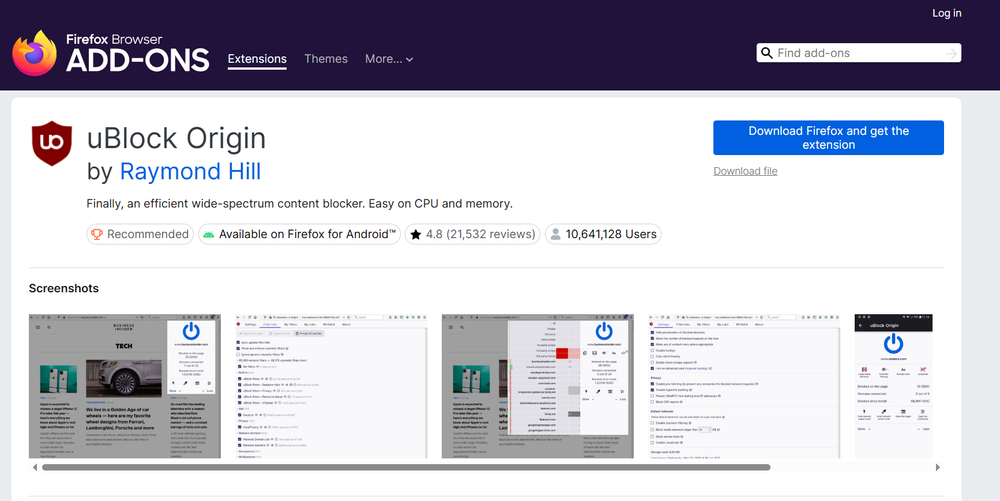
Switch to Firefox. The official uBlock Origin project actively maintains Firefox as the premier browser for the full, unrestricted extension. Mozilla continues to support the deep dynamic capabilities that MV3 removed from Chrome.
2. If You Want a Native Chrome Alternative
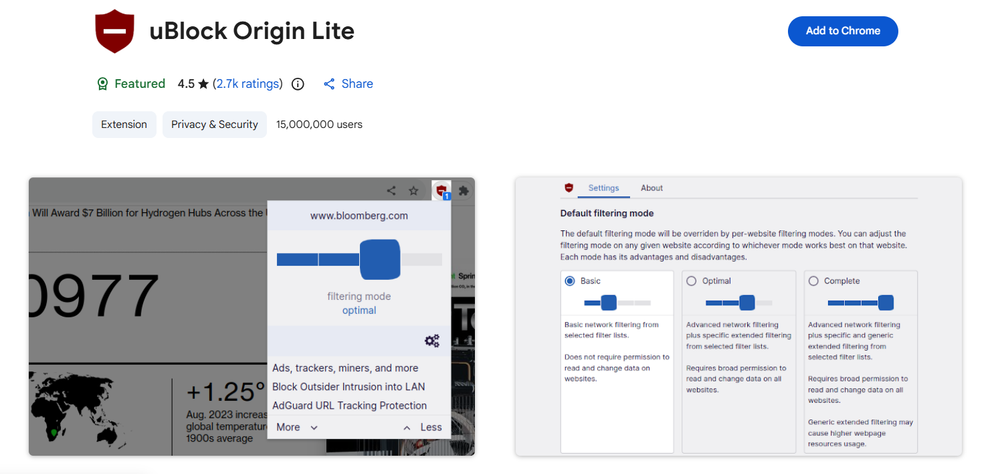
Install uBlock Origin Lite. Built by the original developer, uBOL operates natively under Google's new ruleset. It is entirely declarative, meaning it executes reliable blocking without requiring broad host permissions or consuming background CPU resources.
3. If Streaming, Video, or Audio Ads Are Your Biggest Problem
Use Blockify. Traditional network blockers often struggle with complex, server-side injected ads found on media platforms. Blockify is a modern, MV3-native browser extension engineered explicitly for both general and content-heavy browsing (like Spotify, YouTube, Hulu, and Twitch).
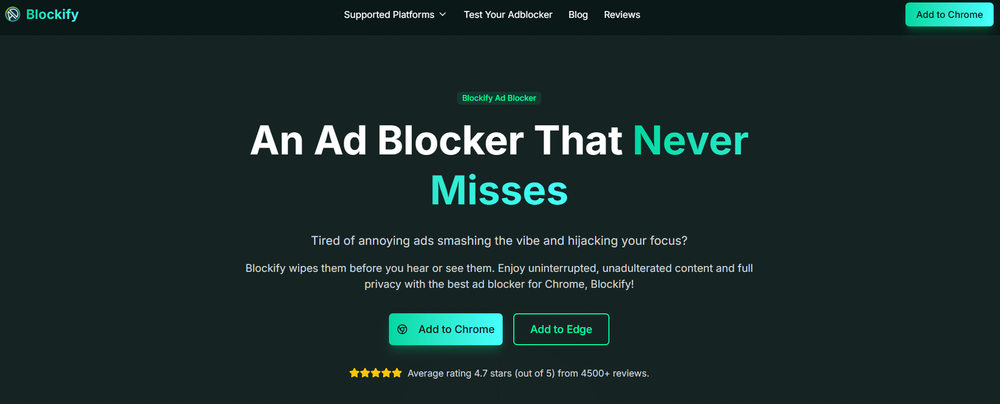
It utilizes a dual-layer blocking mechanism with intelligent fallbacks, including safe automated muting when dynamic server-side ads bypass standard network filters. Blockify serves as the premier set-and-forget solution for media-heavy users adapting to the post-MV2 Chrome ecosystem.
4. If You Use an Alt-Chromium Browser (Brave, Edge, Opera)
Browser policies differ across Chromium-based browsers. Brave includes built-in ad blocking through its Shields system, reducing the need for third-party extensions. Edge and Opera supported Manifest V2 longer than Chrome, but all Chromium browsers are gradually aligning with Manifest V3. Long-term extension support should not be treated as guaranteed.
Final Verdict: What You Should Do Now
The question of why uBlock Origin was removed from Chrome boils down to a fundamental platform architecture shift. Google deprecated Manifest V2 to push developers toward Manifest V3. This disabled classic uBlock Origin for Chrome users because the extension required MV2's deep network interception capabilities.
Manifest V3 did not end ad blocking. It changed the filtering model and reduced deep power-user flexibility. Today, your best options are migrating to Firefox for total control, installing uBlock Origin Lite for a clean Chrome experience, or leveraging specialized, modern MV3 tools like Blockify to handle aggressive streaming media ads.
FAQs
Why Was uBlock Origin Removed From Chrome?
Classic uBlock Origin was not removed because it was unsafe. It depended on Manifest V2 and Chrome's older request-blocking model, and when Chrome ended Manifest V2 support, the extension became incompatible with standard Chrome releases.
Why Was uBlock Origin Removed From the Chrome Web Store?
It was effectively removed from normal Chrome distribution because the older version no longer matched Chrome's supported extension architecture. The key change was the retirement of Manifest V2, not a malware ban or policy strike against uBlock Origin itself.
Does Manifest V3 Mean Ad Blockers No Longer Work in Chrome?
No. Manifest V3 changes how blockers work by moving them toward pre-declared rules instead of deeper real-time request interception, so some advanced filtering is reduced but ad blocking itself still exists on Chrome.
Is It Safe to Use the Removed Ad Blocker Extension From Third-Party Sources?
No. Old extension files, mirror downloads, and cloned listings can expose users to malicious code and still cannot restore Chrome capabilities that no longer exist. Stick to official extension stores and verify the publisher before installing anything.
How Do I Check if My Ad Blocker Extension Is Still Supported by Chrome?
Open chrome://extensions/, look for unsupported warnings, and check whether the extension toggle is grayed out. You should also review the extension's store listing for recent updates and clear Manifest V3 compatibility notes.
What Should I Use Instead of Classic uBlock Origin on Chrome?
On Chrome, uBlock Origin Lite is the closest official replacement. If you want the classic uBlock Origin experience, Firefox remains the strongest option, while MV3-native tools such as Blockify can make more sense for users focused on streaming, video, and audio ads.