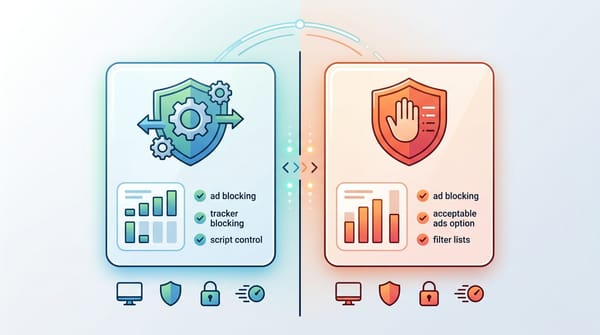
Want to know how to block ads on YouTube? In 2026, the method you choose depends entirely on your device. For desktop viewing, combine the Firefox browser with the uBlock Origin extension or use Blockify on Chromium-based browsers. On the iPhone, Safari with 1Blocker works best. For Android TVs, sideload SmartTube.
YouTube's recent AI-driven "Peak Points" update now injects ads right at the most emotionally engaging moments of videos. Meanwhile, YouTube crackdowns have sparked a 336% jump in ad-blocker demand. Old workarounds fail because the platform's detection scripts evolve daily. I test these setups constantly, and I can tell you exactly what still works.
Best YouTube Ad Blockers by Device (2026 Overview)
Device |
Browser or app |
Best option |
Reliability |
Upkeep |
Works in official app? |
Cost |
PC / Mac desktop |
Browser |
Firefox + uBlock Origin |
Best |
Low |
N/A |
Free |
Chrome / Edge / Brave |
Browser |
Blockify |
Best |
Low |
N/A |
Free |
iPhone |
Safari |
Safari + 1Blocker |
Good |
Low |
No |
Free/Paid |
Android phone/tablet |
Browser |
Firefox + uBO |
Good |
Low |
No |
Free |
Android TV / supported Fire TV |
App |
SmartTube |
Good |
Medium |
No |
Free |
Roku / Apple TV / Consoles |
App |
Premium Lite |
Best |
None |
Yes |
$7.99/mo |
YouTube TV service |
App / Web |
Premium (VOD only) |
Limited |
N/A |
Yes |
Varies |
Why Blocking YouTube Ads Is Harder in 2026
Browser blockers, official mobile apps, and TV apps are entirely different environments. Tools that work perfectly on your laptop will likely fail on your smart TV. Choose native browser tools or accept the maintenance trade-off.
Browser vs App vs Smart TV: Why Blocking Works Differently
Browser blockers operate inside web browsers. Most mobile ad blockers cannot control the official YouTube app because Apple and Google lock down app-level network traffic. Smart TVs represent the hardest environment because you cannot install standard browser extensions on them. "It works on my laptop" rarely translates to "it works on my TV."
How Chrome’s Manifest V3 Limits Ad Blockers
Google's Manifest V3 (MV3) update severely restricts how extensions filter network traffic. The full version of uBlock Origin is no longer fully supported in the Chrome ecosystem because MV3 limits the number of dynamic filtering rules an extension can use.
YouTube’s AI Ad Detection and Server-Side Ads
You are fighting a three-front war. First, YouTube runs daily detection scripts that flag blockers. Second, Chrome limits extension capabilities. Third, YouTube continues experimenting with Server-Side Ad Insertion (SSAI), which stitches ads directly into the video stream.
How to Block Ads on YouTube for Chrome and Edge Browsers
Chrome itself limits your ad-blocking power. The best move is watching YouTube in Firefox or Brave. If you must stay in Chrome, use one smart blocker like Blockify.

Best Fix: Watch YouTube in Firefox or Brave
Switching browsers strictly for YouTube playback is faster than troubleshooting broken Chrome extensions. Add uBO in Firefox, or use Brave Shields. Keep Chrome for your other daily tasks.You can also install Blockify on Brave browser to block YouTube ads completely.
If You Must Stay in Chrome
If you refuse to switch browsers, use one smart blocker and expect occasional hiccups. Blockify is the recommended choice here, with AdGuard as a secondary fallback. Disable all extra privacy extensions. Install one modern blocker. Recheck for updates if ads return.
How to Block Ads on YouTube PC and Mac
Free routes work best in web browsers. Trying to block ads inside official mobile or TV apps requires constant maintenance or unsupported workarounds.
The best free desktop route is Firefox combined with uBlock Origin. The best simple extension alternative is Blockify. The strongest browser-native option is Brave.
Firefox + uBlock Origin (Best Free Method)
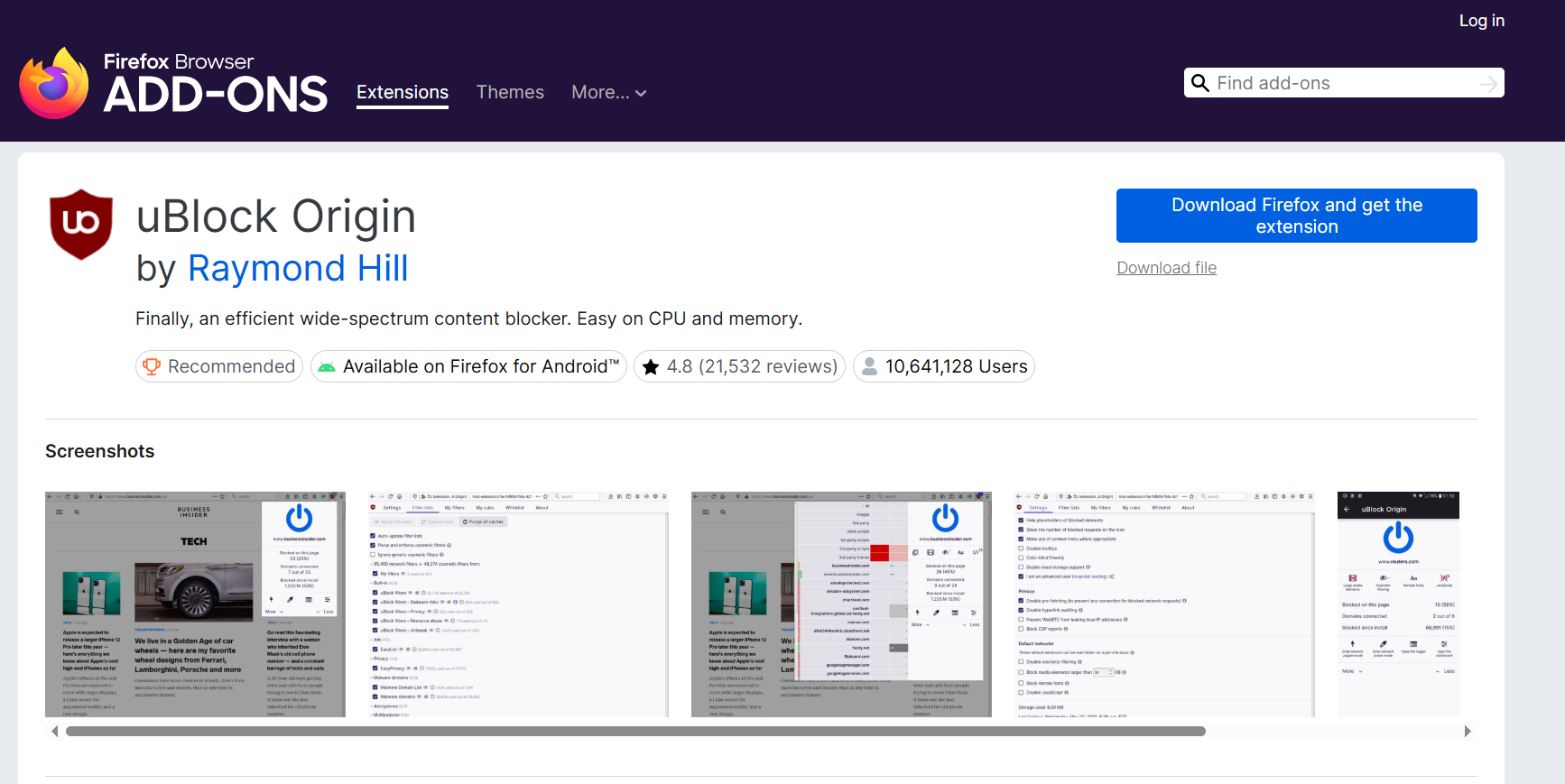
- Best for: Desktop viewers wanting maximum control
- Works in: Firefox browser
- Reliability: Best
- Cost: Free
Firefox does not force Google's MV3 framework on extensions, giving uBlock Origin (uBO) full power to intercept YouTube's ad requests.
- Download Firefox.
- Install uBlock Origin from Mozilla Add-ons.
- Keep default filter lists enabled.
- If ads appear, open the uBO dashboard, purge caches, and update filters.
Blockify
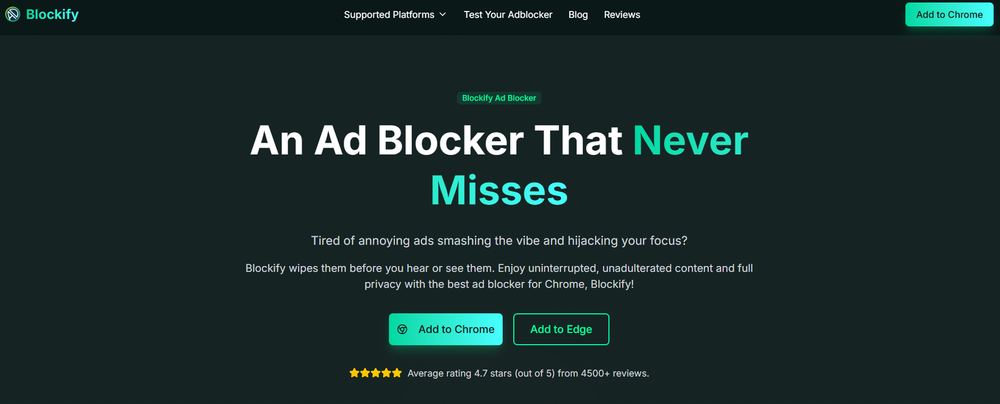
- Best for: Users wanting a set-and-forget setup across all content sites
- Works in: Chrome, Edge, Firefox, Brave
- Reliability: Best
- Cost: Free
Blockify serves as the simpler browser extension alternative. Trusted by 300,000 users with a 4.8 rating from 5.4K ratings on the Chrome Web Store, it uses smart detection and dual-layer fallbacks (including safe muting) to catch dynamic ads that static lists miss.
- Install Blockify from the official source.
- Pin the extension to your toolbar.
- Leave the default protection on.
Brave Browser
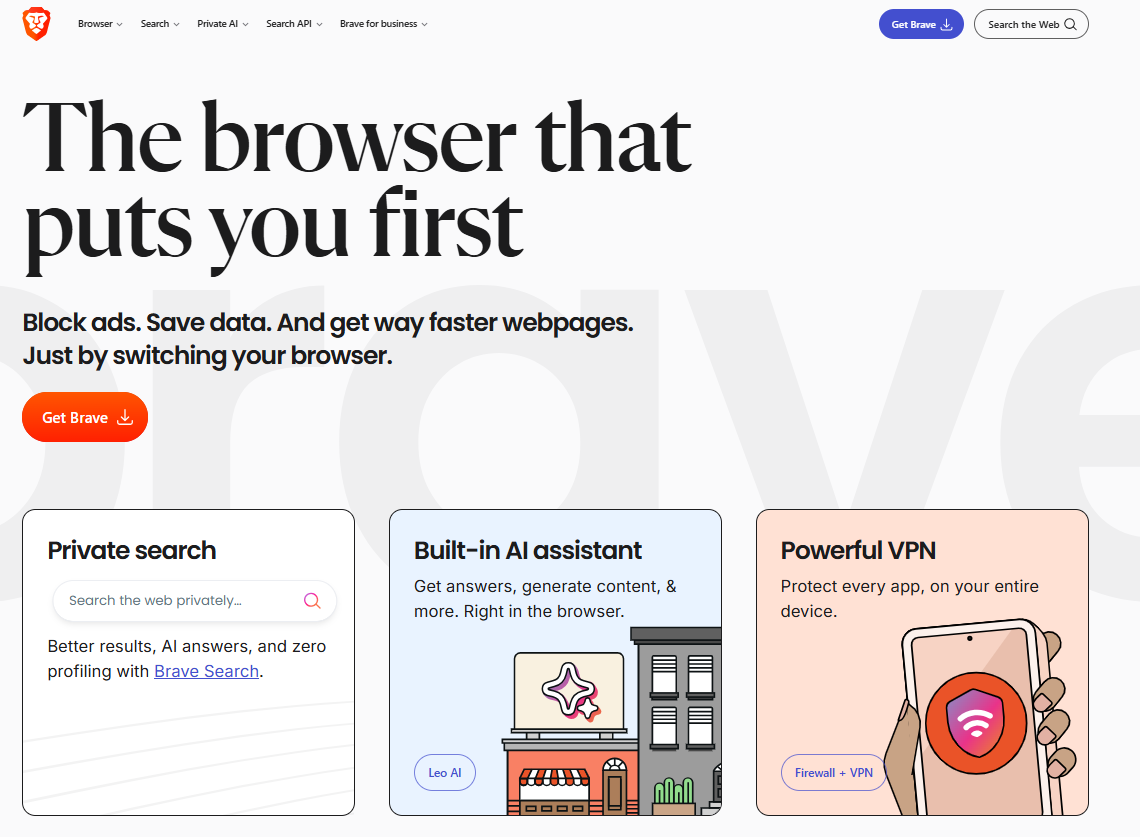
- Best for: Built-in native browser blocking
- Works in: Brave browser (Desktop & Mobile)
- Reliability: Good
- Cost: Free
Brave surpassed 100 million monthly active users, and its native Shields block ads without relying on vulnerable extensions.
- Download Brave.
- Open Shields settings (the lion icon).
- Ensure default blocking remains active.
Bonus: Skip sponsor segments with SponsorBlock

SponsorBlock skips creator-read sponsor segments, intros, and subscription prompts. It solves a different problem and does not replace a YouTube ad blocker. Install it, customize your skipped categories, and test on longer creator videos.
How to block ads on YouTube on an iPhone
Watch YouTube in Safari using a content blocker like 1Blocker. Safari blockers do not control the official YouTube iOS app.
Safari + 1Blocker
- Best for: iPhone users watching in a browser
- Works in: iOS Safari
- Reliability: Good
- Cost: Free / Paid tiers
- Install 1Blocker from the App Store.
- Open iPhone Settings > Safari > Extensions.
- Toggle 1Blocker on.
- Open youtube.com in Safari.
Safari + Magic Lasso
As a lightweight Safari alternative, install Magic Lasso, enable it in your Safari extension settings, and open YouTube in your browser.
Why You Cannot Block Ads in the YouTube iOS App
Blocking ads inside the iOS app without breaking Apple's Terms of Service comes down to one stable option: Premium Lite or Premium. If you want free blocking, stick to Safari.
How to Block Ads on the YouTube App on Android
Browser viewing remains the easiest free path. The official app is heavily fortified. Sideloading tools like ReVanced work but require constant upkeep.
Firefox for Android + uBlock Origin
- Best for: Android users preferring browser viewing
- Reliability: Good
- Cost: Free
Install Firefox for Android, tap the Add-ons menu, and install uBlock Origin. Open YouTube in Firefox and update filters via the dashboard when needed.
Brave on Android
Install Brave from the Play Store, open YouTube, and keep Shields active for fast, native mobile blocking.
Advanced and Unsupported Option: ReVanced
ReVanced modifies the YouTube app to strip ads. It exists in a gray area, frequently breaks when YouTube updates its API, and requires manual patching. Use only the official ReVanced project site and expect manual upkeep every few weeks.
How to Block Ads on YouTube TV and Streaming Devices
TV is the hardest environment. Android TV users can sideload SmartTube. For proprietary platforms like Apple TV, you must use screen mirroring or pay for Premium.
Android TV and supported Fire TV devices: SmartTube
SmartTube is an open-source, custom TV client. It bypasses ads perfectly but requires sideloading. Go to the official SmartTube GitHub page, download the stable release, and install the APK on your device. Approve in-app update prompts when they appear.
Roku, Apple TV, Samsung, LG, Xbox, and PlayStation
There is no reliable native ad blocker for these proprietary platforms. Your real options are paying for Premium Lite or screen mirroring from a desktop/mobile browser session that already blocks ads. Casting hands playback over to the smart TV's native app, bringing ads back. Screen mirroring forces the TV to display exactly what your blocked browser sees.
How to block ads on YouTube TV
Most live ads on the YouTube TV live streaming service are not realistically blockable. Watching regular YouTube on a TV is completely different from the YouTube TV subscription service. Extensions cannot strip server-injected commercial breaks from live cable networks.
Methods That No Longer Block YouTube Ads
Stop wasting time on dead ends. When I test these legacy methods, they fail instantly.

- Pi-hole and DNS blocking: Pi-hole does not reliably block in-stream YouTube video ads because YouTube serves ads from the exact same domains as the video content.
- VPN location tricks: Routing traffic through countries with weaker ad markets triggers playback delays and is highly inconsistent in 2026.
- YouTube Vanced: The Vanced project shut down years ago. Sites claiming to offer it today distribute malicious software.
- Running overlapping blockers: Installing three ad blockers creates conflicts and sends false troubleshooting signals. Use one blocker at a time.
Should You Use YouTube Premium Lite or Premium Instead?
Every viewer pays one of three prices: watch the ads (Time), pay for a subscription (Money), or maintain a blocker setup (Effort).
Cost and convenience comparison
Stay on a free setup if you are a desktop-heavy user and feel comfortable running occasional updates. Pay for the official route if you are a heavy mobile app user, live in a TV-first household, or want zero technical maintenance.
Premium Lite received major upgrades in early 2026. For $7.99/month in the US, it now removes most ads and includes background play and offline downloads (excluding music content).
| Option | Best for | Upkeep | Cost | Pros |
| Firefox + uBO | PC/Mac | Low | Free | Best free blocking |
| Brave | Mobile/PC | Low | Free | Built-in native shield |
| Blockify | Extension users | Low | Free | Simple, smart fallbacks |
| Safari + 1Blocker | iPhone users | Low | Free/Paid | Clean iOS browser viewing |
| SmartTube | Android TV | Medium | Free | Ad-free TV viewing |
| Premium Lite | App/TV users | None | $7.99/mo | Official app ad removal |
| Premium | Power users | None | $13.99/mo | All features + Music |
How to Fix It When YouTube Detects Your Ad Blocker
When YouTube updates its scripts, your setup will temporarily break. Update your blocker, purge caches, disable extra blockers, and hard refresh.
- Update your blocker and filter lists immediately.
- Hard refresh the YouTube tab.
- Disable conflicting privacy extensions.
- Test watching a video logged out.
- Test the exact same video in Firefox or Brave.
Is YouTube down, or is your blocker broken?
YouTube actively targets ad blockers. If you experience grey panels, missing comments, blank descriptions, or videos failing to start, YouTube is not down. Your blocker has been detected. Follow the checklist above. If you are exhausted fighting the official mobile app, use Premium Lite.
Bottom line
The era of one ad blocker ruling every device is over. To learn how to block ads on YouTube permanently, you must match the method to your hardware:
- Best free desktop: Firefox + uBlock Origin
- Best browser-native option: Brave
- Best simple extension: Blockify
- Best iPhone free route: Safari + 1Blocker
- Best Android free route: Browser viewing (Firefox/Brave)
- Best TV route: SmartTube on supported devices, Premium Lite on unsupported ones
No free method remains permanent. Keep a fallback browser ready.
FAQs
Which ad blockers still work on YouTube in 2026?
On desktop, Firefox with uBlock Origin, Brave Shields, and Blockify extension remain the most dependable options. On iPhone, Safari content blockers help in the browser, not the official app. Android TV users often use SmartTube, while official app users get the most consistent result with Premium Lite or Premium.
How can you block ads on YouTube without Premium?
Use a browser-based setup. Firefox with uBlock Origin, Brave with Shields, or Blockify in a supported browser are the easiest free choices. On iPhone, open YouTube in Safari with a content blocker. On locked TV platforms like Roku or Apple TV, free native blocking is limited.
How do you block ads on YouTube on iPhone?
Open YouTube in Safari and enable a blocker such as 1Blocker or Magic Lasso. These tools can reduce or block ads in Safari, but they do not control the official YouTube iPhone app. For the app itself, Premium Lite or Premium is the dependable route.
Can you block ads on YouTube TV or smart TVs?
Android TV and some Fire TV devices can use SmartTube. Most proprietary TV platforms, including Roku, Apple TV, Samsung, LG, Xbox, and PlayStation, do not support reliable native ad blockers. On those devices, Premium Lite or screen mirroring from a browser-based setup is more realistic.