Want to know how to block ads on Hulu? In 2026, your success depends entirely on where you watch. While modern server-side ad stitching makes skipping commercials significantly harder, you can still bypass them with the right setup.
Whether you stream from a desktop browser, a smart TV, or a mobile device, this guide cuts through outdated tricks and reveals exactly what works right now to eliminate ad breaks.
Can You Block Ads on Hulu in 2026?
You can reliably block ads on the Hulu web player using advanced browser extensions like Blockify (on Chrome) or uBlock Origin (on Firefox). However, because Hulu uses Server-Side Ad Insertion (SSAI), no reliable ad blockers exist for native Hulu apps on smart TVs, Roku, or mobile devices. For app viewers, the only guaranteed method to get ads removed from Hulu is upgrading to the official Hulu (No Ads) plan.
Hulu Ad Blocking Compatibility by Device
If you watch Hulu in a desktop web browser, you can block ads for free. If you watch in a native TV or phone app, you must upgrade your plan or use an HDMI workaround.
Where You Watch |
Can Ads Be Blocked? |
Best Working Option |
What to Avoid |
Chrome / Edge / Brave |
Yes |
Blockify Extension |
Outdated MV2 blockers |
Firefox |
Yes |
uBlock Origin |
Adding redundant blockers |
iPhone / iPad App |
No |
Hulu (No Ads) Plan |
VPNs or DNS blockers |
Android App |
No |
Hulu (No Ads) Plan |
Fake mobile ad blocker apps |
Roku / Firestick / Apple TV |
No |
Hulu (No Ads) Plan |
Network-level blockers (Pi-hole) |
Samsung / LG Smart TV |
No |
Laptop + HDMI cable |
Mirroring tools that launch the TV app |
Hulu on Disney+ (Web) |
Yes |
Blockify / uBlock Origin |
Refreshing the page manually |
Why Hulu Ads Are Hard to Block
Hulu stitches commercials directly into the video file before it reaches your device. Old ad blockers fail because they cannot tell the difference between the TV show and the ad.
How Hulu Uses Server-Side Ad Insertion (SSAI)
Hulu uses Server-Side Ad Insertion (SSAI). Think of a normal website ad like a pop-up flyer handed to you on the street, it exists separately, and you can easily swat it away. An SSAI ad on Hulu acts like a commercial edited directly into the raw video file at the broadcast tower.
Because the ad and the video arrive as one continuous stream, traditional network-level ad blockers struggle to distinguish the show from the commercial. According to industry standards from the IAB and Brightcove, this ad stitching makes device-level and router-level blocking far less effective.
How Chrome Manifest V3 Affects Hulu Ad Blockers
If your old Chrome extension suddenly stopped working on Hulu, Manifest V3 (MV3) is the culprit.
According to Google's Manifest V2 support timeline, Chrome universally disabled Manifest V2 extensions in July 2025 with Chrome 138.
Chrome removed the powerful webRequestBlocking capability for most extensions, forcing developers to use declarativeNetRequest. While sufficient for blocking standard banner ads, this change heavily restricts how aggressively an extension can filter stitched video ads. Consequently, building and maintaining tools that intercept Hulu's ad delivery requires advanced engineering.
Best Ways to Block Hulu Ads in 2026
I highly recommend Blockify for Chromium browsers due to its ease of use, uBlock Origin on Firefox for power users, and the HDMI workaround for big-screen viewing without paying extra.
Blocking Hulu Ads on Hulu Chrome, Edge, and Brave
Blockify remains the easiest, low-maintenance option for Chromium browsers. Built specifically for modern, content-heavy platforms, it utilizes a dual-layer system with safe muting to handle dynamic streaming ads without breaking the player.

Setup Steps:
- Install Blockify directly from the official Chrome Web Store. If you use Edge, install it from Microsoft Edge Add-ons or from Brave.
- Pin the extension to your browser toolbar.
- Temporarily disable any overlapping ad blockers (running two blockers simultaneously often breaks Hulu).
- Open Hulu, play a video, and refresh the page once to initialize the filtering rules.
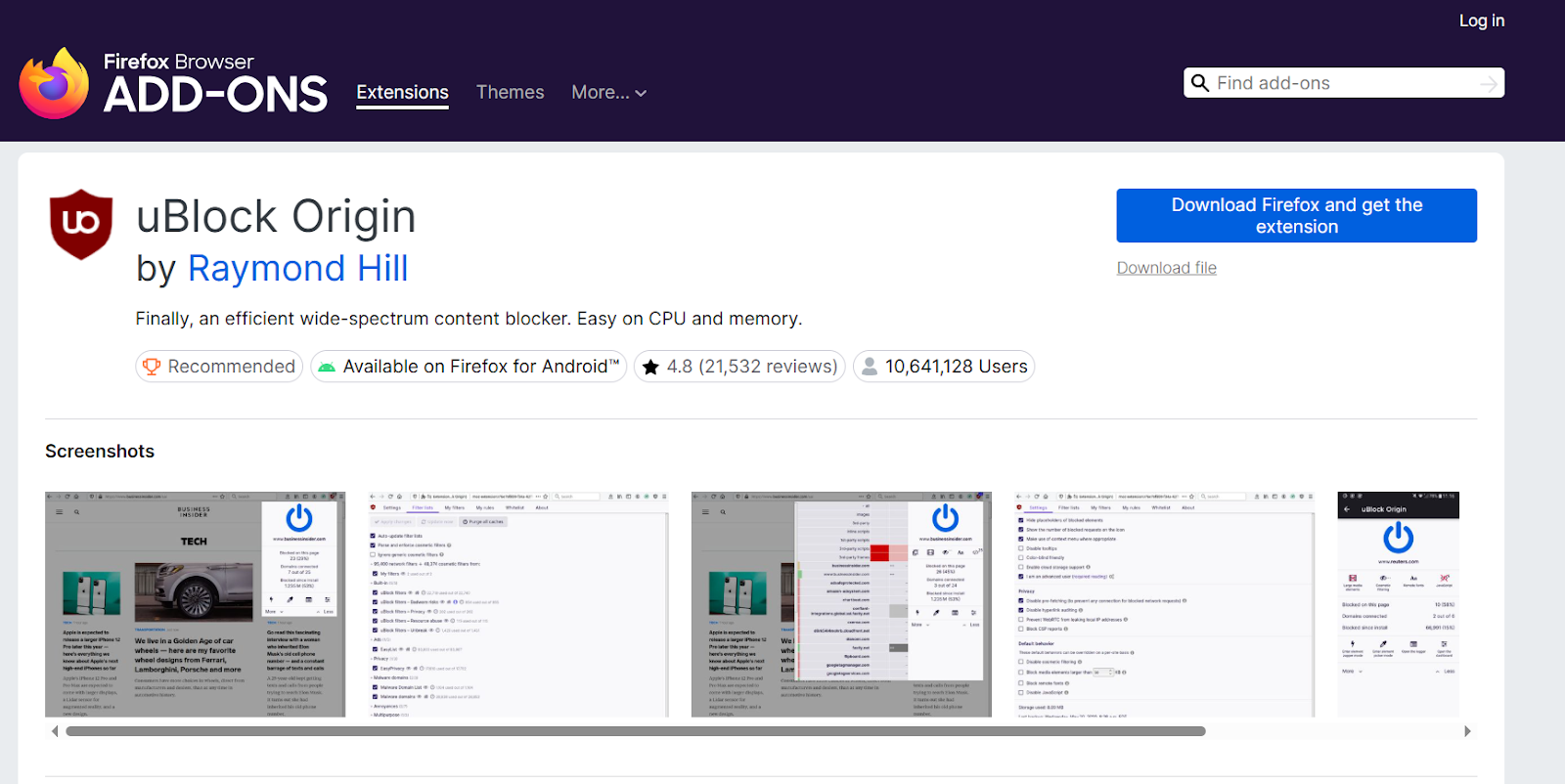
Best Alternative Setup to Block Hulu Ads: Firefox + uBlock Origin
If you prefer maximum granular control, Firefox combined with uBlock Origin remains the gold standard. Because Mozilla did not restrict its extension architecture the way Chromium did, Firefox still supports blocking web request APIs in Manifest V3.
Setup Steps:
- Download Mozilla Firefox.
- Install uBlock Origin from the Mozilla Add-ons repository.
- Leave the settings on default.
- Play Hulu. Only add custom filter lists if you encounter a specific playback error.
Also read: Best Ad Blocker for Hulu
How to Watch Hulu on TV Without Ads Using HDMI
If you don’t want to pay for a premium plan but want to watch Hulu on your television, use your computer as the playback engine.
Setup Steps:
- Equip your laptop browser with Blockify or uBlock Origin.
- Connect the laptop directly to your TV using an HDMI cable.
- Ensure your system's audio output routes through the HDMI connection.
- Start playback in full screen on the laptop.
Warning: Avoid Hulu’s built-in casting feature (like the Cast button). Native casting streams the video directly from Hulu’s servers to the TV, which bypasses browser extensions and restores ads. Ad blocking only works when the browser itself renders the video.
Can You Block Ads in the Hulu App?
Native apps operate as closed systems. You cannot install browser extensions inside a Roku, Apple TV, or mobile app. The official Hulu (No Ads) plan is the only reliable solution here.
How to Block Hulu Ads on Android and iPhone
App sandboxing on Apple iOS and Google Android generally prevents system-wide ad blockers from intercepting video streams inside the native Hulu mobile app. If you watch heavily on a smartphone or tablet, you have two choices:
- Upgrade to the Hulu (No Ads) tier.
- Android workaround: Uninstall the native app. Install Firefox for Android, equip it with the uBlock Origin add-on, and load the desktop version of Hulu.com in the mobile browser.
How to Remove Hulu Ads on Smart TVs, Roku, and Firestick
Connected TV operating systems (Roku OS, tvOS, Tizen, WebOS) are closed environments that do not support traditional browser extensions. Network-wide blockers like Pi-hole often fail here because blocking the ad server domain can also block the video content domain.
If you primarily consume content on a smart TV, upgrading your subscription is the most logical, friction-free path.
Hulu (No Ads) Plan: Price and Ad-Free Limitations
- Hulu (With Ads): $11.99/month
- Hulu (No Ads): $18.99/month
- The Difference: $7/month ($84/year)
Important Context: Hulu's official Premium page states that even on the No Ads tier, a handful of specific licensed shows retain a short ad break before and after the episode due to streaming rights. Additionally, Live TV and other live or linear content still play with standard commercial breaks.
Hulu Ad Blocking Methods That No Longer Work
Modern ad stitching renders old workarounds useless. Do not waste time on VPNs, router-level blockers, or manual page refreshing.
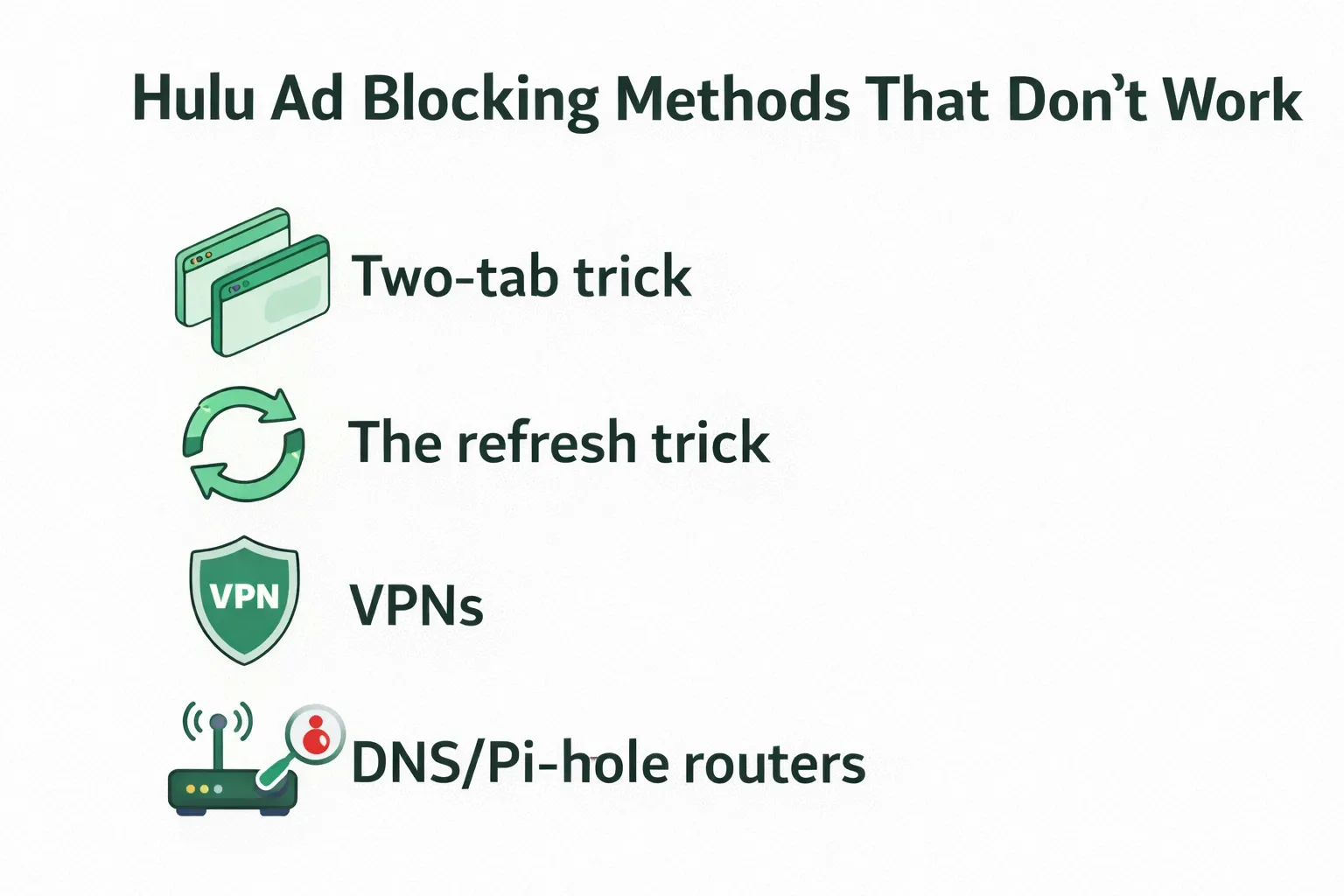
In my extensive testing of streaming ad blockers, the following legacy methods consistently fail in 2026:
- The Two-Tab Trick: Opening Hulu in two tabs to confuse the ad timer no longer works.
- The Refresh Trick: Refreshing the page right as a commercial starts simply resets the ad pod, forcing you to watch it from the beginning.
- VPNs: A Virtual Private Network routes your traffic securely; it does not filter stitched video ads.
- DNS / Pi-hole Routers: Excellent for blocking static tracking domains, but terrible for Hulu in-stream ads because the ad and the video often share the same server domain.
Fix Hulu Ad Blocking Issues
If Hulu fails to play, disable all secondary ad blockers. Extension overlap causes most playback crashes.
I get a black screen after an ad break finishes.This is known as the black screen penalty. It occurs when your blocker strips out the ad code but fails to send the complete signal back to Hulu's server, causing the player to hang indefinitely. If you experience this, switch to an extension optimized for dynamic platforms (like Blockify) rather than a static element hider.
Hulu buffers forever and will not play.To isolate the issue, open Hulu in an Incognito or Private window with all extensions disabled. If it still buffers, you have a network connection issue, not an ad blocker problem.
I still see ads even with my blocker running.Check for extension conflicts. Running two ad blockers simultaneously (for example, Blockify alongside Adblock Plus) causes their filtering rules to collide, resulting in neither working. Disable one, clear your cache, and refresh the player.
Final Recommendation: Best Way to Block Hulu Ads Based on Your Device
Figuring out how to block ads on Hulu ultimately comes down to acknowledging your exact playback environment.
- If you want the easiest browser setup: Install Blockify on Chrome or Edge.
- If you want the strongest free stack: Use Firefox paired with uBlock Origin.
- If you mostly watch on apps or smart TVs: Save yourself the frustration and upgrade to the Hulu (No Ads) plan.
- If you want a free big-screen experience: Connect a laptop running a blocker directly to your TV via HDMI.
Choose your preferred path, verify your extensions are installed from official web stores, and enjoy a cleaner viewing experience.
FAQs
Is There Any Way to Block Ads on Hulu?
Yes, but mainly in the Hulu web player. Blockify works best for Chrome, Edge, and Brave, while Firefox users can use uBlock Origin. Native Hulu apps on phones, TVs, Roku, and Firestick are much harder to block because Hulu uses server-side ad insertion.
What Is the Best Free Way to Block Ads on Hulu?
The best free setup is a desktop browser. Blockify is the easiest choice for Chrome, Edge, and Brave, while Firefox with uBlock Origin is ideal for users who want more control. Free methods are far less reliable inside native Hulu apps.
How Do You Block Ads on Hulu in Chrome?
Install Blockify in Chrome, pin the extension, disable overlapping ad blockers, open Hulu in the browser, and refresh the player once. This is the simplest low-maintenance setup for most Chromium users in 2026.
How Do You Block Ads on the Hulu App?
In most native Hulu apps, you cannot reliably block ads with extensions. The practical options are upgrading to Hulu (No Ads) or using a supported browser setup instead of the app.
How Do I Get Ads Removed From Hulu on Roku, Firestick, Smart TV, iPhone, or Android?
On native apps and connected TV platforms, the most dependable way to remove Hulu ads is the Hulu (No Ads) plan. If you want a big-screen workaround, play Hulu in a browser on a laptop with Blockify or uBlock Origin and connect it to the TV by HDMI.
Is It Illegal to Block Ads on Hulu?
For most viewers, the bigger issue is Hulu's terms of service rather than criminal law. Hulu can restrict behavior that interferes with ads, so users should review the subscriber agreement and local rules before using third-party tools.