
Looking for the best ad blockers for Edge? You are not alone. With Google pushing Manifest V3 (MV3) across the Chromium ecosystem and video platforms constantly changing their code, finding an extension that actually stops ads without breaking your browser is harder than ever. I tested the top options on Microsoft Edge to find out what truly works right now.
Do Ad Blockers Still Work on Microsoft Edge in 2026?
Yes, ad blockers still work perfectly on Microsoft Edge in 2026.
While Microsoft is transitioning to Manifest V3, extensions like uBlock Origin and AdGuard continue to block display banners, pop-ups, and trackers effectively. For dynamic video ads on platforms like YouTube, modern browser-based tools like Blockify are currently the most effective ad blockers available for Edge.
How to Choose the Best Ad Blocker for Microsoft Edge
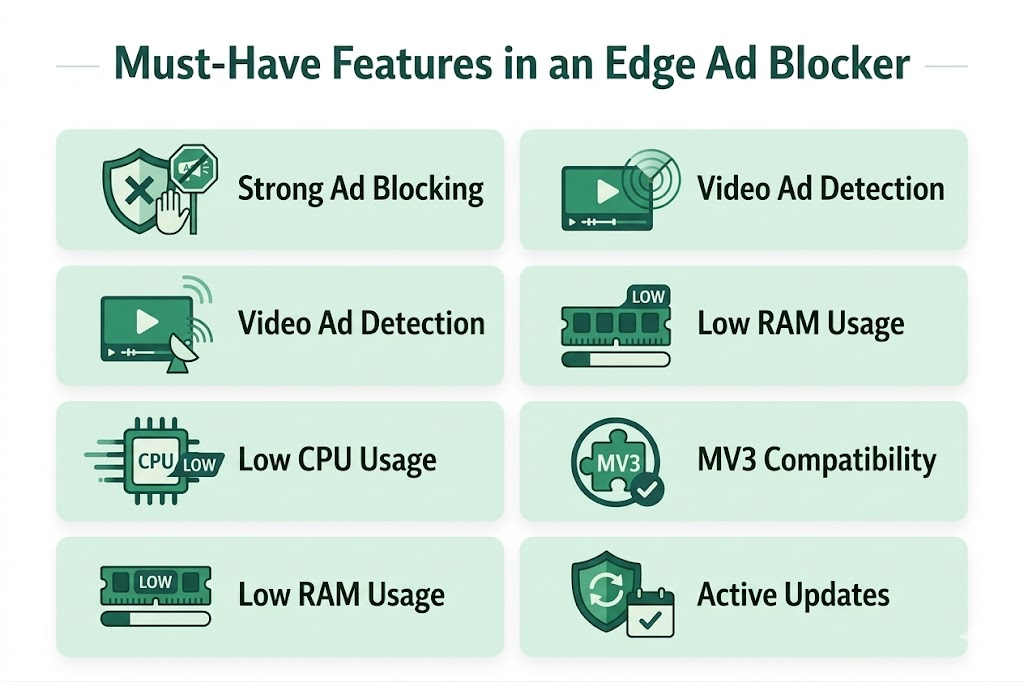
When evaluating the most effective ad blockers available for Edge, prioritize core blocking strength, low performance overhead, and Manifest V3 readiness. Avoid tools that demand unnecessary permissions.
1. Dedicated Video and Dynamic Ad Blocking
You must separate standard web blocking from video ad reliability. A basic extension easily scrubs display banners but fails completely on streaming sites. Look for tools utilizing smart detection or dual-layer blocking to intercept ads before they load on dynamic platforms.
2. Low Performance Impact
Your ad blocker should speed up your browsing, not slow it down. I measure CPU and RAM efficiency during heavy tasks like scrolling news sites and playing video streams. Heavy tools that break website formatting or cause startup lag fail this test entirely.
3. Manifest V3 (MV3) Readiness
Microsoft's transition to MV3 changes how browser extensions interact with network requests. While core network blocking remains highly effective (and even improves anti-tracking capabilities), cosmetic filtering can occasionally suffer. Choose a developer actively updating their code to handle these new constraints.
Best Ad Blocking Extensions for Microsoft Edge
Let’s look at the clear breakdown of the top-rated ad blockers for Edge based on blocking strength, performance impact, and long-term reliability.
| Tool | Best for | Performance | Free/Paid | Verdict |
| uBlock Origin | Power users | Very Light | Free | Strongest overall |
| Blockify | Media streamers | Light | Free | Best for video/audio |
| AdGuard | Mainstream users | Light | Free | Easiest setup |
| uBO Lite | Minimalists | Ultra Light | Free | Best MV3 fallback |
| Ghostery | Privacy seekers | Light | Free/Paid | Cleanest UI |
| Adblock Plus | Casual browsers | Light | Free/Paid | Familiar brand |
1. uBlock Origin: Best Free Ad Blocker for Edge
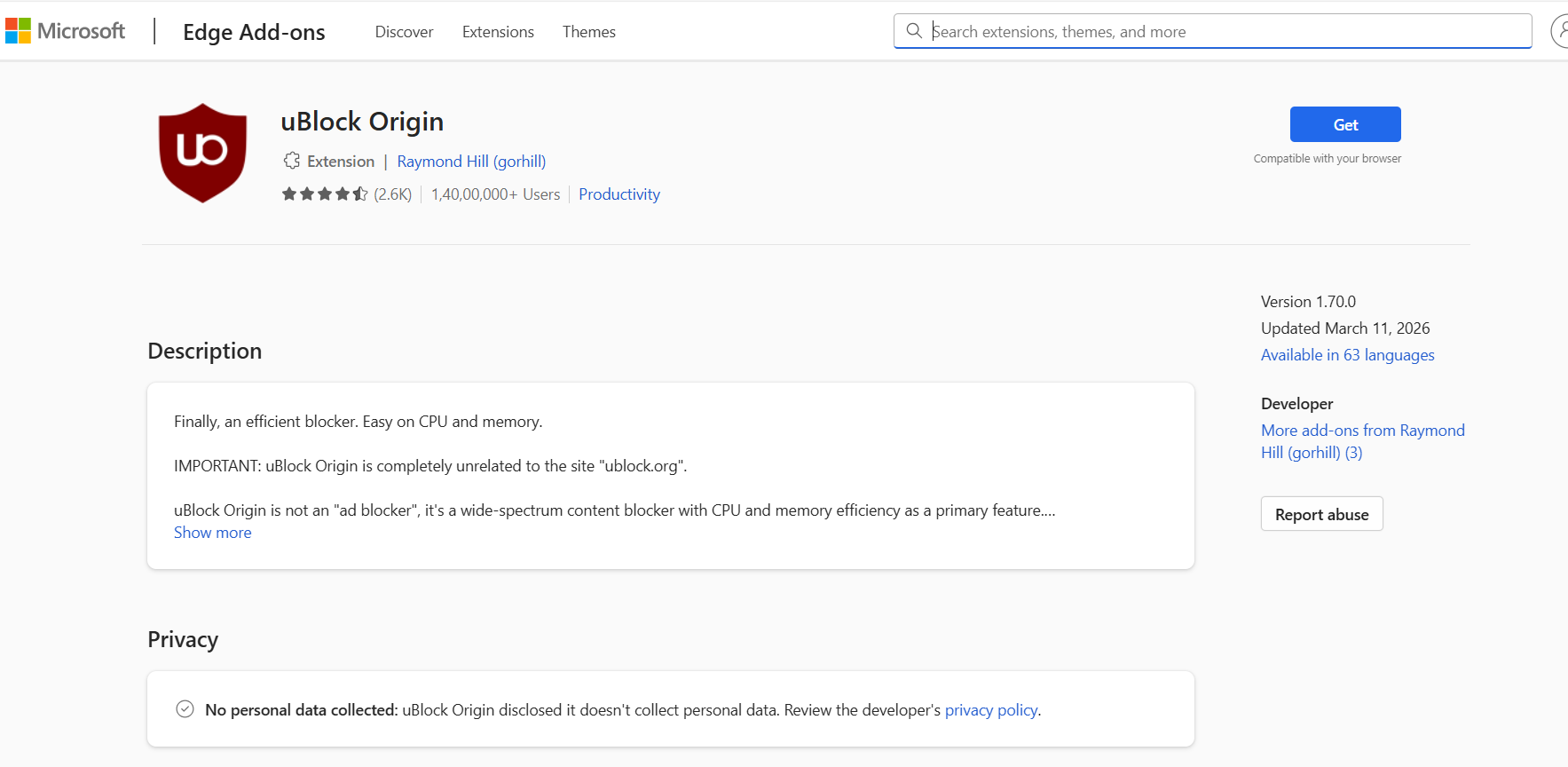
Verdict: The absolute best free ad blocker for Edge regarding pure filtering power.
Where it wins: uBlock Origin operates with incredibly low CPU and memory overhead. It handles standard display ads, pop-ups, and complex trackers better than any traditional extension on the market.
Trade-offs: The advanced settings panel is intimidating for beginners. Because it relies heavily on Manifest V2 APIs, its long-term future remains slightly unsettled depending on Microsoft's final enterprise cutoff timelines.
2. Blockify: Best for Media-Heavy Browsing
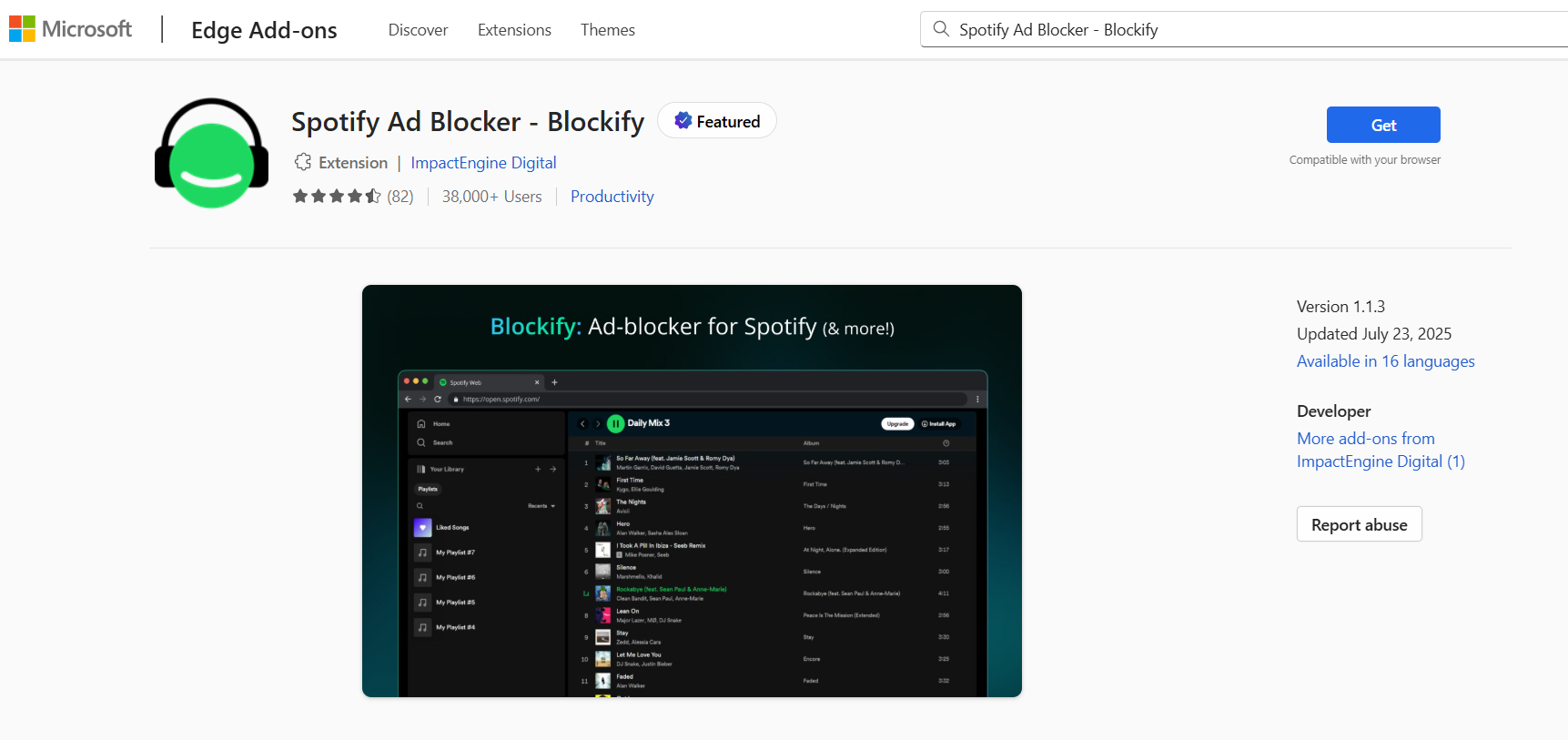
Verdict: The top modern solution for dynamic media and general ad blocking.
Where it wins: Standard extensions rely on static filter lists, which struggle against server-side ad injection. Blockify tackles stubborn audio and video ads that traditional extensions miss. It uses smart detection and intelligent fallbacks (like safe muting) to guarantee uninterrupted streaming on platforms like YouTube, Spotify, and Twitch.
Trade-offs: It is a dedicated desktop browser tool, meaning mobile Edge users will need a different solution.
3. AdGuard AdBlocker: Best Balance for Mainstream Users
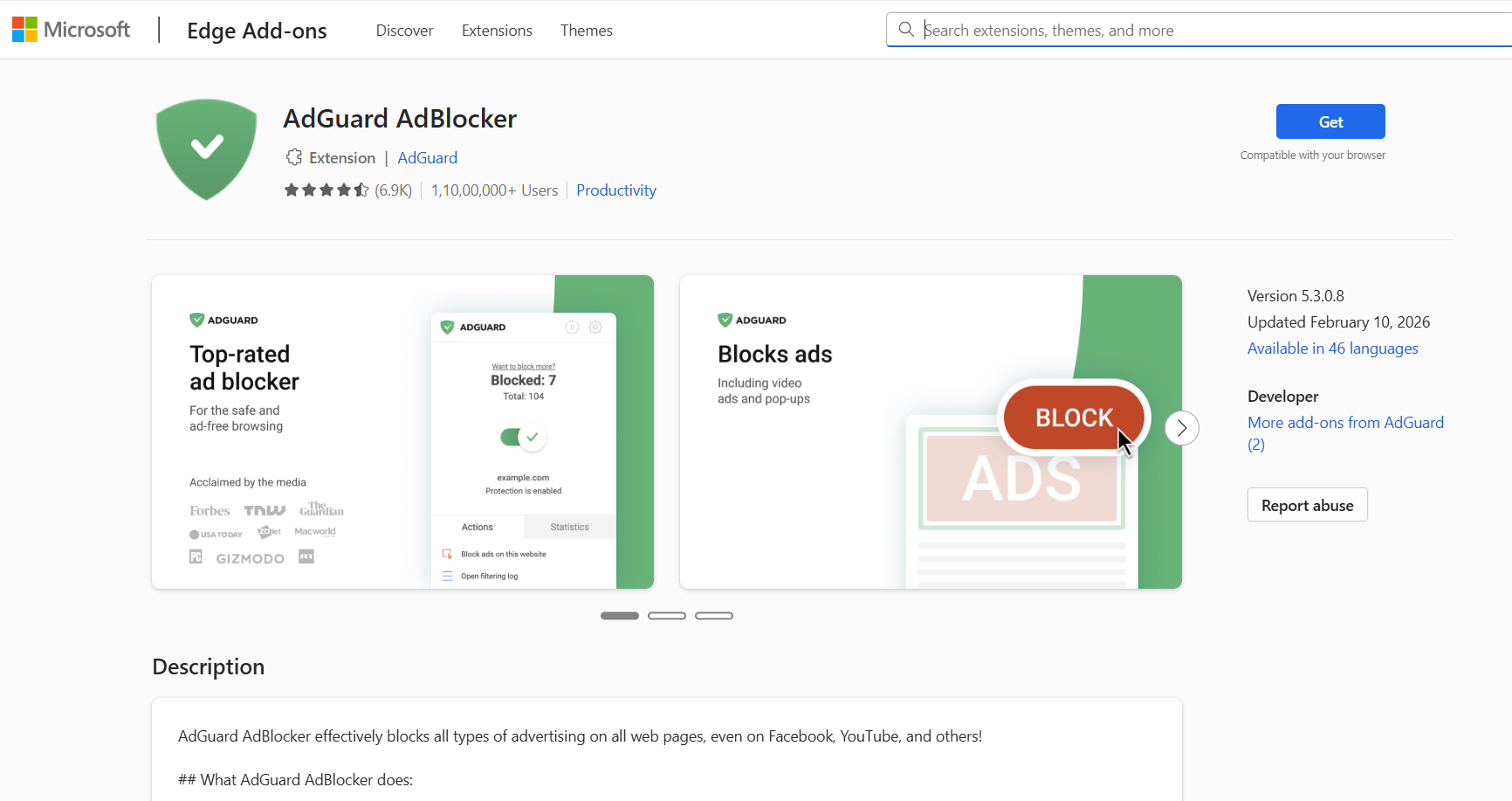
Verdict: The easiest set-and-forget extension.
Where it wins: AdGuard provides fantastic default settings. It stops pop-ups and trackers instantly without requiring manual tweaks. The user interface is exceptionally friendly, and the team has heavily invested in MV3 compliance to ensure reliable long-term stability.
Trade-offs: It consumes slightly more RAM than uBlock Origin.
4. uBlock Origin Lite: Best Lightweight Fallback
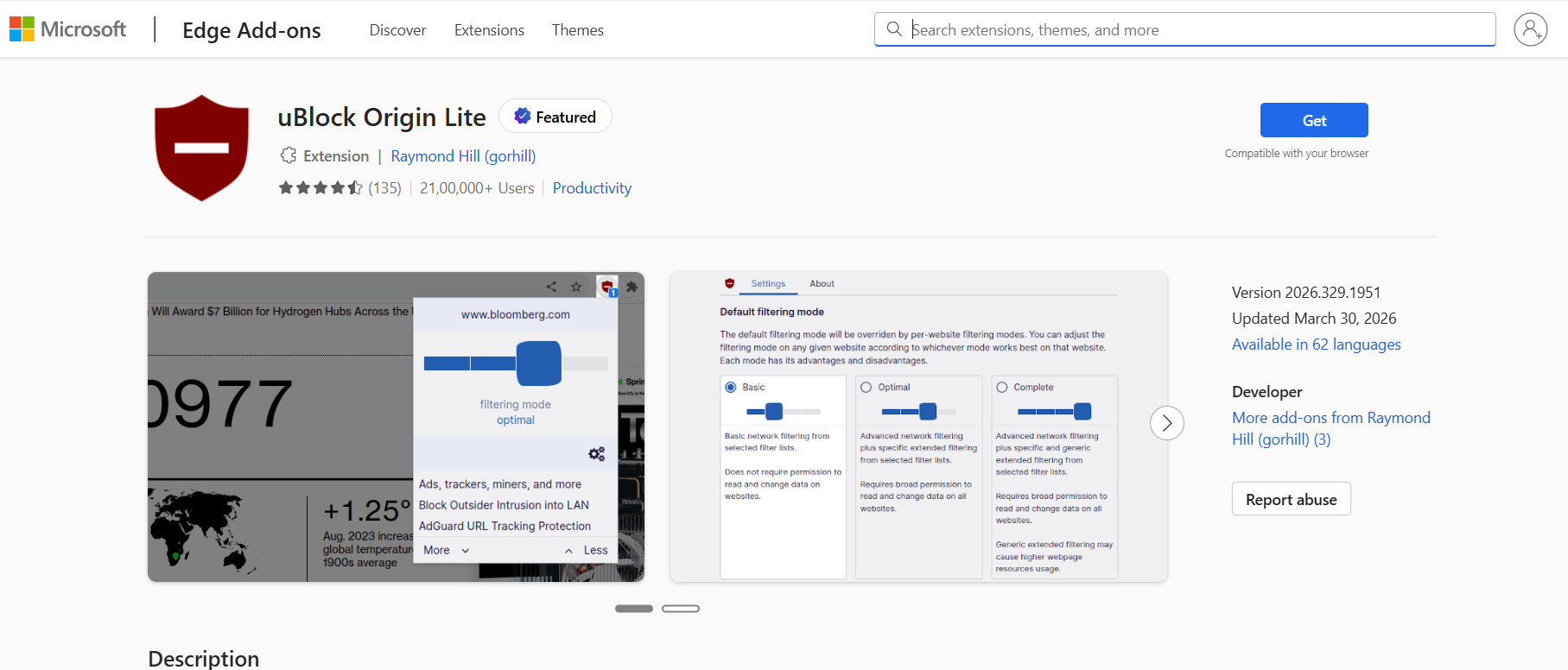
Verdict: The ultimate minimal, future-proof option.
Where it wins: uBlock Origin Lite is built entirely on Manifest V3. It works declaratively without a permanent background filtering process. This makes it incredibly fast, battery-friendly, and completely immune to any upcoming Microsoft Edge extension policy changes.
Trade-offs: You lose the deep granular control and real-time cosmetic filtering found in the full version.
5. Ghostery: Best for Visual Privacy
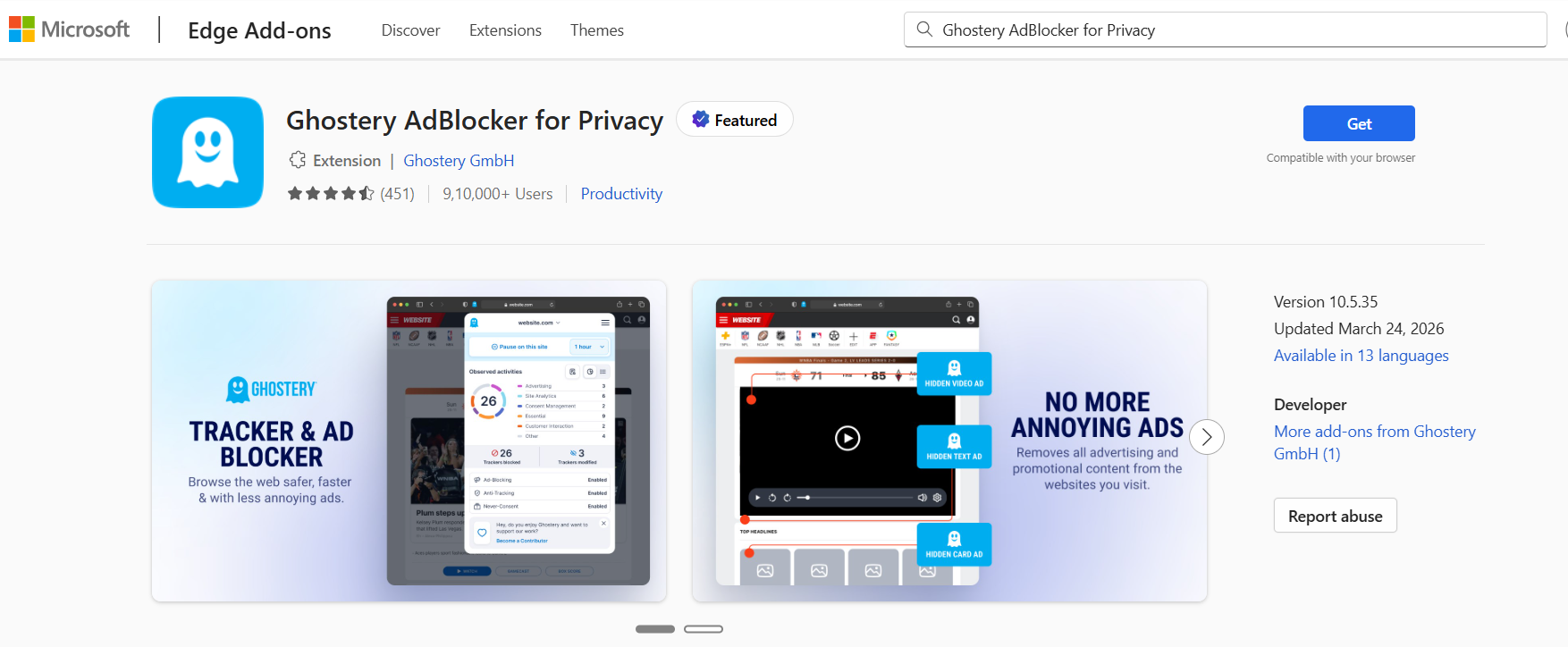
Verdict: The smartest choice for tracker management.
Where it wins: Ghostery makes privacy visual. Its dashboard clearly displays exactly who is trying to track you. Allowlisting your favorite sites takes a single click. It is open-source, community-driven, and highly accessible.
Trade-offs: It focuses heavily on privacy, meaning some dynamic video ads occasionally slip through its filters.
6. Adblock Plus (ABP): Best Familiar Brand
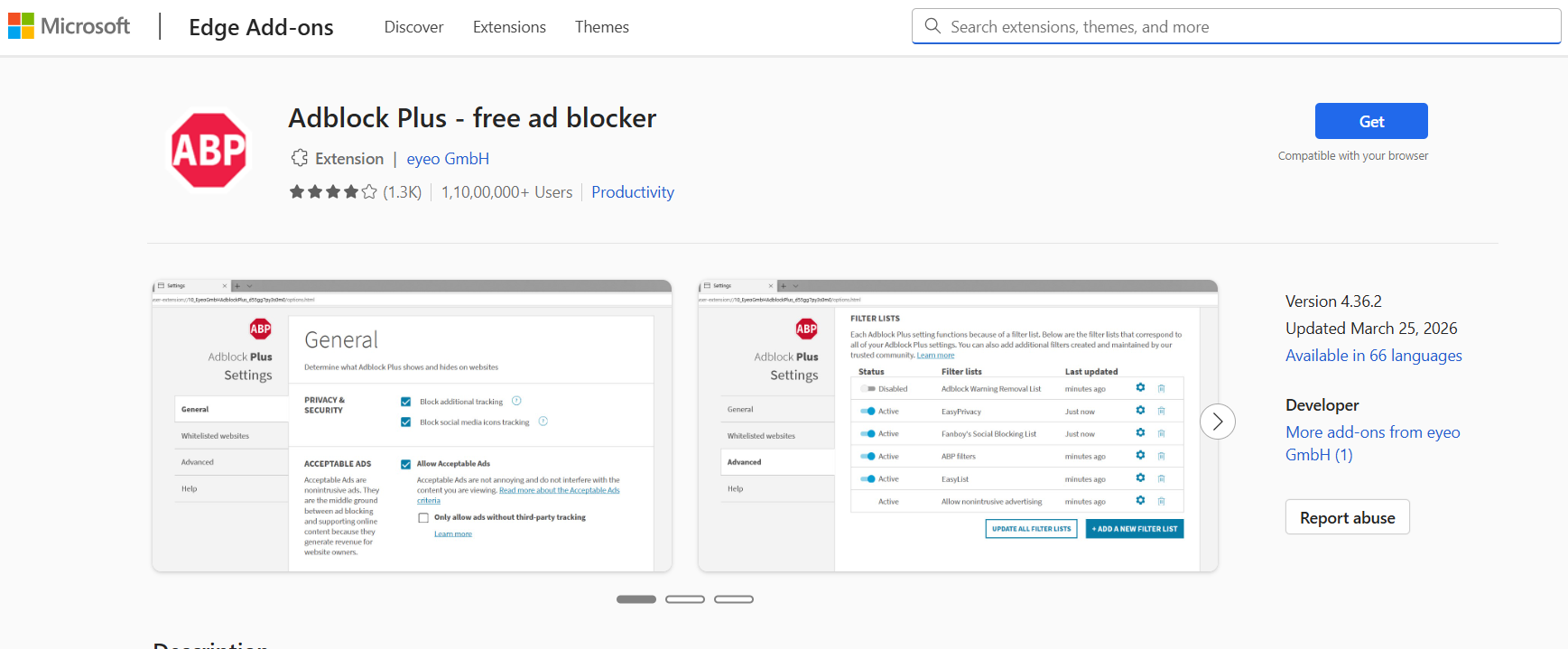
Verdict: A recognizable name with acceptable defaults.
Where it wins: Adblock Plus handles standard display ads effortlessly. The developer (Eyeo) is fully prepared for MV3, ensuring uninterrupted functionality.
Trade-offs: ABP enables "Acceptable Ads" by default. You will still see some non-intrusive promotional content unless you manually disable this setting in the options menu.
Does Edge Have a Built-In Ad Blocker?
Desktop Edge features tracking protection, but it does not block display or video ads. Mobile Edge includes a native content blocker you must manually enable.
- Edge Desktop: Features "Tracking Prevention" to stop third-party trackers and a basic popup blocker. It does not stop normal website display ads or YouTube video ads. You need a dedicated extension.
- Edge Mobile (iOS/Android): Includes a native Content Blocker. Find the "Block ads" toggle in your mobile settings menu for a cleaner experience out of the box.
Final Verdict: Which Ad Blocker Should You Pick?
To get the cleanest, fastest browsing experience on Microsoft Edge, align your choice directly with your daily web habits:
- Best overall free: uBlock Origin.
- Best for video ads and media: Blockify.
- Best balance and easiest setup: AdGuard.
- Best lightweight fallback: uBlock Origin Lite.
Next step: Install exactly one blocker today. Keep your browser updated, test it on your most frequently visited sites, and decide if it meets your needs.
FAQs
What Are the Most Effective Ad Blockers Available for Edge?
For general browsing, uBlock Origin is the strongest free choice. For YouTube and media-heavy use, Blockify stands out. For easy setup and balanced protection, AdGuard is the safest mainstream option.
What Features Should I Look for in an Edge Ad Blocker?
Look for strong default filters, low CPU and RAM use, dependable video ad blocking, Manifest V3 readiness, and clear permission controls. Avoid running multiple blockers at once because they can slow Edge down and cause site conflicts.
Are Free Ad Blockers for Edge Good Enough?
Yes, for most people. Free ad blockers for Edge do a great job on display ads, pop-ups, and trackers. Paid tools make more sense when you want extra privacy features, support, or stronger streaming-focused blocking.
Can Ad Blockers Block YouTube Ads on Edge?
Yes, but consistency depends on the tool. Traditional extensions can miss dynamic or server-side video ads, while media-focused blockers are more reliable for uninterrupted playback.