
Hulu is notorious for breaking standard ad filters. Because the platform stitches commercials directly into the video file using Server-Side Ad Insertion (SSAI), generic extensions fail. They either trigger a “disable your ad blocker” warning or leave you trapped staring at a frozen black screen.
I test streaming filters daily to bypass these strict detection systems. Finding the best ad blocker for Hulu requires using modern, dual-layer extensions capable of handling dynamic tracking beacons.
What Is the Best Ad Blocker for Hulu in 2026?
If you are wondering what is the best ad blocker for Hulu, the answer depends entirely on your browser choice and technical comfort level.
The best ad blocker for Hulu is Blockify, a dedicated browser extension for Chrome, Edge, and Brave. It uses a dual-layer fallback mechanism to bypass Hulu’s server-side ads without triggering the black screen penalty.
If you prefer high-level control and want the best free ad blocker for Hulu, use the full version of uBlock Origin paired with Mozilla Firefox to bypass Google's recent Manifest V3 restrictions.
Quick Picks: Best Hulu Ad Blockers by Use Case
- Best overall (most reliable, least tweaking): Blockify
- Best free (power-user, highest control): Firefox + uBlock Origin (full version)
- Best alternative if you want a big-name tool: AdGuard Browser Extension (not DNS)
- Best “works everywhere” solution: Hulu (No Ads) official plan
Before You Install: Why Hulu Ad Blocking Can Break in 2026
Let’s explore some main reasons why ad blocking can break on Hulu in 2026:
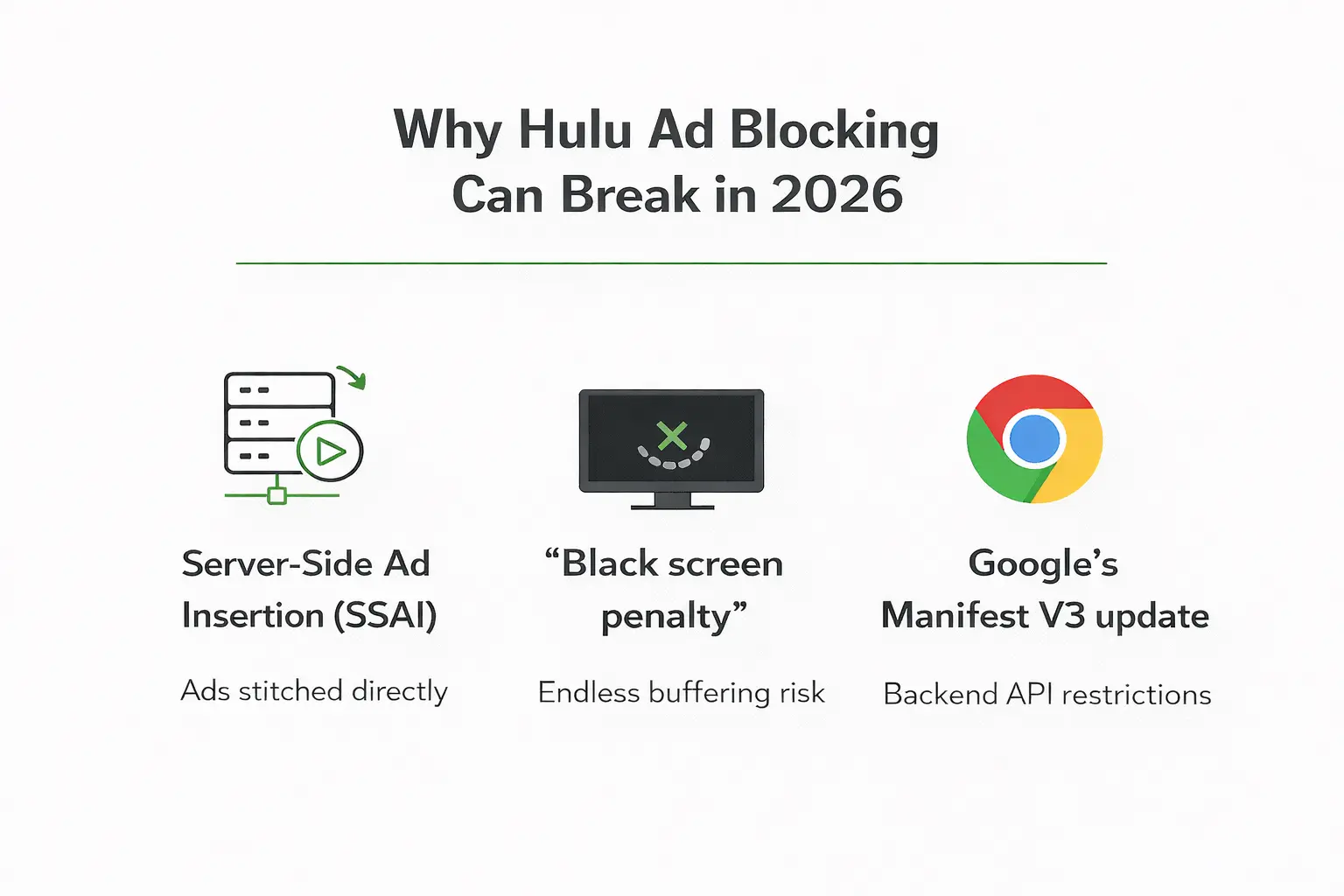
Hulu uses SSAI (Server-Side Ad Insertion)
Hulu does not deliver commercials like a normal website. It uses server-side ad insertion (SSAI) to stitch ads into the same streaming session as the TV show. When a basic filter tries to block ad-related requests at the network or domain level, it can accidentally disrupt the video stream and cause playback errors or buffering. Client-side ads (like banners on a blog) are relatively easy to block because they load separately. SSAI ads are inserted at the server level, making them much harder to filter without affecting playback.
The "Black Screen Penalty"
When a standard extension blocks or disrupts Hulu’s ad-related requests or scripts, the video player may still expect an “ad finished” state before resuming the main content. If that expected state is not reached properly, playback can stall, often resulting in a frozen or black screen while the player waits for the ad cycle to resolve. More advanced tools attempt to reduce this risk by using layered approaches: rather than aggressively blocking every related request, they intervene more selectively to limit playback disruption and avoid triggering player errors.
Manifest V3 limits on Chrome and Edge
Google’s Manifest V3 (MV3) update changed how browser extensions handle network requests by replacing the powerful webRequest API with the more limited declarativeNetRequest system. These changes restrict real-time request modification and reduce the flexibility that advanced blockers previously relied on for complex filtering scenarios. As a result, many “Lite” MV3-based extensions have reduced dynamic filtering capabilities compared to their full-featured predecessors, which can make handling complex streaming edge cases less consistent on Chromium-based browsers.
Best Hulu Ad Blockers By Browsers & Device: Top 3 Picks
Pick your setup based on where you watch.
| Method / Tool | Chrome & Edge | Firefox | Safari | Hulu Web | Hulu App / Smart TV | Black Screen Risk |
| Blockify | Yes (MV3 ready) | No (coming soon) | No | Yes | No | Low |
| AdGuard Ext. | Yes (MV3 ready) | Yes | Yes | Yes | Depends (needs AdGuard for Android TV app) | Medium |
| Firefox + uBO | No (Use Firefox) | Yes | No | Yes | No | Low |
| Hulu No Ads | Yes | Yes | Yes | Yes | Yes | None |
| Disney+ Tile | Yes | Yes | Yes | Yes | Yes | Low |
Option 1: Blockify

Blockify is the most reliable, set-and-forget ad blocker for Hulu. It handles Hulu’s dynamic SSAI insertion natively by utilizing safe-muting fallbacks when hard-blocking would otherwise cause the black screen penalty.
I recommend Blockify as the best ad blocker for Hulu for viewers who want zero friction. Built specifically for modern, content-heavy streaming, it effortlessly bypasses the traps where traditional static lists fail.
Why Blockify works differently
Blockify understands dynamic insertion. Instead of aggressively breaking the player, it uses intelligent fallback mechanisms. If it cannot safely sever the SSAI domain, it triggers safe muting and acceleration to push past the commercial without triggering Hulu's anti-adblock wall. With a 4.8 rating and over 300,000 daily users, it serves as a highly trusted daily driver.
Install Blockify
- Chrome: Install from the Chrome Web Store.
- Edge: Install from Microsoft Edge Add-ons.
- Brave: Install via Chrome Web Store.
Pin the extension to your browser toolbar, confirm it is enabled while visiting Hulu.com, and start an episode to trigger a mid-roll test.
If you still see interruptions: Update the extension to the latest version, disable any conflicting secondary filters (running two simultaneously breaks the player), and clear your site cache for Hulu.com.
Option 2: AdGuard Browser Extension
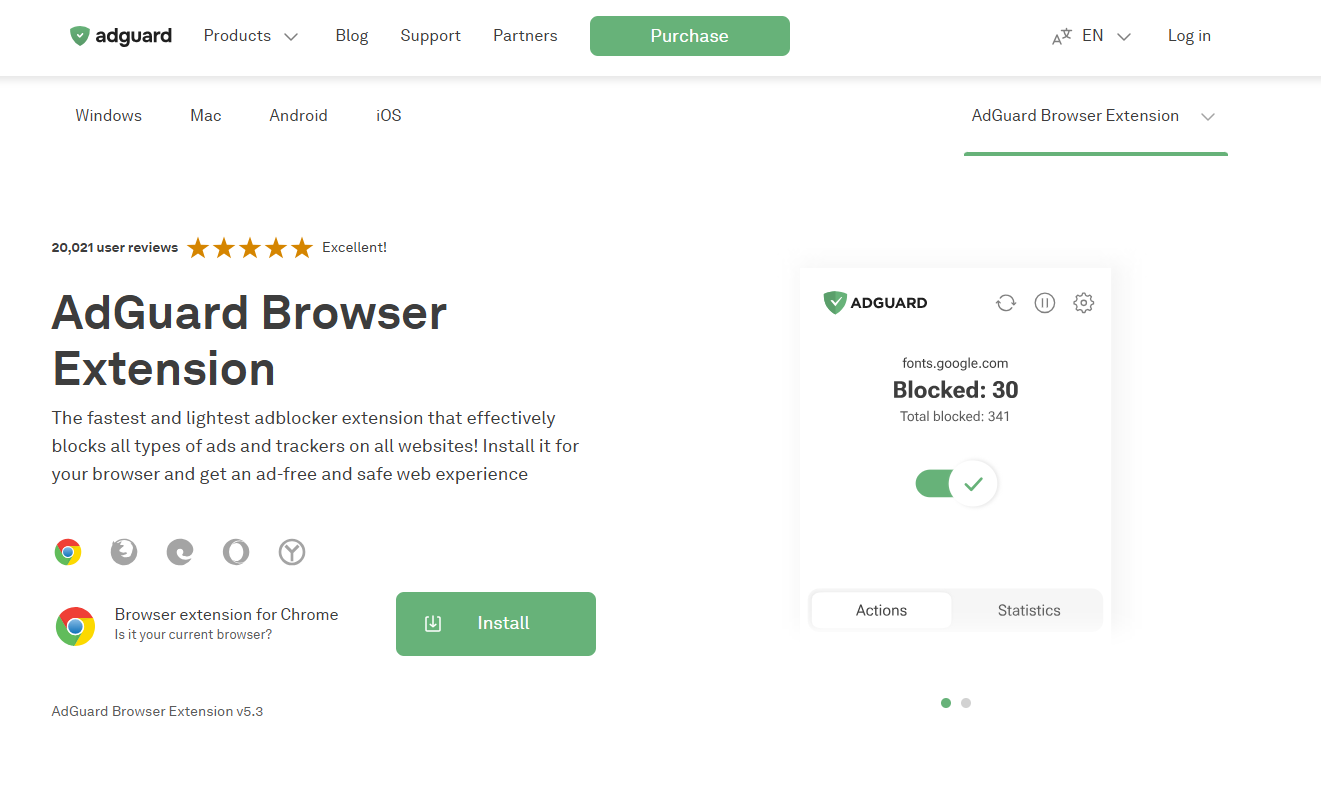
AdGuard is a highly reputable alternative, but you must use the Browser Extension, not the DNS service. DNS-level blocking breaks Hulu entirely.
If you prefer a legacy brand, AdGuard works well, provided you use the correct version.
Does AdGuard block Hulu ads?
Yes, the AdGuard Browser Extension successfully removes Hulu ads because it operates at the page level, injecting scripts to bypass player checks. However, AdGuard DNS or network-level blocking fails instantly against SSAI, causing terminal playback errors.
Hulu-focused configuration
Install the official AdGuard extension for your browser. Enable the core Ad Blocking filters in the settings menu. If the player stalls, ensure you turn off any aggressive "Stealth Mode" or "break site" features.
Option 3: Firefox + uBlock Origin
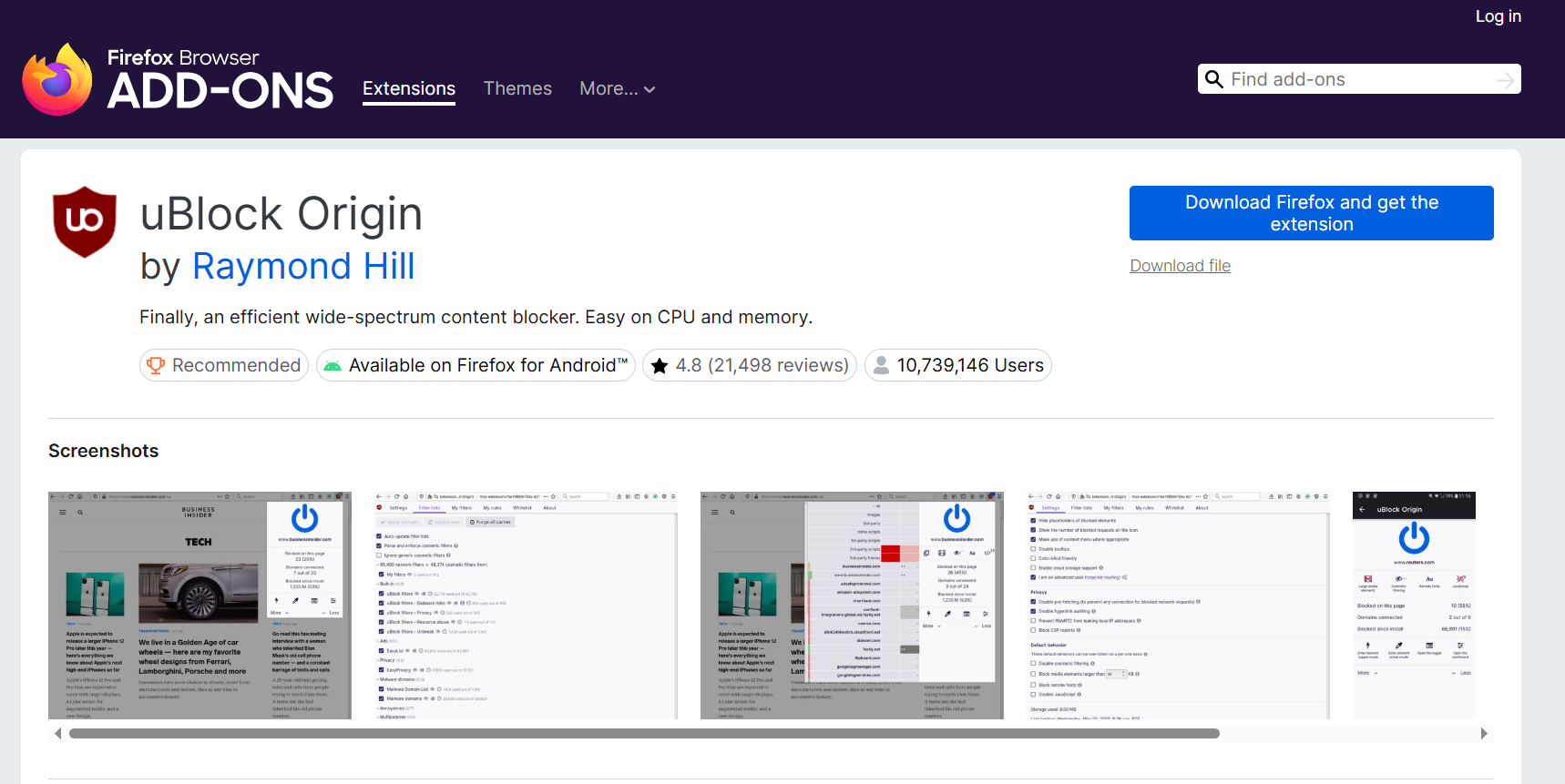
Due to Manifest V3 restrictions on Chromium browsers, the absolute best free ad blocker for Hulu requires switching to Mozilla Firefox and installing the full version of uBlock Origin (uBO).
If you are a power user searching for the best free ad blocker for Hulu, leave Chrome behind. Google's MV3 update stripped Chromium browsers of advanced scriptlet execution capabilities. uBlock Origin Lite cannot handle complex dynamic tracking beacons. The full version of uBO on Firefox ensures you maintain maximum streaming control.
Step-by-step setup
- Install Mozilla Firefox.
- Install the official uBlock Origin add-on.
Custom uBO configuration for Hulu
Advanced users sometimes experiment with custom filtering rules inside uBlock Origin to reduce ad-related playback interruptions. However, because Hulu frequently updates its streaming infrastructure, manually blocking specific ad domains can break playback entirely. If issues occur after applying custom rules, remove them immediately and refresh the filter lists.
Bonus: Disney+ Bundle Workaround Using the Hulu Tile
If you subscribe to the Disney Bundle, you can access Hulu content directly inside the Disney+ app interface.

Disney+ utilizes a slightly different delivery infrastructure. Many viewers report that this makes it easier for browser extensions to filter out interruptions without triggering the native black screen penalty.
Simply open Disney+, click the Hulu content tile, and test your playback with Blockify or uBO enabled. This works beautifully for eligible bundle content, though Live TV still requires the native interface.
What Does NOT Work for Blocking Hulu Ads
- VPNs: Change your IP; they cannot block SSAI video pods.
- Pi-Hole / DNS: Breaks the video feed entirely.
- Two-Tab Tricks: Patched years ago.
- Fake Downloaders: Scam software posing as filters.
VPNs do not block Hulu ads
No, a VPN will not block Hulu ads. VPNs mask your IP address and encrypt your traffic for privacy or location shifting, but they do not modify or filter the video stream itself. Because Hulu uses server-side ad insertion (SSAI), the ads are stitched into the stream before it reaches your device. A VPN may change your region and affect which ads are shown, but it cannot remove them.
Pi-hole and router-level blocking
Because the platform stitches commercials into the primary content stream, blocking the DNS request at the router level kills the video feed alongside the commercial. You will experience endless buffering.
"Refresh to skip" and two-tab tricks
In 2026, reloading the page forces the player to restart the commercial pod, not skip it. The old two-tab mute trick is thoroughly patched and a massive waste of time.
Smart TV & Streaming Device Limitations (Apple TV, Fire TV, Android TV)
Most Smart TV platforms, including Apple TV (tvOS), Roku, Samsung Tizen, and LG webOS, do not allow browser-style extensions or in-app script filtering. Because Hulu delivers ads through server-side ad insertion (SSAI), the commercials are stitched directly into the stream at the server level. There is no separate “ad file” for a TV app to block locally.
What About AdGuard on Android TV?
On Android TV and Fire TV devices, apps like AdGuard can run at the system level and block certain trackers or auxiliary ad domains. However:
- They cannot reliably remove stitched mid-roll ads inside the native Hulu app.
- Aggressive DNS blocking may cause buffering or playback failure.
- Results vary by device firmware and Hulu app version.
In short: system-level blockers may reduce some background requests, but they are not a consistent solution for eliminating SSAI video ads on Smart TVs.
What Actually Works on Smart TV
You have three realistic options:
- Upgrade to the official Hulu (No Ads) plan This is the only guaranteed native solution across TV apps (excluding Live TV ad inventory).
- Use a laptop with a browser-based blocker and connect via HDMI Running a blocker inside a desktop browser and outputting to your TV bypasses Smart TV app limitations entirely. Run Blockify on your laptop browser, then connect your laptop directly to the TV via an HDMI cable.
- Access Hulu content through the Disney Bundle inside Disney+ Depending on your bundle tier and region, ad behavior may differ from the standalone Hulu TV app.
Important: Scammers frequently upload fake extensions promising to skip Hulu ads, solely to harvest your browsing data.
Install only from the official Chrome, Edge, Apple, or Mozilla extension stores. Verify the publisher name exactly matches the official tool. Review requested permissions before clicking enable. Avoid tools asking to read data on non-video websites. Never sideload random ZIP files from forum posts.
Frequently Asked Questions
How Do I Stop Ads on Hulu?
The fastest way to stop ads on the web player is by installing a specialized browser extension like Blockify or uBlock Origin on Firefox. For smart TVs and mobile apps, upgrading to the official ad-free tier is the only native method.
Will a VPN Block Hulu Ads?
No, a VPN will not block Hulu ads. VPNs mask your IP address for privacy and location shifting; they cannot intercept server-side video ad insertions.
Does AdGuard Block Hulu Ads?
The AdGuard Browser Extension successfully blocks Hulu ads by modifying page scripts. However, AdGuard DNS completely fails against Hulu's infrastructure and causes terminal playback errors.
What is the Best Hulu Ad Blocker for Firefox?
The full version of uBlock Origin is excellent for Firefox power users willing to tweak settings.
Why Do I Get a Black Screen When I Block Hulu Ads?
The black screen penalty occurs when your filter stops the commercial but fails to trigger the internal "ad complete" beacon, leaving the player waiting indefinitely for a signal that never arrives.