Skip to the story
BlockifyExtension update

Blockify is back on the Chrome Web Store.

Google has reinstated Blockify on the Web Store.

Extension has been updated. No reinstall is needed.

Scroll to know the full story

Quick summary of what happened

We received a trademark complaint from Spotify about using its name in the extension title. Google also sent a notice about excessive keywords in the store description.

  • We addressed the requirements shared by Google. The details are given below.
  • We submitted the updated extension to Google for review.
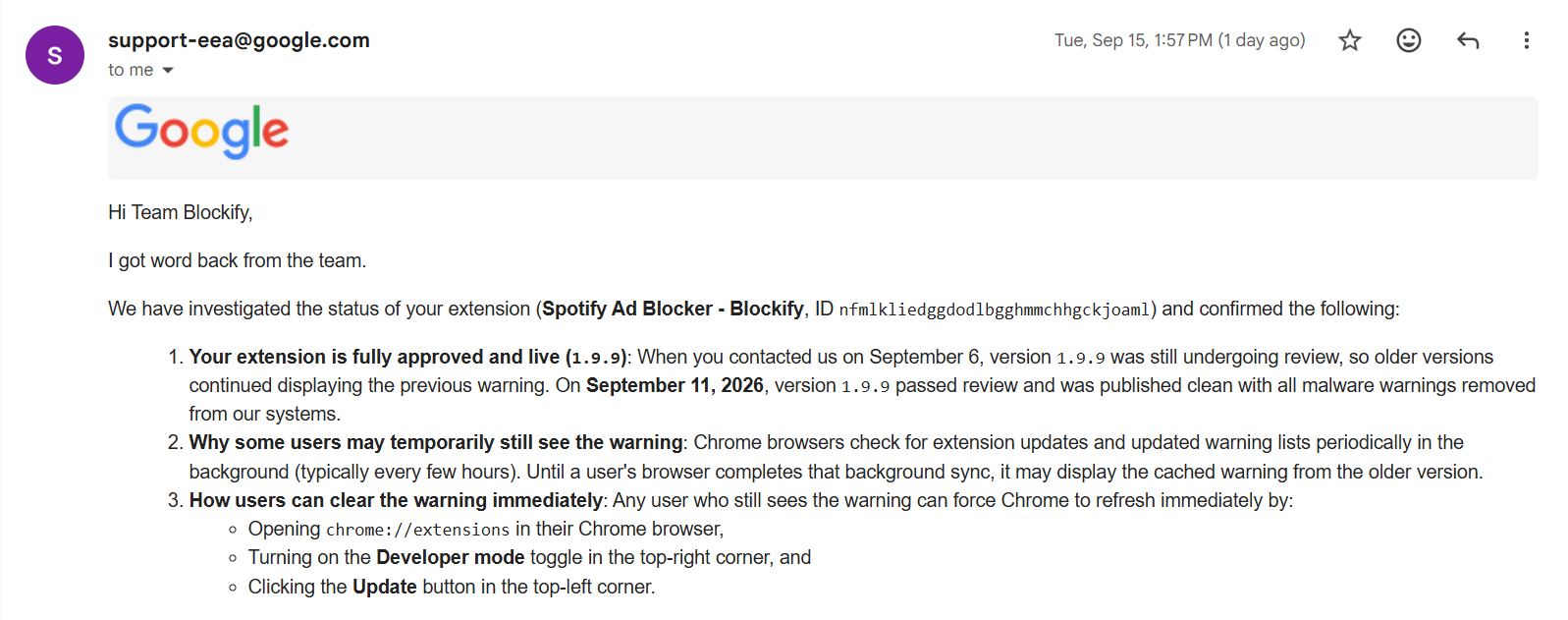
  • Google approved the update, and we’re live on the Chrome Web Store again.
  • Google is now rolling out the update—that’s why you’re receiving this message.
  • Also, Blockify is now 100% open-source: check on GitHub.

THE 45-SECOND TIMELINE

Here's the complete timeline of how things unfolded:

Tap any notice to inspect the source material supplied with this story.

The name

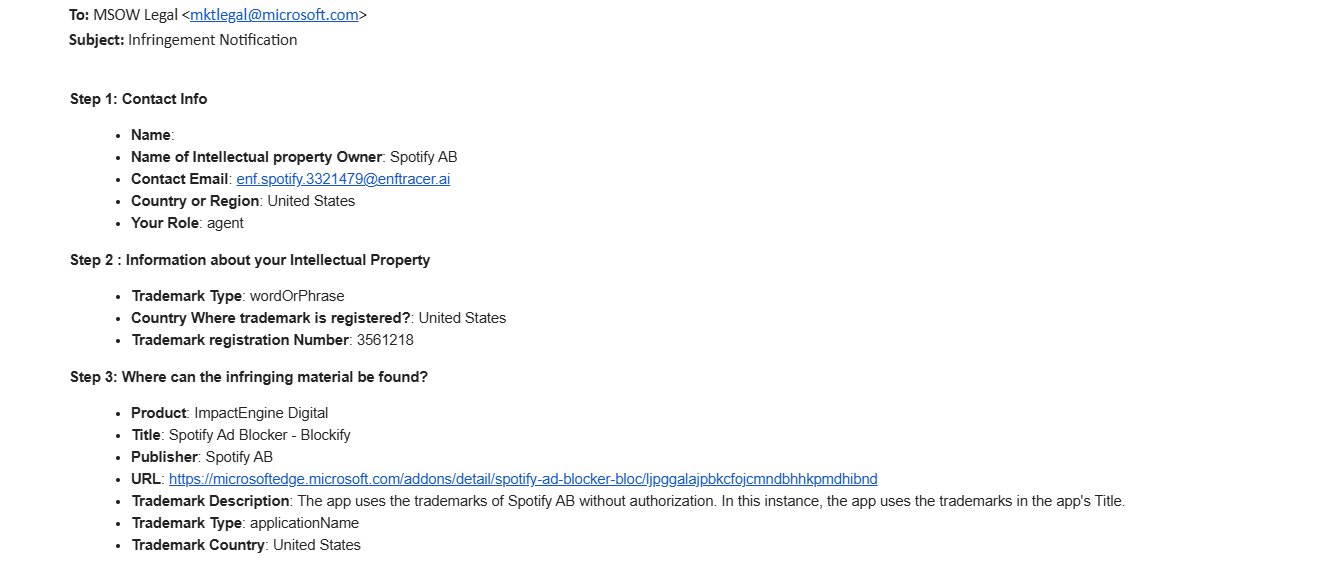
Spotify barred us from using their wordmark (Spotify) in the name

A notice identifying Spotify AB as the rights owner challenged the use of “Spotify” in Blockify’s old extension title.

The app uses the trademarks of Spotify AB … in the app’s Title.

The listing

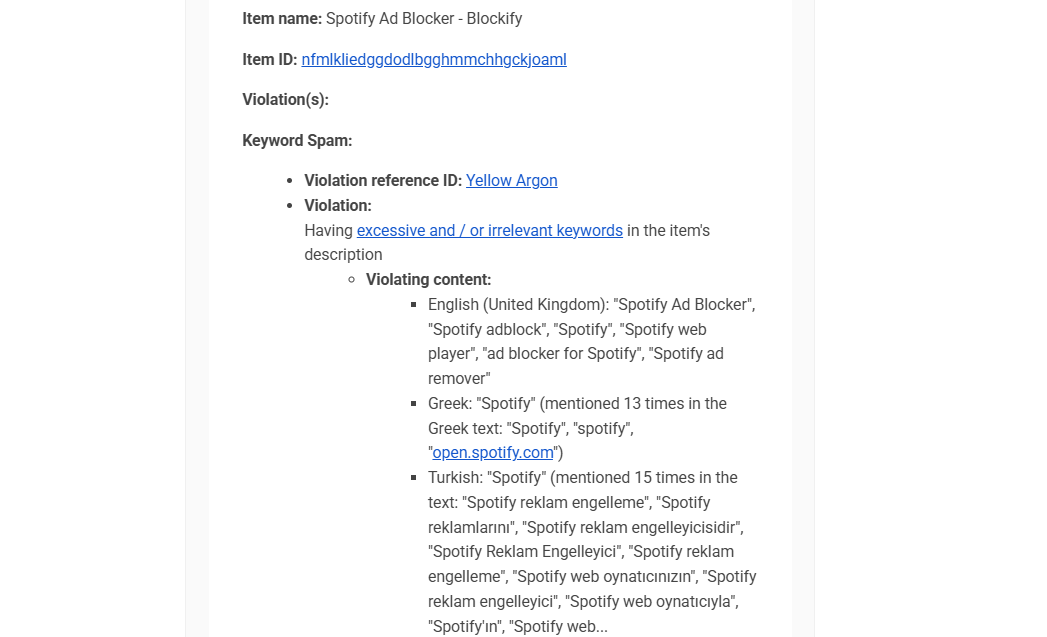
Google said we had too many keywords in the page description

Google’s notice flagged repeated mentions of Spotify across Blockify’s English, Greek, and Turkish store descriptions.

Having excessive and / or irrelevant keywords in the item’s description.

The purpose

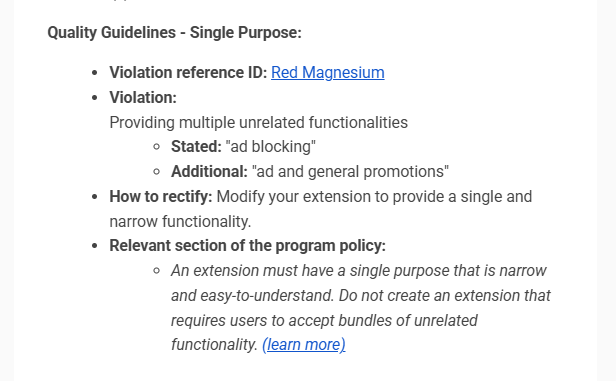
Google said we could block ads or promotions — not both.

Another notice treated “ad blocking” and “ad and general promotions” as unrelated functionality. We saw one job: stop ads from interrupting people.

Stated: “ad blocking” · Additional: “ad and general promotions”

The return

We submitted the changes. Google restored Blockify.

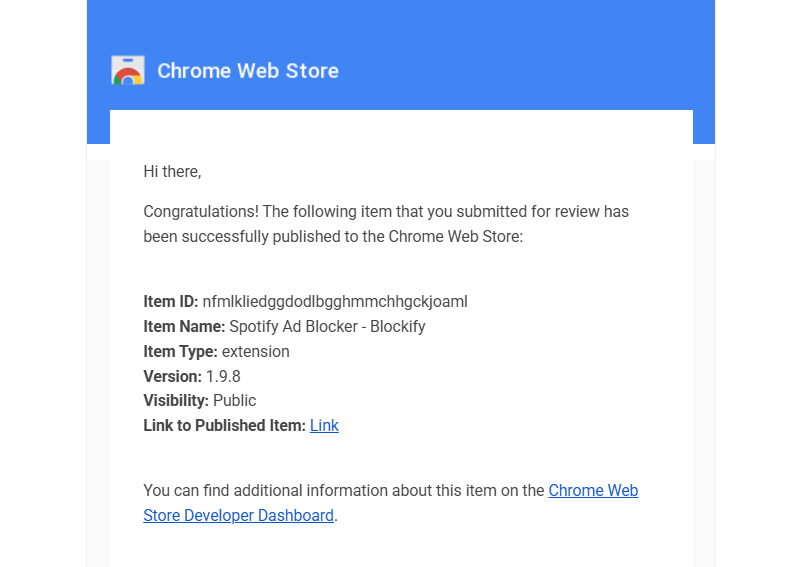
We submitted the required changes for review. Google approved version 1.9.8 and published Blockify on the Chrome Web Store again.

Read, review, analyze our code - no secrets

Blockify is now 100% open source

Our codebase is now public. Feel free to review and analyze the code, and tell us when something can be better.

Inspect Blockify on GitHubPublic code beats a private promise.

FOLLOW THE INCENTIVES

Guess who profits when ad blockers are crushed?

Their business is interruptions.
Ours is stopping them.

Google makes money from ads. It also controls Chrome’s extension store.

Rules shouldn’t be misused based on profits.
Google / Alphabet
FY2025
Google’s advertising revenue$294.7B

THE SEVEN-YEAR SQUEEZE

7 years. Same target: your attention, time, focus, and screens

An ad blocker is not a policy problem for them. It is a revenue problem.

We were not the first.
  1. REWRITE
    MV3 INTRODUCED

    Manifest V3 rewrites the blocker rulebook.

    Google names the new platform, then rolls it out with browser-managed declarative blocking rules.

  2. SHUT OUT
    MV2 DISCONTINUED

    Google gives Manifest V2 an end date.

    Then the Chrome Web Store stops accepting every category of new Manifest V2 submission.

  3. ENFORCE
    YOUTUBE PLAYBACK WALL

    YouTube makes ads a condition of playback.

    Viewers using ad blockers are told to allow ads or subscribe to Premium; continued ad blocking may result in blocked video playback.

  4. DISABLE
    MV2 DISABLED

    Installed MV2 extensions are switched off.

    Chrome progressively disables them. By July 2025, Manifest V2 is off for every user in every channel.

  5. REMOVE
    uBLOCK ORIGIN REMOVED

    uBlock Origin is removed from Chrome’s store.

    Google removes the remaining MV2 listings; uBlock Origin’s own repository marks Chrome as “Removed.”

  6. TARGET
    BLOCKIFY TARGETED

    Then Google’s notices reach Blockify.

    Google flags Blockify’s listing keywords and treats one ad-blocking job as two unrelated purposes.

THE METHOD CHANGED.THE TARGET DIDN’T.

TO THE BLOCKIFY COMMUNITY

Thousands of emails asking one question: where did Blockify go?

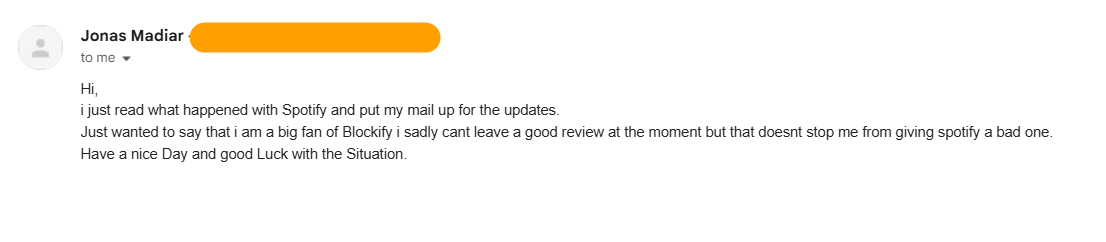
A Blockify supporter says they are a big fan and wishes the team good luck.
A Blockify supporter says they loved the extension, asks about Firefox, and says they are rooting for the team.
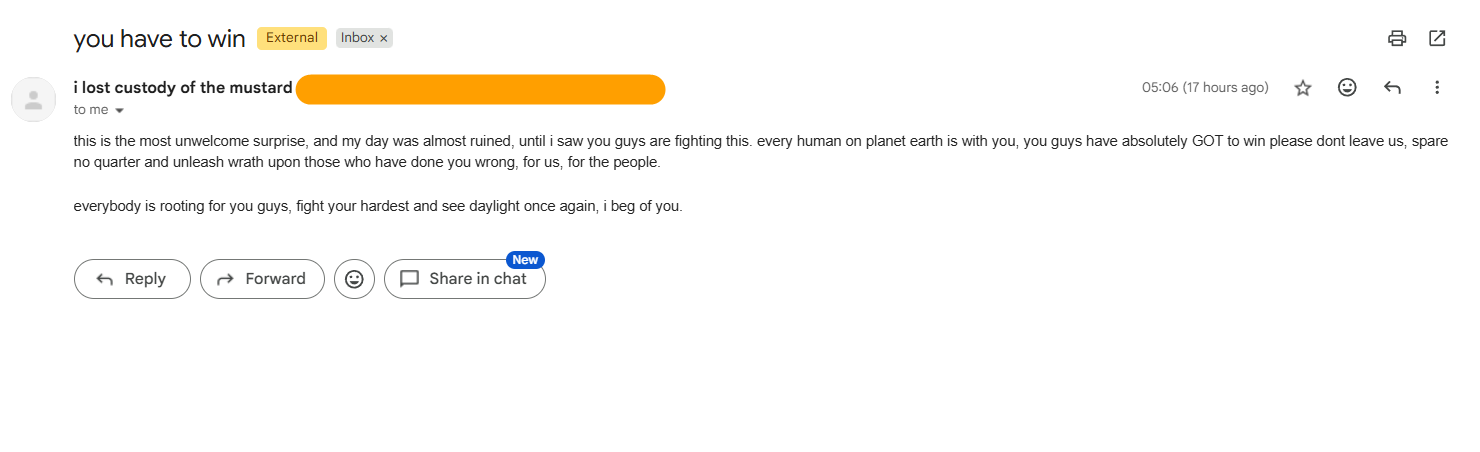
A supporter writes that Blockify has to win and that everybody is rooting for the team.
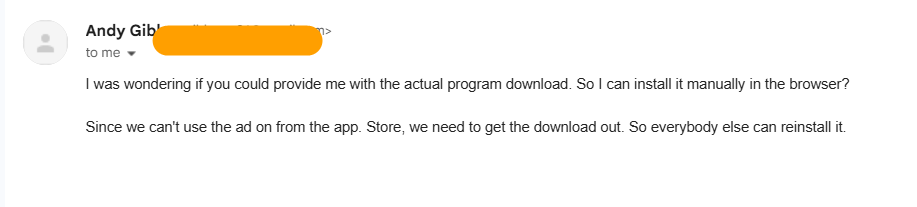
A user asks how to install Blockify manually after it disappeared from the app store.
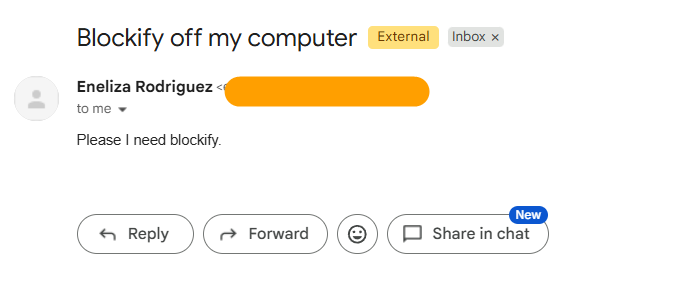
A user writes, Please I need Blockify.
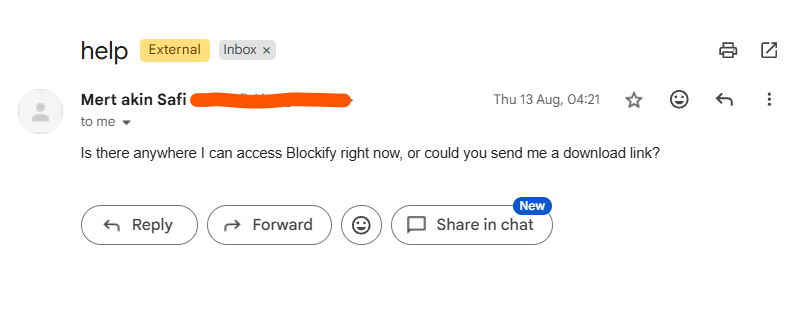
A Blockify user asks where they can access Blockify and whether a download link is available.
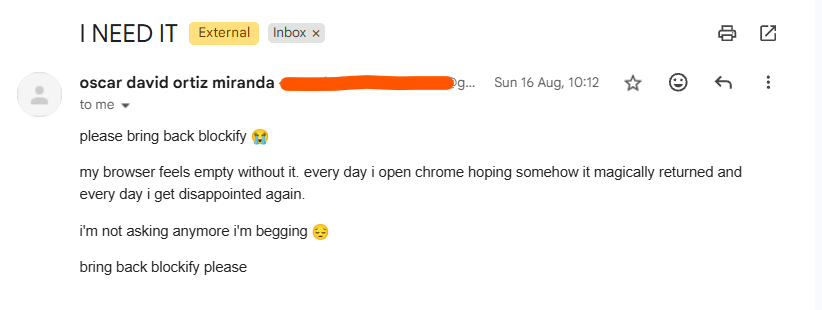
A Blockify user asks for Blockify to return, saying their browser feels empty without it.
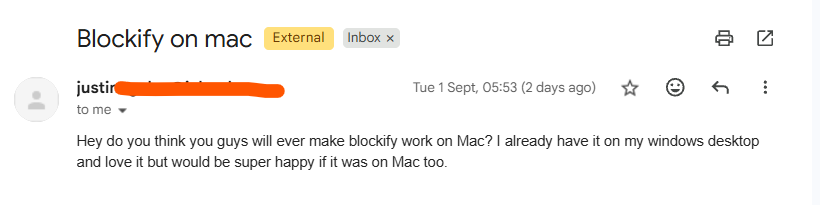
A Blockify user asks whether Blockify will be available on Mac because they love it on Windows.

Your support kept us going.

A few clear answers

Questions about the update?

Is your browser still showing the warning?

No worries. When an extension is disabled by the Chrome Web Store, Chrome sets an internal security disable flag for the extension. Now that Google has unflagged the extension, your Chrome will automatically push a flag-list update that clears that internal flag. Typically, this can take between 6 hours and 2 days. Do make sure that your C: drive has enough storage space for receiving updates.

Why did Chrome display the warning?

Chrome can display a warning when an extension is removed from the store or disabled. The notices we received concerned the extension name, repeated words in the store description, and how its ad-blocking purpose was described. We published those notices in the complete timeline so you can read them yourself.

Google has since approved the updated extension and restored its Chrome Web Store listing. If Chrome still shows you a warning, email us with its exact wording so we can help.

What exactly changed?

We addressed the trademark issue with the name, removed excessive keywords from the store description, and clarified the extension's single purpose: blocking ads. We submitted the changes to Google for review, and the approved update is now rolling out.

The extension's source code is also public for anyone who wants to inspect it.

Do I need to do anything?

If this tab opened after Blockify updated automatically, no action is needed. You can close it and continue browsing. If Blockify is still disabled or something isn't working, contact us and we'll help.

Can I inspect the code?

Yes. The extension and desktop app each have a public GitHub repository. You can read the code yourself or ask someone you trust to review it.

Why did this tab open by itself?

Blockify opens this update page after an automatic extension update to explain what happened and what changed. It is an update notice, and you can close it whenever you like.

Do I need to reinstall Blockify?

No reinstall is needed if Blockify is already installed and updated automatically. If you previously uninstalled it, you would need to install it again to use it.

Still have a concern? Ask us.

hi@getblockify.com
Blockify

REMOVED → REBUILT → RETURNED

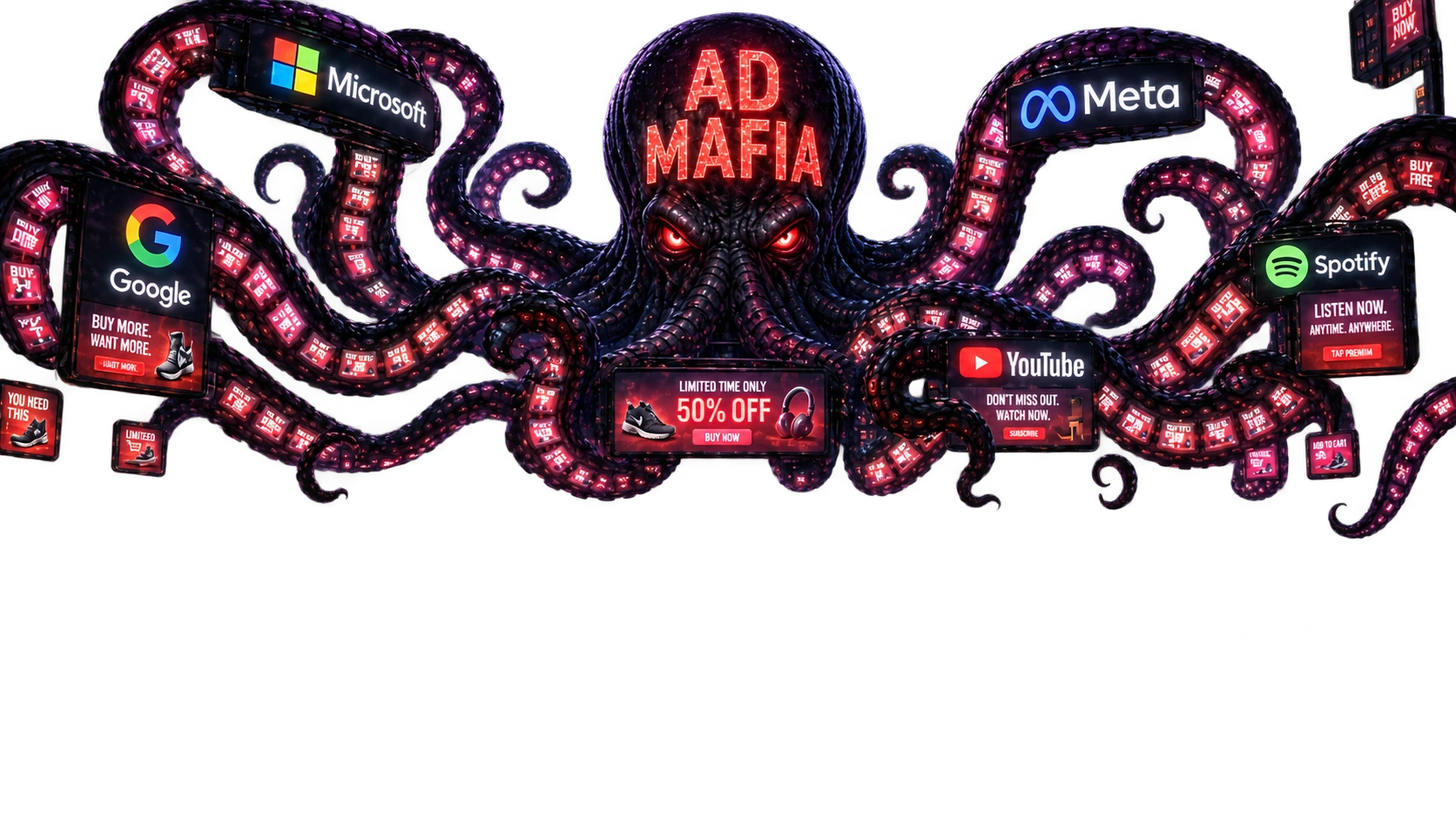
The Ad Mafia that profits from your attention wants to kill ad blockers. Can we let them win?

Not without a fight!

Our old users are still out there.

Help us spread this message.

Give someone their music back.

Pick a platform. Your message opens ready to review—and never posts without your approval.

Take back your music. Grow the #AdFreeArmy.

Thanks for sticking with us.